🔀 Merge Techniques in Git: Fast-Forward, Three-Way Merge, and Squash Merge
Explore practical Git merge techniques for combining branches safely and efficiently. This subcategory from Git and Version Control Hub explains how fast-forward merges, three-way merges, and squash merges affect project history, commit structure, collaboration, and code review. Whether you are working alone or contributing to a GitHub, GitLab, or CI/CD workflow, you will learn how to choose the right merge strategy, resolve conflicts, protect important branches, and maintain a clean, understandable repository history.
⚡ Fast-Forward Merge: A Simple Linear Git History
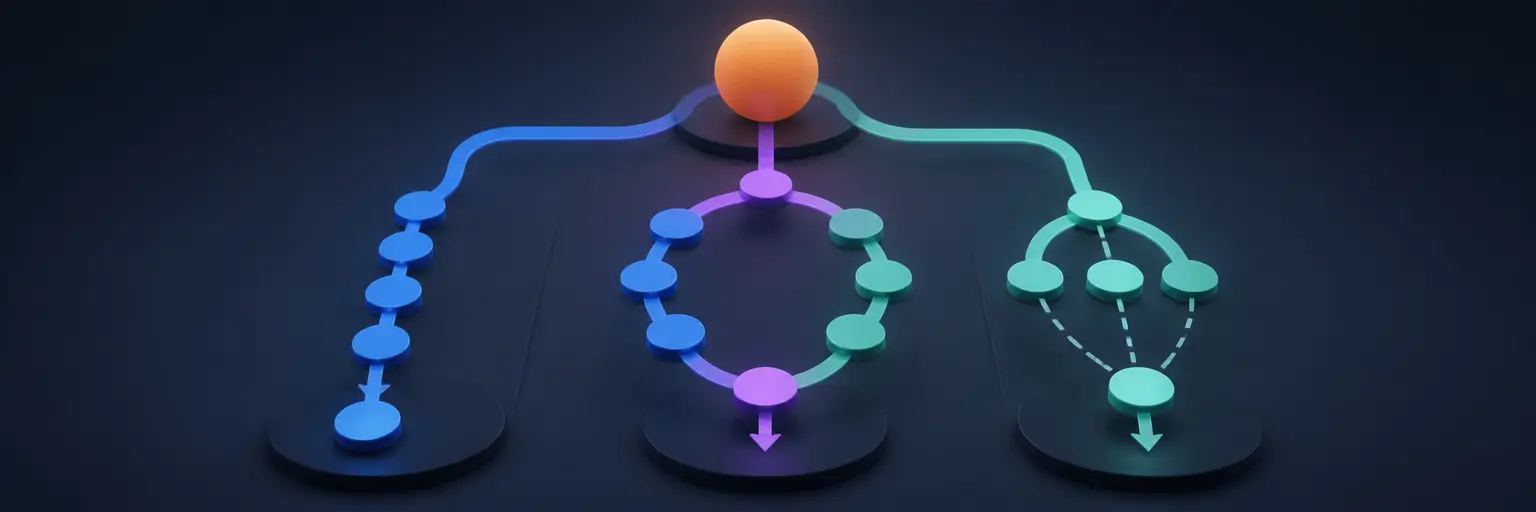
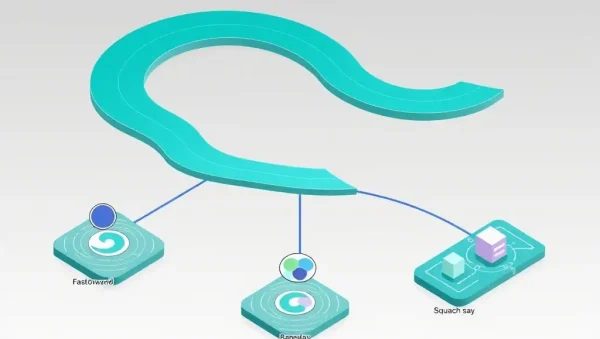
A fast-forward merge occurs when the target branch has not changed since the feature branch was created. Git can move the target branch pointer forward to the latest commit without creating an additional merge commit. This approach produces a linear commit history that is easy to read, search, and review.
Readers can expect practical guidance on identifying fast-forward scenarios, using commands such as git merge and git merge --ff-only, and understanding when this technique is appropriate. Fast-forward merging is especially useful for short-lived feature branches, documentation updates, and projects that prefer a minimal Git history.
🔗 Three-Way Merge: Combining Diverged Branches
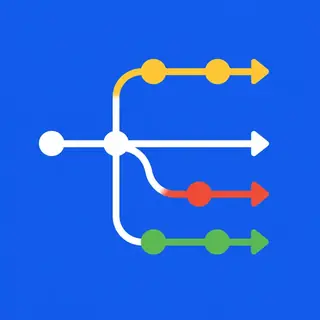
A three-way merge is used when the source and target branches have both developed independently. Git compares the tips of the two branches with their common ancestor, then combines the changes into a new merge commit. This method preserves the development context and clearly records that separate lines of work were joined.
This section explains how Git identifies the merge base, why conflicts can occur, and how to complete a merge using commands such as git merge, git status, and git commit. You will also learn how to inspect merge results, test the combined code, and use tools such as git diff and git log --graph to understand branch history.
🧹 Squash Merge: Creating a Clean Feature Commit
A squash merge combines multiple commits from a feature branch into one consolidated commit on the target branch. Unlike a standard merge, it does not preserve the complete branch structure by default. The result is a cleaner main branch history that focuses on the final feature, bug fix, or improvement rather than every intermediate development step.
Readers will discover how to perform a squash merge with git merge --squash, review staged changes, write meaningful commit messages, and understand the trade-offs involved. Squash merging is commonly used in pull request workflows on GitHub and GitLab when teams want concise release histories while keeping detailed development work in the code review system.
🛠️ Resolving Merge Conflicts with Confidence
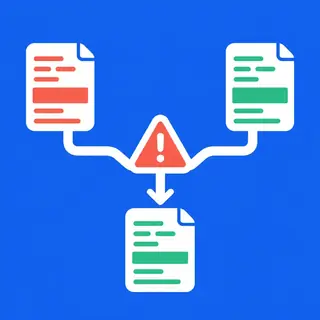
Merge conflicts happen when Git cannot automatically reconcile changes made to the same lines or related files. This guide covers a reliable conflict-resolution process: inspect the conflict markers, compare both versions, edit the final content, stage resolved files with git add, and complete or abort the merge with git commit or git merge --abort.
You will also learn why testing after conflict resolution is essential. Useful practices include reviewing the complete diff, running automated tests, checking formatting and linting tools, and asking a teammate to review complex changes. These habits reduce regressions and help maintain stable branches in collaborative development environments.
🌿 Choosing the Right Git Merge Strategy
The best merge technique depends on your branching model, team preferences, repository size, and need for historical detail. Fast-forward merges keep history linear, three-way merges preserve branch relationships, and squash merges simplify the target branch by representing a complete change as one commit.
This section compares merge strategies for feature branches, release branches, hotfixes, pull requests, and protected main branches. You will learn how to balance traceability, readability, collaboration, and deployment safety when designing a Git workflow for personal projects or professional software teams.
🚀 Git Merge Workflows for GitHub, GitLab, and CI/CD
Modern development teams often combine Git merge commands with pull requests, merge requests, branch protection rules, automated testing, and continuous integration. A well-designed workflow can require successful checks before merging, prevent direct changes to production branches, and ensure that every integrated change is reviewed.
Expect recommendations for connecting merge strategies with GitHub Actions, GitLab CI/CD, deployment pipelines, and code review policies. You will see how to use topic branches, keep branches synchronized, validate merge results automatically, and reduce the risk of broken builds reaching staging or production environments.
❓ Frequently Asked Questions About Git Merge Techniques
What is the difference between a fast-forward merge and a three-way merge?
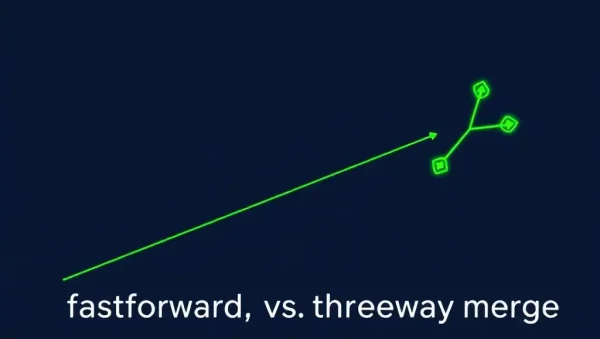
A fast-forward merge moves the target branch pointer forward because the branches have not diverged. A three-way merge is required when both branches contain unique commits. Git uses the two branch tips and their common ancestor to create a combined result, often with a merge commit.
When should I use a squash merge?
Use a squash merge when you want to combine a feature branch’s development commits into one clear commit on the target branch. It is useful for pull requests with many small or temporary commits, but it may reduce visibility into the original branch structure.
How can I force Git to use only fast-forward merges?
Run git merge --ff-only branch-name. Git will complete the merge only if it can be performed as a fast-forward. If the branches have diverged, the command stops instead of creating a merge commit, allowing you to review the history before proceeding.
What should I do when a Git merge conflict occurs?
Use git status to identify conflicted files, open each file, remove the conflict markers, and keep the correct final content. Then run git add for the resolved files and complete the merge. Always review the diff and run relevant tests before sharing or deploying the result.
Does a squash merge preserve the original branch commits?
A squash merge preserves the final combined changes but does not create a normal merge relationship containing every original commit. The individual commits may still exist in the repository, depending on branch retention and reachability, but the target branch receives one consolidated commit.