🌿 Branching Strategies: Git Flow, Feature Branching, GitHub Flow and GitLab Flow
Choosing the right Git branching strategy is essential for organizing development, protecting production code, and improving collaboration across software teams. On GitAndVersionControlHub.com, this subcategory explains how Git Flow, feature branching, GitHub Flow, and GitLab Flow work in real-world projects. Learn when to create branches, how to name them, how to open pull or merge requests, and how to combine branching with code review, automated testing, release management, and CI/CD pipelines.
🌊 Git Flow for Structured Release Management
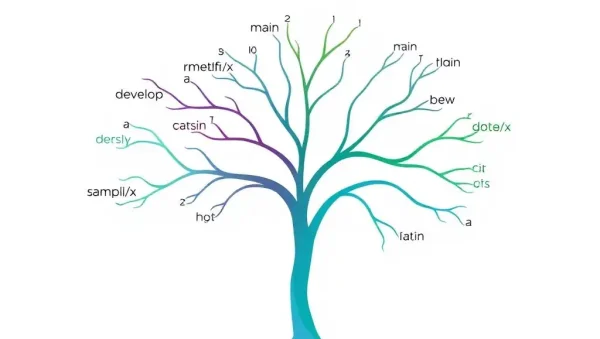
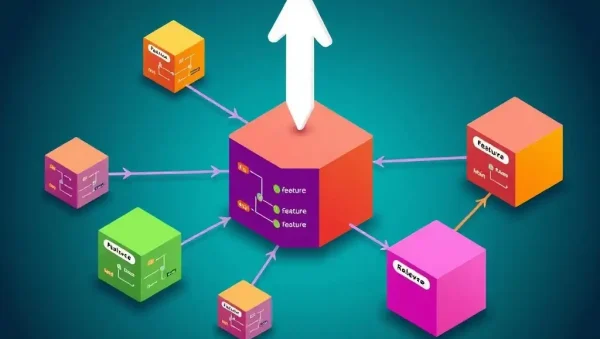
Git Flow is a traditional branching model designed for projects with scheduled releases, multiple development stages, and long-term maintenance requirements. Readers can learn how the main, develop, feature, release, and hotfix branches work together to separate unfinished development from production-ready code.
This section explains how to use Git Flow commands and conventions safely, including creating release branches, preparing hotfixes, merging completed work, and tagging versions. It also discusses the advantages and limitations of Git Flow for web applications, desktop software, libraries, and teams that require predictable release cycles.
🧩 Feature Branching for Isolated Development
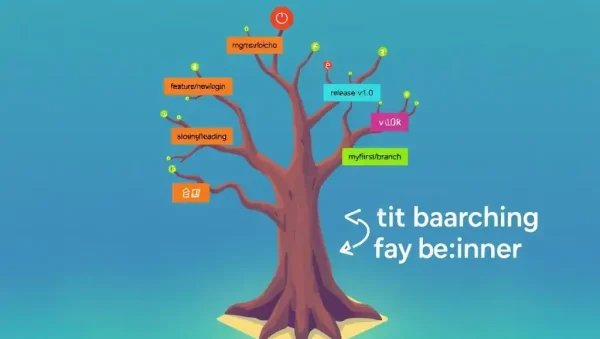
Feature branching allows developers to work on new functionality without changing the stable default branch. This approach supports focused development, easier code review, and safer experimentation. Expect practical guidance on creating short-lived branches from the latest code, making logical commits, and keeping feature branches synchronized with the remote repository.
Readers will also discover best practices for feature branch naming, branch protection, pull requests, merge conflict prevention, and branch cleanup. The content explains how small, focused branches can improve team productivity while reducing the risk of unstable code reaching production.
🐙 GitHub Flow for Continuous Delivery
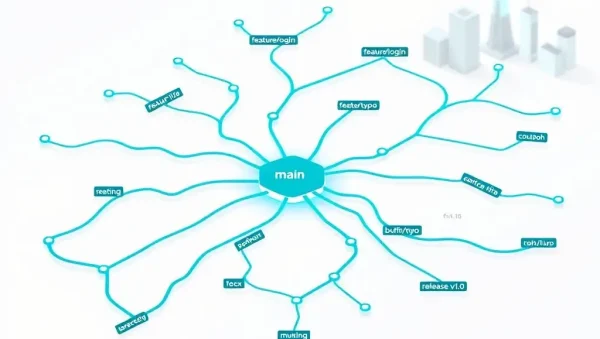
GitHub Flow is a lightweight Git workflow built around a single main branch and short-lived feature branches. It is particularly useful for teams practicing continuous integration, continuous delivery, and frequent deployment. Learn how to create a branch, commit changes, push to GitHub, open a pull request, respond to review feedback, and merge tested code.
This section covers GitHub Flow best practices such as keeping the main branch deployable, using automated checks, writing meaningful pull request descriptions, and linking changes to issues. Readers can also understand how GitHub Actions, branch protection rules, code owners, and required reviews support a reliable development workflow.
🦊 GitLab Flow for Environment-Based Workflows
GitLab Flow combines feature-based development with issue tracking, merge requests, deployment environments, and release controls. It can support teams that deploy continuously or promote code through testing, staging, and production environments. Learn how GitLab Flow connects Git branches with planning, review, testing, and deployment processes.
Readers can compare GitLab Flow models, including environment branches and release branches, while learning how GitLab merge requests and CI/CD pipelines help automate quality checks. This guidance is useful for development teams managing infrastructure, cloud applications, microservices, and production systems with strict deployment requirements.
⚖️ Comparing Git Branching Strategies
Every branching model has different strengths. Git Flow offers a formal structure for versioned releases, feature branching provides development isolation, GitHub Flow encourages simplicity and rapid delivery, and GitLab Flow connects branches with environments and deployment processes. This section helps readers compare branching strategies based on team size, release frequency, application complexity, and deployment goals.
Expect practical decision-making guidance for selecting the best Git workflow. The content considers continuous integration, release branches, pull requests, merge requests, branch lifespan, code review requirements, hotfixes, trunk-based development, and production deployment practices.
🛠️ Branch Naming, Protection and Maintenance
Consistent branch naming makes repositories easier to navigate and improves collaboration. Learn useful naming patterns such as feature/login-page, bugfix/api-timeout, release/2.4.0, and hotfix/payment-error. The guidance also explains how clear branch names can improve issue tracking, automation, searchability, and release visibility.
This section covers protected branches, required status checks, review approvals, signed commits, branch permissions, stale branch cleanup, and safe deletion after merging. These practices help teams maintain a clean Git repository while protecting important branches from accidental or unauthorized changes.
🔀 Merging, Rebasing and Resolving Conflicts
Branching strategies are most effective when teams understand how to integrate changes correctly. Readers can learn the differences between git merge, git rebase, squash merging, fast-forward merges, and merge commits. The explanations focus on preserving useful project history while selecting an integration method that fits the team’s workflow.
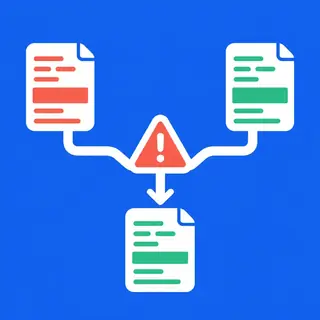
Practical advice covers identifying conflicting files, reviewing conflict markers, testing after resolution, and avoiding risky rebases on shared branches. These techniques help developers resolve Git merge conflicts confidently and keep feature, release, and maintenance branches reliable.
🚀 Branching Strategies and CI/CD Automation
A modern branching model should work smoothly with continuous integration and continuous deployment. Learn how branch pushes, pull requests, merge requests, tags, and protected branches can trigger automated builds, tests, security scans, and deployments using GitHub Actions, GitLab CI/CD, and other automation tools.
This section explains how to design CI/CD pipelines around development, staging, and production environments. Readers will learn how automated validation reduces integration problems, how deployment approvals improve safety, and how branch policies can support faster releases without sacrificing code quality.
❓ Frequently Asked Questions About Git Branching Strategies
What is the best Git branching strategy?
There is no single best strategy for every team. GitHub Flow is often effective for small teams and continuous deployment, while Git Flow may suit projects with scheduled releases. Feature branching works well when developers need isolated work, and GitLab Flow is useful when branches are connected to deployment environments.
What is the difference between Git Flow and GitHub Flow?
Git Flow uses several long-lived branches, including develop, release, and hotfix branches, making it suitable for structured release cycles. GitHub Flow is simpler: developers create short-lived branches from the main branch, open pull requests, run automated checks, and merge frequently.
Should feature branches be short-lived?
Yes. Short-lived feature branches reduce merge conflicts, limit code drift, and make code reviews easier. Developers should keep changes focused, regularly update their branch, and merge completed work as soon as it passes testing and review.
Should I merge or rebase a feature branch?
Both methods are valid. Rebase creates a linear history but rewrites commits, so it should be used carefully on shared branches. Merge preserves the original branch history and is often safer for collaborative work. Teams should agree on a consistent project policy.
How do branching strategies support CI/CD?
Branching strategies define when automated pipelines run and which code can reach each environment. Pull requests can trigger tests and reviews, while merges or tags can trigger staging and production deployments. Combining branch protection with automated CI/CD checks helps deliver software safely and consistently.