🌿 Long-Lived Branches Management: Keep Git Branches Healthy
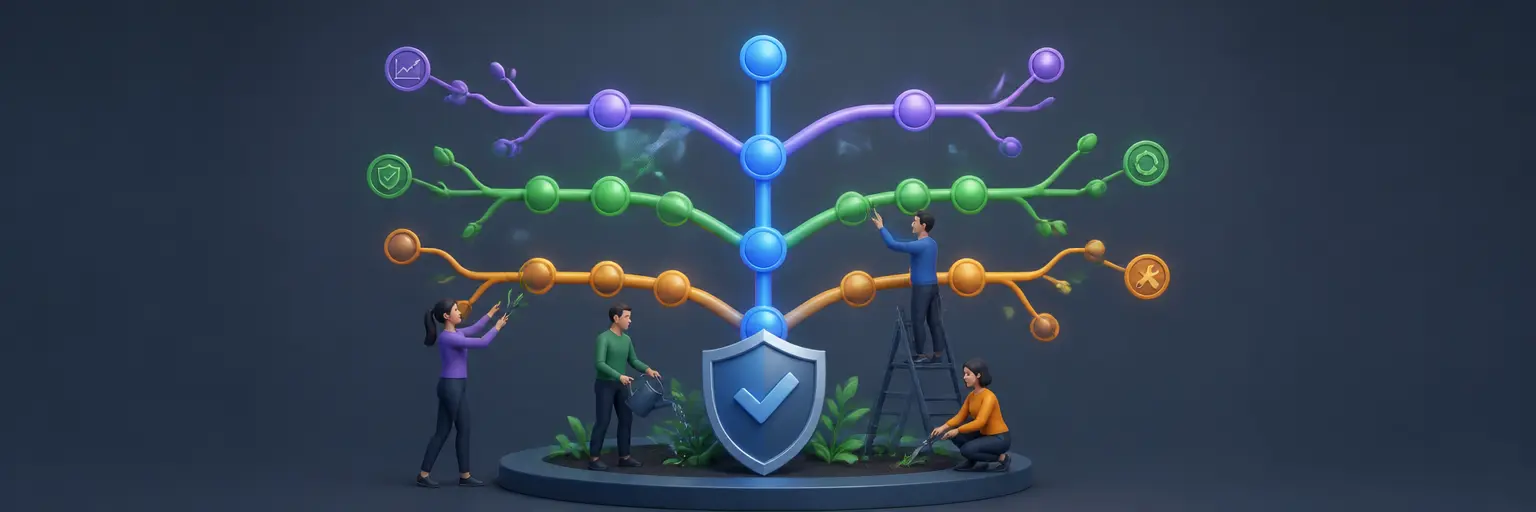
Learn practical strategies for managing long-lived Git branches so they remain stable, synchronized, and easy to merge. This guide helps developers reduce branch drift, resolve conflicts, and maintain productive workflows in Git, GitHub, and GitLab.
🧭 When to Use Long-Lived Git Branches
Long-lived branches are useful for sustained development efforts such as release maintenance, enterprise features, platform migrations, and production support. Readers can learn how to define a clear branch purpose, ownership model, naming convention, and lifecycle. Effective branch management prevents temporary work from becoming permanent technical debt while supporting parallel development across teams and repositories.
🔄 Keeping Branches Synchronized
Branch drift is one of the biggest risks of maintaining a long-lived branch. This section explains how to regularly integrate updates from the main branch using merge or rebase strategies, depending on project policy. You will discover practical Git commands, synchronization schedules, and review habits that help keep changes current, reduce integration surprises, and make future pull requests easier to evaluate.
🧩 Managing Merge Conflicts Safely
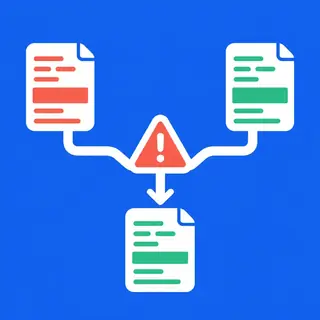
Long-running development often creates overlapping edits and difficult merge conflicts. Readers can expect guidance on identifying conflict sources, reviewing both sides of a change, resolving files carefully, and validating the result with tests. Conflict resolution should preserve intent, not simply favor one branch, so this subcategory emphasizes small integration steps, clear commit history, peer review, and reliable rollback options.
🧪 Testing and Protecting Long-Lived Branches
A healthy long-lived branch needs consistent quality controls. Learn how to combine automated tests, code review, branch protection rules, status checks, and CI/CD pipelines in GitHub or GitLab. These practices help detect regressions before merging and ensure that only reviewed, buildable code reaches protected branches. Regular verification is especially important for release branches and production support workflows.
🧹 Reviewing, Retiring, and Archiving Branches
Branch maintenance also includes knowing when a branch should be refreshed, frozen, merged, or deleted. This section covers branch inventory reviews, stale branch detection, release ownership, documentation, and safe cleanup procedures. Retiring obsolete branches reduces repository clutter and prevents developers from building on outdated code. Readers will also learn how to preserve important history through tags, release notes, and protected references.
Frequently Asked Questions
What is a long-lived Git branch?
A long-lived Git branch is a branch maintained for an extended period instead of being merged within a few hours or days. Common examples include release, maintenance, integration, and environment branches. Because they remain active longer, they require regular synchronization, testing, documentation, and clear ownership to avoid branch drift and difficult merge conflicts.
How often should a long-lived branch be updated?
Update frequency depends on repository activity and risk, but regular synchronization is recommended whenever significant changes enter the main branch. Many teams update at least weekly, while high-traffic projects may integrate daily. Frequent, smaller updates are generally safer than waiting until a large backlog creates complex conflicts and unexpected behavior.
Should I merge or rebase a long-lived branch?
Both strategies can work. Merging preserves the original development history and is often preferred for shared branches. Rebasing creates a cleaner linear history but rewrites commits, making it risky for branches used by several developers. Follow the project’s contribution policy, avoid rebasing public history without agreement, and test thoroughly after either operation.
How can teams reduce conflicts in long-lived branches?
Teams can reduce conflicts by synchronizing frequently, dividing work by clear ownership boundaries, keeping commits focused, communicating about overlapping files, and integrating changes early. Automated tests and continuous integration also expose problems sooner. A documented branching strategy, consistent formatting, and regular code reviews further improve collaboration and make conflict resolution more predictable.
When should a long-lived branch be deleted?
Delete a long-lived branch after its purpose is complete, its changes are merged or intentionally abandoned, and any important history is preserved through tags or release records. Before deletion, confirm that no deployment, maintenance, or automation process depends on it. Protected branches and formal cleanup reviews can prevent accidental removal of active work.