📊 Monitoring and Logging in CI/CD Pipelines
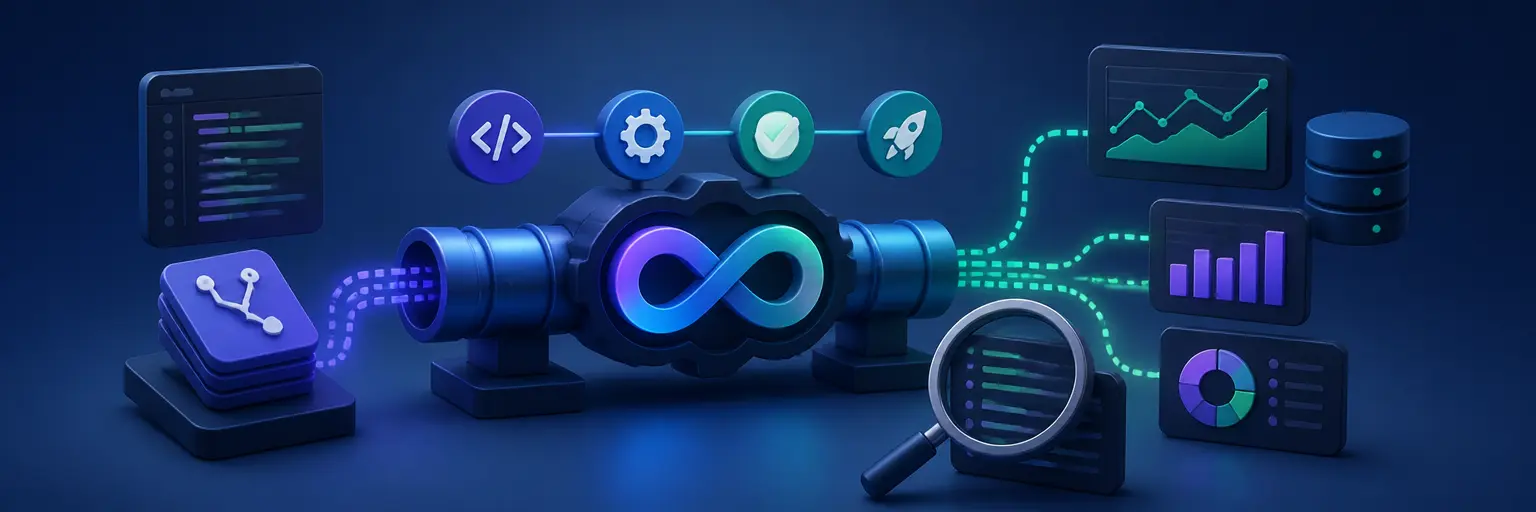
Learn how to integrate monitoring and logging tools into Git-based CI/CD workflows for faster troubleshooting, reliable deployments, and continuous delivery visibility. This subcategory helps developers connect GitHub, GitLab, build servers, observability platforms, and alerting systems across automated pipelines.
🔍 CI/CD Pipeline Monitoring Fundamentals
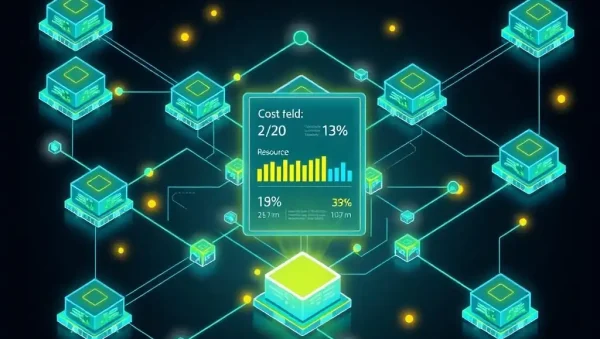
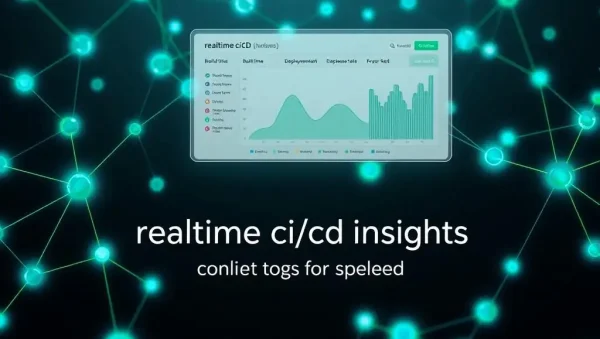
Discover how to monitor every stage of a CI/CD pipeline, including source checkout, testing, building, security scanning, artifact creation, and deployment. You will learn which pipeline metrics matter most, such as build duration, deployment frequency, failure rate, queue time, and lead time for changes. Clear monitoring practices help development teams identify bottlenecks and maintain dependable Git-based workflows.
📝 Centralized Logging for Git Workflows
Explore how to collect and organize logs from GitHub Actions, GitLab CI/CD, Jenkins, containers, cloud environments, and deployment scripts. Centralized logging makes it easier to search for errors, compare successful and failed runs, and preserve useful diagnostic context. Expect practical guidance on structured logs, log levels, timestamps, correlation IDs, and secure log retention for modern software delivery.
🚨 Alerts, Notifications, and Incident Response
Learn how to create meaningful alerts when builds fail, deployments become unhealthy, tests regress, or application performance crosses a defined threshold. Effective CI/CD alerting connects monitoring tools with email, chat platforms, issue trackers, and incident management systems. This section emphasizes actionable notifications that reduce alert fatigue while helping teams respond quickly to production and pipeline incidents.
🧩 Integrating Observability Tools with CI/CD
Understand how to connect popular monitoring and logging platforms with automated Git workflows using webhooks, APIs, plugins, command-line tools, and pipeline configuration files. Topics include sending deployment events to observability dashboards, attaching test results to releases, and tracking changes from commit to production. These integrations create better traceability between Git commits, pipeline jobs, application health, and business outcomes.
🔐 Secure and Scalable Pipeline Observability
Build monitoring and logging systems that remain secure, efficient, and useful as projects grow. You will find guidance on protecting secrets, masking sensitive values, controlling access to logs, limiting data collection, and avoiding excessive storage costs. Scalable observability also requires reusable pipeline templates, consistent naming conventions, retention policies, and dashboards that support both individual developers and larger engineering teams.
Frequently Asked Questions
What is monitoring in a CI/CD pipeline?
Monitoring in a CI/CD pipeline means measuring the health, performance, and results of automated development and deployment processes. It tracks build status, test outcomes, execution time, deployment success, infrastructure health, and application behavior. Effective monitoring helps teams detect failures early, identify recurring bottlenecks, and improve delivery reliability.
Why are logs important in GitHub Actions and GitLab CI/CD?
Logs provide the detailed evidence needed to understand what happened during a pipeline run. They show commands, test output, environment information, warnings, and error messages. When logs are centralized and searchable, developers can troubleshoot failed builds faster, compare runs, audit deployments, and connect problems to specific Git commits or configuration changes.
Which metrics should teams track for CI/CD observability?
Useful CI/CD metrics include deployment frequency, lead time for changes, change failure rate, mean time to recovery, build duration, test pass rate, pipeline queue time, and deployment rollback frequency. Teams should also monitor infrastructure capacity and application health after release. These measurements reveal delivery performance without focusing only on the number of successful builds.
How can CI/CD alerts avoid creating too many notifications?
Design alerts around specific actions and meaningful thresholds rather than every warning or transient event. Use severity levels, grouping, deduplication, cooldown periods, and routing rules to send urgent issues to the appropriate team. Regularly review alert quality and remove notifications that do not require human intervention or lead to a clear response.
How do monitoring tools improve automated Git workflows?
Monitoring tools connect code changes with pipeline execution and real-world system behavior. They help teams confirm whether a commit produced a healthy release, detect regressions after deployment, and measure the impact of workflow changes. This feedback supports faster debugging, safer releases, stronger collaboration, and continuous improvement across Git-based software delivery.