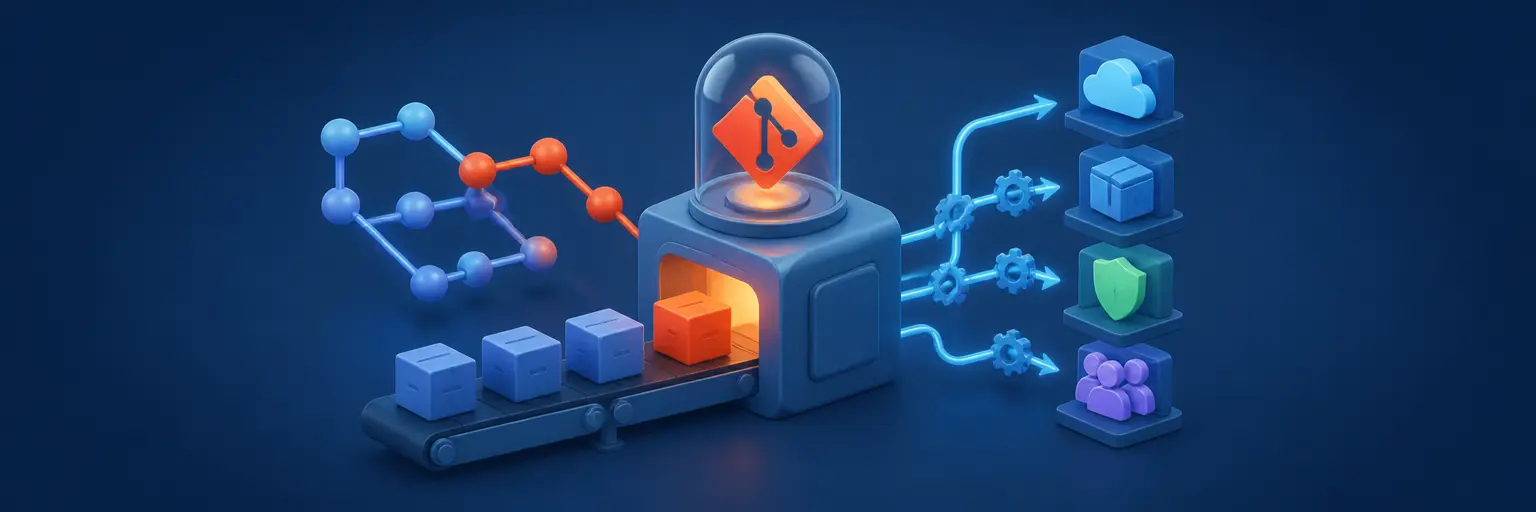
Automating Workflows with Git helps developers turn source code management into a reliable, repeatable, and scalable software delivery process. By combining Git with CI/CD platforms, deployment automation, infrastructure as code, testing tools, monitoring systems, and cloud services, teams can reduce manual work and release software with greater speed and confidence.
This category on Git and Version Control Hub covers practical Git automation for individual developers, DevOps engineers, and software teams. Learn how to create automated build pipelines, connect repositories to Jenkins, GitHub Actions, and GitLab CI/CD, use Git hooks, deploy serverless applications, and apply GitOps principles to infrastructure and production operations.
Whether you are learning continuous integration for the first time or designing advanced deployment pipelines, these guides explain how to automate testing, code reviews, releases, infrastructure changes, rollbacks, monitoring, and compliance. Expect clear examples, workflow recommendations, and best practices for building secure, maintainable, and efficient Git-based development processes.
⚙️ CI/CD Fundamentals (Continuous Integration, Continuous Delivery, Continuous Deployment)
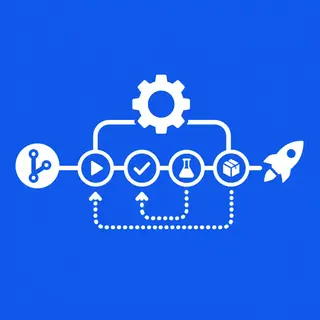
This subcategory introduces the core concepts behind continuous integration, continuous delivery, and continuous deployment. Learn how Git commits and pull requests can automatically trigger builds, automated tests, security checks, artifact creation, and deployment workflows.
Readers can expect practical guidance on designing CI/CD pipelines, choosing appropriate pipeline stages, managing environment variables and secrets, and improving release reliability. These tutorials are useful for teams adopting DevOps practices and developers who want faster feedback with fewer manual deployment steps.
☁️ Serverless and Git (Deploying Serverless Applications with Git-based Workflows)
Explore how Git-based workflows simplify the development and deployment of serverless applications. Learn how to connect Git repositories with cloud functions, serverless APIs, event-driven applications, and managed services on popular cloud platforms.
This section explains how to automate serverless builds, testing, environment configuration, and production releases. You can also learn about branch-based deployments, preview environments, infrastructure configuration, and safe rollback approaches for serverless projects.
🪝 Git Hooks (Client-Side and Server-Side Hooks, Automation Examples)
Git hooks allow teams to run automated actions at important points in the Git lifecycle. Learn how client-side hooks such as pre-commit and commit-msg hooks can validate code, format files, scan for secrets, and enforce commit message standards before changes are shared.
You will also discover how server-side hooks can protect repositories and enforce team policies. Examples include validating pushed branches, rejecting unauthorized changes, triggering external automation, and connecting Git events to CI/CD systems without adding unnecessary manual work.
🚀 GitOps (Infrastructure as Code with Git, Deployment Automation using GitOps principles)
GitOps uses Git as the central source of truth for infrastructure, configuration, and application deployment. This subcategory explains how infrastructure as code, pull requests, declarative configuration, and automated reconciliation work together to manage cloud and Kubernetes environments.
Learn how GitOps improves traceability, collaboration, auditability, and recovery. Guides cover repository organization, environment promotion, configuration reviews, automated synchronization, drift detection, and safe deployment practices based on GitOps principles.
🔄 Deployment Strategies (Blue/Green Deployments, Canary Deployments, Rollback Strategies)
Reliable deployment automation requires a strategy for releasing new software while minimizing risk. Learn how blue/green deployment keeps separate production environments, while canary deployment gradually exposes a release to a limited percentage of users or traffic.
This section also covers rolling releases, feature flags, database migration considerations, health checks, and automated rollback strategies. These techniques help teams reduce downtime, identify problems early, and restore a stable version quickly when a deployment fails.
📊 Monitoring and Logging in CI/CD Pipelines (Integrating Monitoring and Logging Tools)
Monitoring and logging provide visibility into every stage of a Git-based delivery workflow. Learn how to collect pipeline logs, build metrics, deployment events, test results, application telemetry, and infrastructure health information.
Readers can expect guidance on integrating monitoring and logging tools with CI/CD platforms, creating useful alerts, tracking deployment frequency and failure rates, and troubleshooting failed builds or releases. Observability in CI/CD helps teams detect issues faster and continuously improve delivery performance.
🔧 Jenkins and Git Integration (Setting up Jenkins Pipelines with Git)
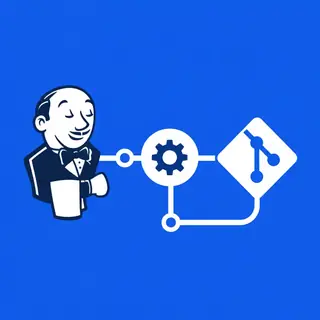
Learn how to connect Jenkins with Git repositories hosted on platforms such as GitHub, GitLab, and Bitbucket. This section explains repository webhooks, credentials, branch discovery, pipeline triggers, Jenkinsfiles, and automated checkout processes.
Guides cover declarative and scripted Jenkins pipelines, parallel testing, artifact management, approvals, environment-specific deployments, and secure secret handling. These practices help teams build maintainable Jenkins CI/CD pipelines with Git integration.
🧩 GitHub Actions/GitLab CI/CD Advanced (Complex Workflows, Deployment Pipelines, Testing Automation)
Go beyond basic automation with advanced GitHub Actions and GitLab CI/CD workflows. Learn how to create reusable workflows, matrix builds, dependency caching, parallel jobs, conditional execution, protected environments, manual approvals, and multi-stage deployment pipelines.
This subcategory also explores advanced testing automation, container builds, artifact promotion, security scanning, infrastructure deployment, and cross-environment releases. These techniques are valuable for teams building sophisticated, scalable, and secure GitHub Actions and GitLab CI/CD automation.
❓ Frequently Asked Questions About Automating Workflows with Git
What is Git workflow automation?
Git workflow automation uses Git events such as commits, pushes, and pull requests to trigger automated actions. These actions may include testing, code quality checks, security scans, builds, deployments, notifications, and infrastructure updates.
Which tools are commonly used to automate Git workflows?
Popular tools include GitHub Actions, GitLab CI/CD, Jenkins, CircleCI, Azure Pipelines, Git hooks, and GitOps platforms. The best choice depends on your hosting provider, deployment environment, programming languages, security requirements, and team workflow.
How do Git hooks differ from CI/CD pipelines?
Git hooks run scripts at specific points in the Git lifecycle, either locally on a developer’s machine or on a server. CI/CD pipelines generally run in a centralized automation environment and are better suited to shared testing, artifact creation, deployments, and release management.
How can Git automation improve software delivery?
Automated Git workflows provide faster feedback, consistent testing, repeatable deployments, improved traceability, and fewer human errors. They also help teams enforce coding standards, review infrastructure changes, and release software more frequently and safely.
What are the most important security practices for Git-based automation?
Use short-lived credentials where possible, store secrets in protected secret managers, apply least-privilege permissions, protect production branches, review workflow changes, scan dependencies and containers, and avoid exposing sensitive values in logs. Regularly audit runners, integrations, and deployment permissions.