Jenkins and Git Integration: Build Reliable CI/CD Pipelines
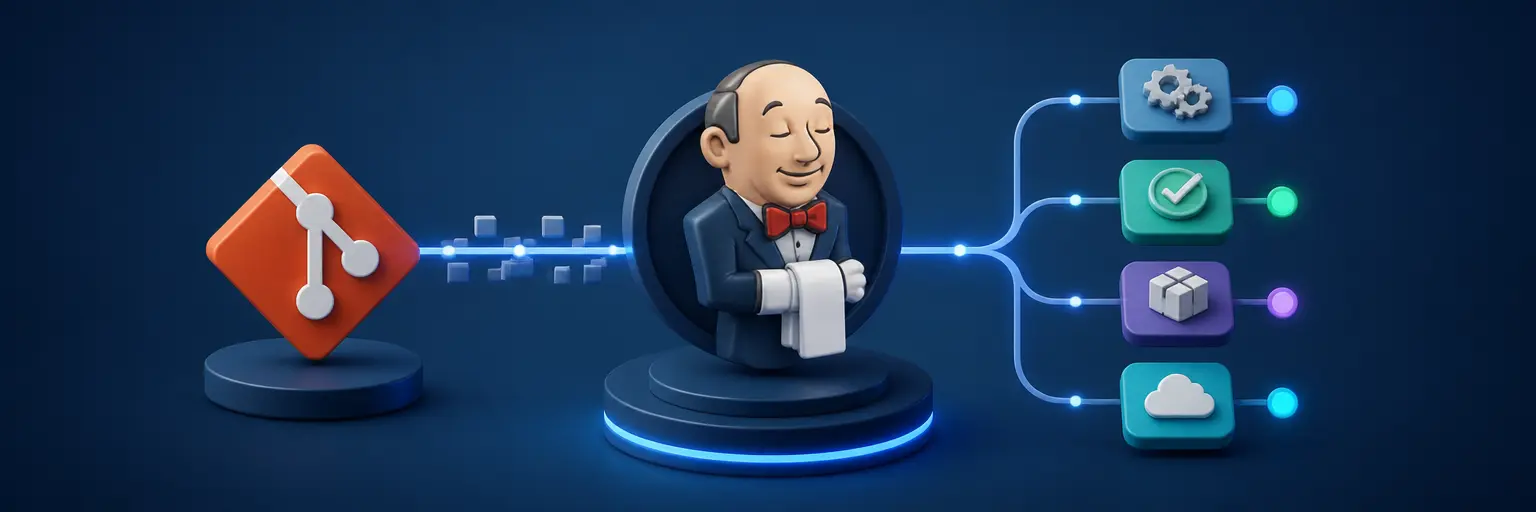
Learn how to connect Jenkins with Git and automate software delivery through dependable, maintainable pipelines. This subcategory covers Jenkins Pipeline configuration, Git repositories, webhooks, credentials, branching strategies, automated testing, and deployment workflows for modern development teams.
🔗 Connecting Jenkins to Git Repositories
Discover how to configure Jenkins jobs with GitHub, GitLab, Bitbucket, and self-hosted Git repositories. Tutorials explain repository URLs, branch selection, checkout behavior, SSH keys, personal access tokens, and secure credential storage so Jenkins can reliably clone the correct source code for every build.
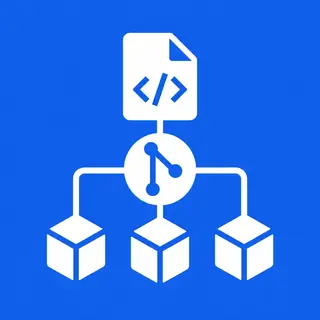
⚙️ Creating Jenkinsfile-Based Pipelines
Learn how to define CI/CD workflows as code with a Jenkinsfile stored alongside your application. Step-by-step guidance covers declarative and scripted pipelines, stages, agents, environment variables, parameters, post-build actions, and reusable pipeline patterns that make automation easier to review, version, and maintain.
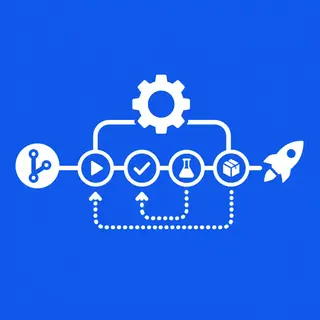
🚀 Automating Builds, Tests, and Deployments
Use Jenkins and Git integration to trigger automated builds whenever code changes are pushed or merged. This section explores compiling applications, installing dependencies, running unit and integration tests, creating artifacts, publishing reports, building Docker images, and promoting releases across development, staging, and production environments.
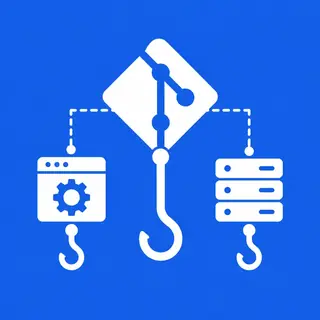
🪝 Webhooks, Branches, and Pull Requests
Understand how Git webhooks and Jenkins triggers create responsive development workflows. You will learn to build feature branches, validate pull requests, restrict production deployments, and configure multibranch pipelines that automatically discover repository branches while applying the correct Jenkinsfile and quality checks to each one.
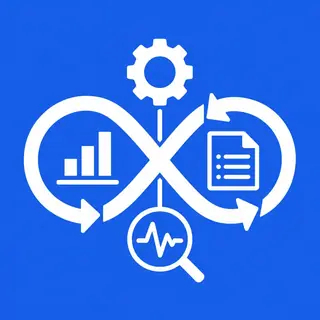
🔐 Securing and Troubleshooting Jenkins Pipelines
Build safer pipelines with least-privilege credentials, protected secrets, role-based permissions, and secure agent configuration. Practical guidance also helps diagnose common problems such as failed Git checkouts, authentication errors, missing tools, webhook delivery issues, incorrect branch filters, unstable tests, and unsuccessful deployments.
Frequently Asked Questions
How do I connect Jenkins to a Git repository?
Create a Jenkins job or multibranch pipeline, enter the Git repository URL, select the required branch, and configure credentials if the repository is private. For Pipeline as Code, place a Jenkinsfile in the repository and configure Jenkins to load it from the chosen source control provider.
What is a Jenkinsfile, and why is it useful?
A Jenkinsfile is a text-based definition of a Jenkins pipeline. It describes stages such as checkout, build, testing, and deployment in version-controlled code. Keeping this configuration in Git improves reviewability, repeatability, team collaboration, rollback capabilities, and consistency between projects.
How can Git commits trigger Jenkins builds?
Git hosting services can send a webhook to Jenkins whenever a push, pull request, or merge occurs. Jenkins receives the event, evaluates the repository and branch configuration, and starts the appropriate job. Webhook secrets, reachable endpoints, and correct trigger settings are essential for reliable automation.
Can Jenkins build multiple Git branches automatically?
Yes. A Jenkins multibranch pipeline scans a repository or organization, detects branches containing a Jenkinsfile, and creates pipeline jobs automatically. This approach supports feature branches, release branches, and pull requests while allowing branch-specific validation and deployment rules.
How should Git credentials be stored in Jenkins?
Store credentials in Jenkins Credentials Manager rather than writing passwords or tokens directly in a Jenkinsfile. Use SSH keys, access tokens, or username-password credentials with the smallest practical permissions. Restrict credential access, rotate secrets regularly, and avoid printing sensitive values in build logs.