🔍 Bisecting: Find Bugs Faster with Git Bisect
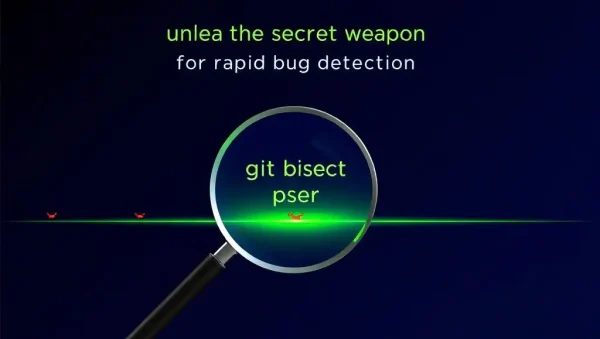
Learn how to use Git bisect to identify the exact commit that introduced a bug. This subcategory provides practical guidance for developers investigating regressions, debugging branches, and improving software development workflows with advanced Git techniques.
🧭 Understanding Git Bisect
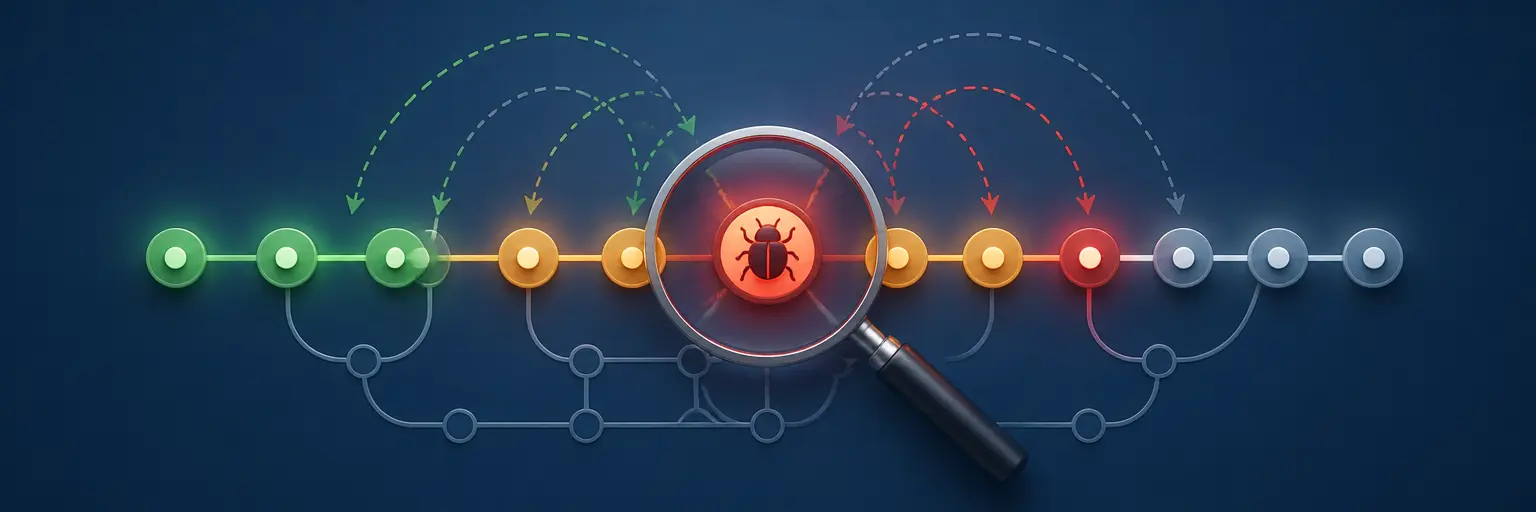
Git bisect uses a binary search through your commit history to locate a faulty change efficiently. Instead of reviewing every commit manually, you mark one revision as good and another as bad, allowing Git to select increasingly precise commits for testing.
⚙️ Using the Git Bisect Workflow
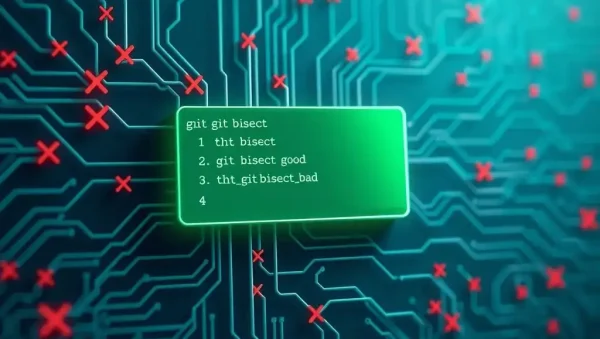
Readers can follow the complete git bisect workflow, including starting a session, marking commits with git bisect good and git bisect bad, checking each selected revision, and ending the investigation with git bisect reset. Clear examples make the process easier to apply.
🧪 Testing Commits and Reproducing Bugs
Successful bisection depends on reliable testing. This section explains how to reproduce a bug consistently, rebuild or run tests after each checkout, and distinguish between a genuinely working commit and one affected by an unrelated failure. Consistent test conditions produce more accurate results.
🤖 Automating Git Bisect with Scripts
For repeatable bugs, Git can automate commit testing with git bisect run. Learn how to create scripts that return the correct exit codes, execute unit tests or shell commands, and identify the first bad commit without requiring manual confirmation at every step.
🛠️ Troubleshooting Common Bisect Problems
Explore solutions for ambiguous commits, build failures, skipped revisions, merge commits, flaky tests, and bugs that cannot be reproduced across the entire history. You will also learn when to use git bisect skip, how to record findings, and how to keep debugging sessions organized in collaborative Git projects.
Frequently Asked Questions
What is Git bisect used for?
Git bisect is used to find the specific commit that introduced a bug or regression. It performs a binary search between a known good commit and a known bad commit, significantly reducing the number of revisions you need to inspect compared with checking the entire Git history manually.
How do I start a Git bisect session?
Run git bisect start, then mark the current revision as bad with git bisect bad. Check out a known working revision and run git bisect good. Git will select a midpoint commit for testing and continue narrowing the range as you classify revisions.
How do I finish and exit Git bisect?
After Git identifies the first bad commit, end the session with git bisect reset. This returns your working tree to the branch position you were on before bisecting. Resetting is important because bisect temporarily checks out different commits, often leaving the repository in a detached HEAD state.
Can Git bisect be automated?
Yes. The git bisect run command executes a test script at each candidate commit. The script must return an exit status indicating whether the revision is good or bad. Automation is especially useful for unit tests, command-line checks, regression tests, and consistently reproducible failures.
What should I do if a commit cannot be tested?
Use git bisect skip when a commit cannot be built, depends on unavailable files, or produces an inconclusive result. Git will continue searching other commits, although the final result may be less precise. Whenever possible, resolve the testing issue or document skipped revisions for your team.