🚀 GitHub Actions and GitLab CI/CD: Basic Setup and Automation Examples
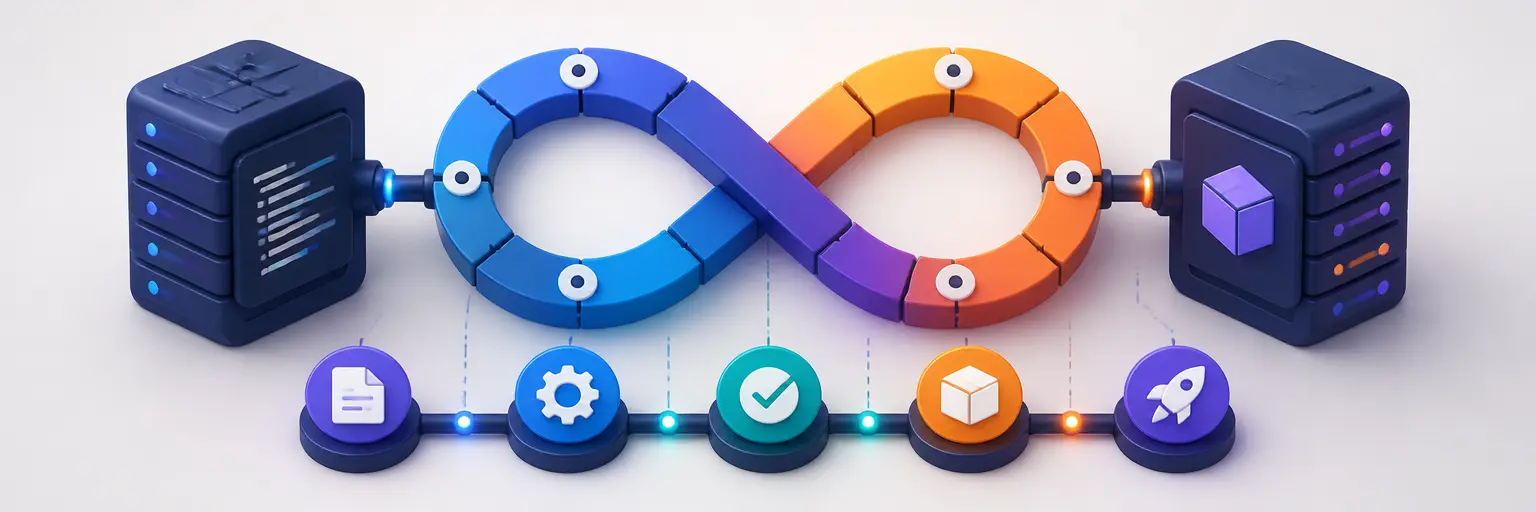
Learn how to automate software development workflows with GitHub Actions and GitLab CI/CD. This subcategory from Git and Version Control Hub provides practical tutorials for configuring continuous integration, continuous delivery, build automation, testing pipelines, deployments, and developer workflows. Whether you are new to DevOps or looking to improve an existing repository, you will discover clear examples for creating reliable automation in both GitHub and GitLab.
⚙️ Getting Started with GitHub Actions
Explore the fundamentals of GitHub Actions workflows, including YAML syntax, workflow files, events, jobs, steps, runners, and actions. Learn how to trigger automation when code is pushed, a pull request is opened, a branch is updated, or a scheduled event occurs.
Expect beginner-friendly examples for common tasks such as installing dependencies, running tests, building applications, checking code quality, and publishing artifacts. These guides help you create your first GitHub Actions pipeline while following practical repository and version control best practices.
🦊 GitLab CI/CD Pipeline Basics
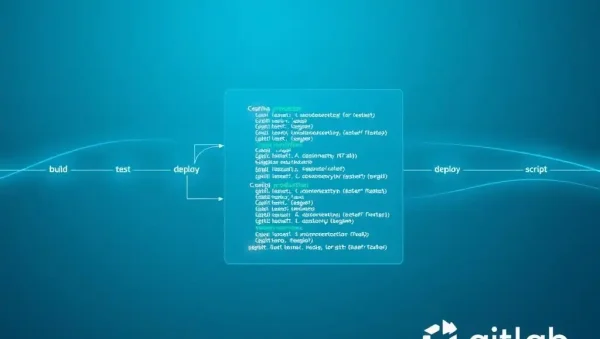
Understand how to configure GitLab CI/CD with a .gitlab-ci.yml file. Tutorials explain stages, jobs, scripts, runners, artifacts, variables, dependencies, and pipeline execution so you can automate development tasks directly within a GitLab repository.
You will find examples for building applications, running automated tests, validating merge requests, storing build artifacts, and preparing deployments. The content is designed to help developers create maintainable GitLab pipelines without unnecessary complexity.
🔄 Continuous Integration for Automated Testing
Discover how GitHub Actions and GitLab CI/CD can automatically test every code change. Learn how to run unit tests, integration tests, linting tools, static analysis, and security checks before changes are merged into a shared branch.
These resources show how to improve code quality and collaboration by identifying errors early. You can also learn how to organize test jobs, reuse configuration, manage test reports, and build dependable continuous integration workflows for different programming languages.
📦 Build Automation and Artifact Management
Learn how CI/CD pipelines compile source code, package applications, generate documentation, and produce deployable files. Examples cover dependency installation, build commands, environment configuration, and platform-specific automation for modern software projects.
Guides also explain how to save and share workflow artifacts in GitHub Actions and GitLab CI/CD. This makes it easier to inspect build output, download reports, pass files between jobs, and preserve useful results from automated pipelines.
🌍 Environment Variables and Secrets
Secure pipeline configuration is an important part of GitHub and GitLab automation. Learn how to define environment variables, store API keys, configure repository secrets, and keep sensitive credentials out of source code and public repositories.
Practical examples demonstrate how to use secrets safely in CI/CD workflows, separate development and production settings, and reduce configuration errors. You will also learn why least-privilege access and protected branches are essential for secure automation.
🚢 Deployment Workflow Examples
Explore introductory deployment automation for websites, applications, containers, and cloud services. Examples explain how a successful build can move through testing and deployment stages using GitHub Actions or GitLab pipelines.
These tutorials focus on understandable, repeatable workflows rather than complicated infrastructure. You can learn how to create manual approval steps, deploy from selected branches, use environment-specific variables, and establish safer continuous delivery processes.
🧩 Reusable Workflows and Pipeline Optimization
As projects grow, reusable automation can reduce duplication and simplify maintenance. Learn about reusable GitHub Actions workflows, composite actions, GitLab templates, YAML anchors, job dependencies, and shared pipeline patterns.
You will also discover ways to improve pipeline performance with caching, parallel jobs, conditional execution, and efficient dependency management. These techniques help reduce build times while keeping CI/CD configuration clear and scalable.
❓ Frequently Asked Questions About GitHub Actions and GitLab CI/CD
What is the difference between GitHub Actions and GitLab CI/CD?
GitHub Actions is GitHub’s built-in automation platform, while GitLab CI/CD is GitLab’s integrated system for running pipelines. Both support YAML configuration, automated testing, builds, deployments, variables, secrets, and hosted or self-managed runners.
How do I create a basic GitHub Actions workflow?
Create a YAML file inside the .github/workflows directory, define an event such as a push or pull request, and add jobs with the required steps. A basic workflow usually checks out the code, installs dependencies, and runs tests.
Where should I place a GitLab CI/CD configuration file?
GitLab CI/CD uses a file named .gitlab-ci.yml in the root directory of your repository. This file defines pipeline stages, jobs, scripts, variables, and optional artifacts or deployment rules.
Are GitHub Actions and GitLab CI/CD suitable for beginners?
Yes. Both platforms provide straightforward ways to start with basic automation. Begin with a small workflow that installs dependencies and runs tests, then gradually add caching, artifacts, security checks, and deployment stages as your project develops.
How can I keep CI/CD secrets secure?
Store sensitive values in GitHub repository or organization secrets, or GitLab CI/CD variables, instead of committing them to the repository. Use protected environments, restricted permissions, masked variables, and short-lived credentials whenever possible.