🚀 Git for Beginners: Step-by-Step Guides, Common Mistakes & Cheat Sheets
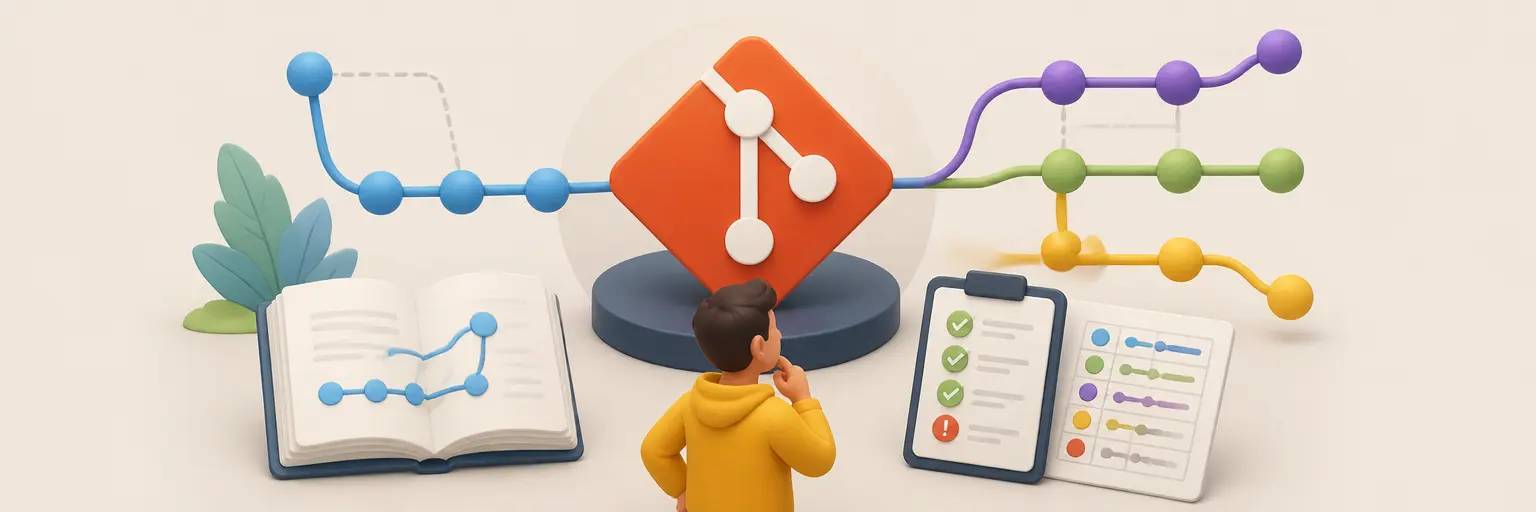
Welcome to Git for Beginners at GitAndVersionControlHub.com, your practical starting point for learning Git and modern version control. This subcategory provides clear, beginner-friendly Git tutorials that explain how to install Git, create repositories, track changes, commit files, work with branches, and collaborate through platforms such as GitHub and GitLab. Whether you are learning Git for personal projects, coding bootcamps, university assignments, or professional software development, you will find step-by-step Git guides designed to make every command easier to understand.
📘 Step-by-Step Git Tutorials for New Users
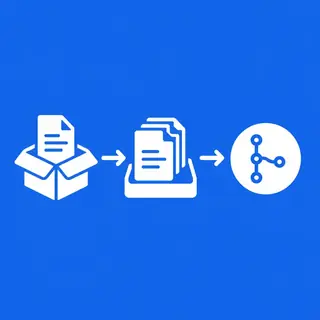
Start with the fundamentals through structured Git tutorials that guide you from your first installation to your first successful project workflow. Learn how to configure Git, use the terminal, initialize a repository with git init, check project status, stage files with git add, and save changes using git commit. Each guide focuses on practical examples so beginners can understand not only what to type, but also why each Git command matters.
These beginner Git lessons also explain essential concepts such as repositories, working directories, the staging area, commit history, branches, and remotes. By following the tutorials in order, you can build a reliable foundation for using Git in real development environments and confidently manage source code across Windows, macOS, and Linux.
🛠️ Essential Git Commands and Beginner Workflows
Discover the most important Git commands in a simple, searchable format. Learn how to use git status, git log, git diff, git restore, git reset, and git checkout safely while developing a clear understanding of how Git tracks file changes. Explanations include common command options, expected output, and practical scenarios for everyday coding tasks.
You will also learn a basic Git workflow for creating a feature, reviewing changes, committing work, and synchronizing your project with a remote repository. These guides help beginners develop good version control habits, write meaningful commit messages, and avoid accidentally losing important code.
🌿 Branching, Merging, and Collaboration Basics
Git branches allow developers to work on new features, bug fixes, and experiments without changing the main codebase. Learn how to create, switch, rename, and delete branches, then understand how to merge completed work into a primary branch. Beginner-focused examples make concepts such as main, feature branches, merge commits, and fast-forward merges easier to follow.
This section also introduces collaborative Git workflows using GitHub and GitLab. Learn how to clone repositories, add remote URLs, push commits, pull updates, and contribute safely to shared projects. You will gain practical knowledge for working with teammates while reducing conflicts and maintaining an organized project history.
⚠️ Common Git Mistakes and How to Fix Them
Git can feel confusing when an unfamiliar error message appears. This subcategory explains common Git mistakes such as committing to the wrong branch, forgetting to stage files, creating unclear commit messages, pushing unfinished work, or accidentally changing tracked files. Each troubleshooting guide provides clear explanations and safer recovery steps for beginners.
Learn how to handle everyday problems involving accidental commits, merge conflicts, detached HEAD states, incorrect remote branches, and unwanted changes. The goal is to help you recover confidently using commands such as git revert, git reset, git reflog, and git stash while understanding the risks of each option.
🧾 Git Cheat Sheets and Quick Reference Guides
Use concise Git cheat sheets when you need a fast reminder during development. Quick references cover repository setup, file tracking, commits, branches, merging, remote repositories, undo operations, and Git inspection commands. These resources are useful for beginners who understand the overall workflow but need help remembering exact command syntax.
Each Git command reference is designed for easy scanning, with practical descriptions and context. Keep these cheat sheets nearby while practicing Git so you can reinforce your knowledge, work more efficiently, and gradually move from copying commands to using Git with confidence.
💻 GitHub, GitLab, and Remote Repository Basics
Learn how local Git repositories connect to online platforms such as GitHub and GitLab. Beginner guides explain how to create a remote repository, connect it with git remote add, push local commits, fetch remote updates, and pull changes into your working copy. You will also learn the difference between a local repository and a remote repository.
These tutorials introduce practical collaboration features including pull requests, merge requests, repository cloning, README files, and basic project contribution workflows. Understanding remote Git hosting is an essential step toward participating in open-source projects and professional development teams.
❓ Frequently Asked Questions About Git for Beginners
What is Git, and why should beginners learn it?
Git is a distributed version control system that records changes to files and helps developers manage code over time. Beginners should learn Git because it makes it easier to experiment, restore previous versions, collaborate with teammates, and maintain a reliable project history.
What Git commands should I learn first?
Start with git init, git clone, git status, git add, git commit, git log, git branch, git switch, git pull, and git push. These commands cover the core workflow of creating, tracking, reviewing, and sharing project changes.
Is Git the same as GitHub?
No. Git is the version control software installed on your computer, while GitHub is an online platform for hosting Git repositories and collaborating with other developers. GitLab is another platform that provides similar repository hosting and development tools.
How can I undo a Git mistake safely?
The safest solution depends on the situation. Use git restore for unwanted working-directory changes, git revert to create a new commit that reverses a shared commit, and git reset carefully when working with local history. Always inspect your status and commit history before changing important work.
How long does it take to learn Git basics?
Many beginners can learn the basic Git workflow in a few focused practice sessions. Progress becomes faster when you create a small project, make regular commits, practice branching, and use these step-by-step tutorials and cheat sheets as references.