
The Hidden Performance Cost of Large Files in Git History (and How to Fix It)
Bloated Git history from large files slows clone times and impacts collaboration. Learn how to optimize Git history for large files and…
Read article
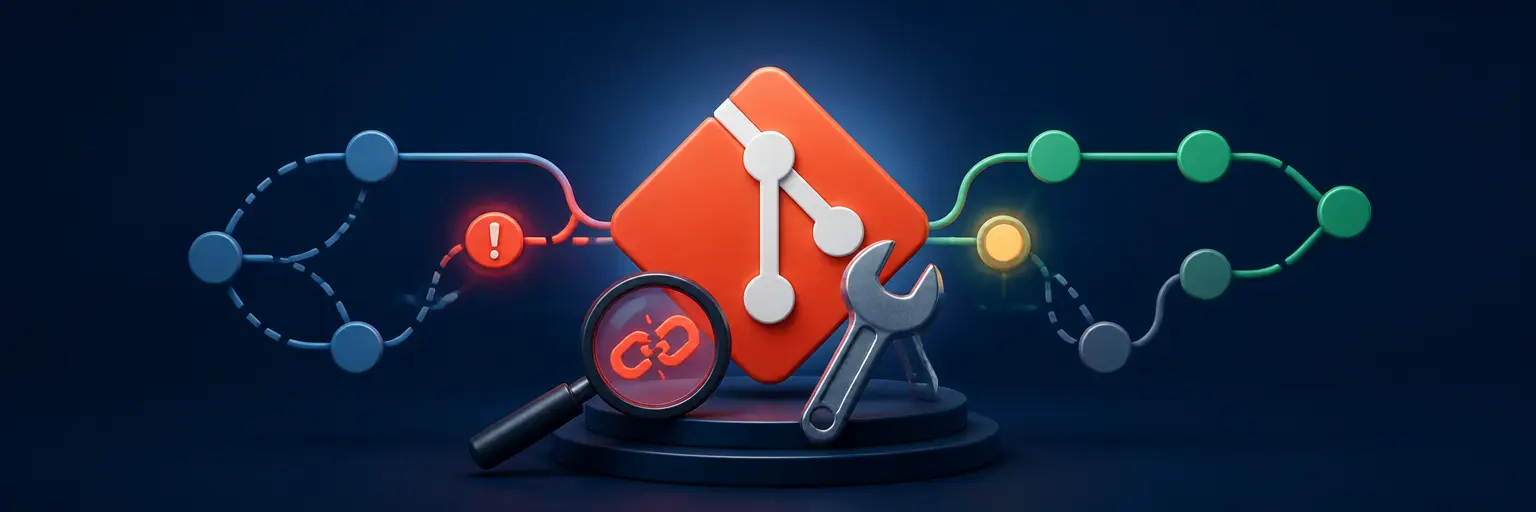
Resolve Git errors with confidence using practical Git troubleshooting guides for failed merges, broken branches, lost commits, repository corruption, and slow Git performance. Discover clear, actionable solutions for diagnosing complex issues, recovering data, and optimizing repositories so your development workflow stays reliable and efficient. 🚀
Bloated Git history from large files slows clone times and impacts collaboration. Learn how to optimize Git history for large files and…
Read article
Facing a Git merge conflict crisis? GitAndVersionControlHub.com's expert guide on emergency merge conflict resolution techniques provides the quick fixes and best practices…
Read article
Unlock Git's full potential! GitAndVersionControlHub.com reveals expert techniques and powerful Git performance profiling tools to diagnose and optimize your workflow, boosting efficiency…
Read article
Lost a Git commit? GitAndVersionControlHub.com shows you how to recover lost commits, employing advanced techniques to retrieve your precious work, even from…
Read article
Lost Git commits? GitAndVersionControlHub.com reveals the power of the reflog – your secret weapon for recovering accidentally deleted branches and commits. Learn…
Read article
Struggling to manage large Git repositories? GitAndVersionControlHub.com shows you how to identify bloat, optimize your workflow, and tame even the largest repos…
Read article
Is your Git repository frozen? GitAndVersionControlHub.com shows you how to diagnose and fix unresponsive Git repositories, restoring your workflow and preventing future…
Read article
Experiencing sluggish Git? GitAndVersionControlHub.com offers expert Git performance troubleshooting tips to optimize your workflow. Learn to identify and resolve common performance bottlenecks,…
Read article
Maximize Git efficiency with GitAndVersionControlHub.com's expert guide on best practices for Git performance. Learn to optimize your repositories, streamline workflows, and boost…
Read article
Unraveling complex Git problems? GitAndVersionControlHub.com's "Git Internals Exposed" dives deep, providing crucial insights for diagnosing and resolving core Git issues, empowering you…
Read article
Boost your Git workflow and project speed! Learn how a strategically optimized `.gitignore` file prevents unnecessary files from clogging your repository, dramatically…
Read article
Wrestling with Git configuration woes? GitAndVersionControlHub.com offers expert guidance on troubleshooting Git configuration issues, from simple fixes to advanced solutions. Master your…
Read articleGit Troubleshooting is your practical resource for diagnosing and resolving Git errors, repository problems, collaboration conflicts, and workflow issues. Whether you are working with local repositories, GitHub, GitLab, branches, remotes, or CI/CD pipelines, this category provides clear solutions for getting Git back on track.
Explore step-by-step guidance for common Git problems such as merge conflicts, detached HEAD states, rejected pushes, authentication failures, corrupted objects, missing commits, incorrect branch tracking, and slow repository operations. Each tutorial is designed to help developers understand the cause of an issue, apply a reliable fix, and prevent similar problems in future projects.
From everyday command-line errors to complex repository recovery, Git troubleshooting guides can improve development productivity and reduce downtime. Learn how to inspect Git history, safely recover lost work, optimize repository performance, and maintain a cleaner, more dependable version control workflow.
This subcategory covers advanced Git troubleshooting for problems that go beyond basic commands. Readers can expect detailed guidance for diagnosing complex merge and rebase failures, resolving repository corruption, repairing broken references, investigating missing commits, and understanding difficult Git states such as detached HEAD or incomplete operations.
You'll also find practical techniques for Git data recovery, including using the reflog, dangling objects, recovery branches, and low-level inspection commands. Tutorials explain how to recover deleted branches or commits safely, restore lost changes, and protect important repository history while working with GitHub, GitLab, and collaborative development teams.
This subcategory focuses on improving Git performance when repositories become slow, large, or difficult to manage. Learn how to identify bottlenecks affecting cloning, fetching, pushing, checkout, status, log, and branch operations, along with methods for determining whether the problem is caused by repository size, large files, excessive history, filesystem behavior, or remote server performance.
Expect actionable advice on Git repository optimization, including cleanup strategies, maintenance tasks, commit-graph improvements, garbage collection, shallow and partial clones, Git LFS, sparse-checkout, and improved workflows for monorepos. These techniques can make Git faster and more responsive for both individual developers and distributed teams.
A merge conflict occurs when Git cannot automatically combine competing changes in the same file or related parts of a project. Open the conflicted files, review the conflict markers, choose or combine the correct changes, then run git add followed by git commit or continue the relevant rebase operation.
Use git reflog to find the previous commit reference before it was removed. Once identified, create a recovery branch with git branch recovery-branch <commit>. This preserves the commit so you can inspect and restore its changes safely.
A diverged branch means the local and remote branches contain different commits. Review the history, then choose a suitable strategy such as git pull --rebase for a linear history or a merge when preserving separate development lines is preferable. Resolve any conflicts before pushing again.
Start by checking repository size, large files, excessive history, and slow remote operations. Git maintenance, garbage collection, commit-graph generation, sparse-checkout, shallow clones, and Git LFS can help. For very large projects, also evaluate monorepo structure and filesystem performance.
A push is commonly rejected because the remote contains commits that are missing locally, branch protection rules prevent the update, or authentication is failing. Fetch the latest changes, integrate them with a merge or rebase, confirm your permissions, and push again. Avoid force-pushing shared branches unless your team explicitly permits it.