Version Control for Design Assets 🎨
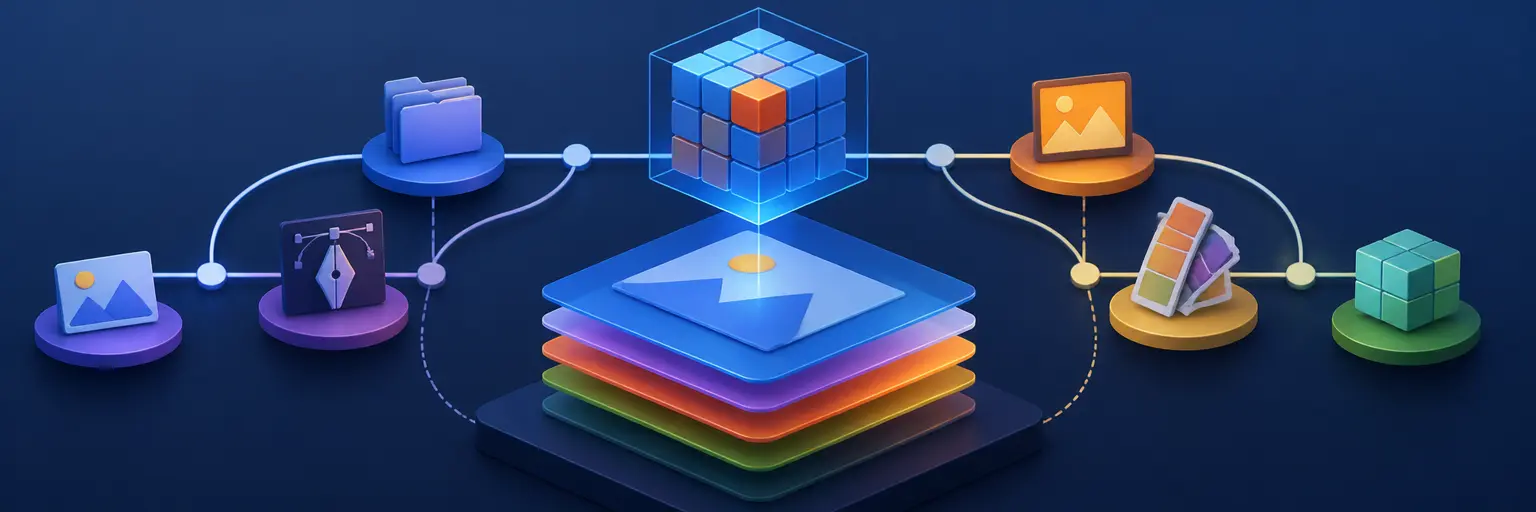
Learn how to use Git for design files, creative collaboration, and large asset management. This subcategory explains practical workflows for storing, reviewing, branching, and safely sharing design assets outside traditional code repositories.
Git Workflows for Design Files 🔄
Discover how Git can support source files such as Photoshop documents, Illustrator artwork, Figma exports, SVGs, PDFs, wireframes, and brand guidelines. You will learn how to organize repositories, create meaningful commits, use branches for design iterations, and maintain a reliable history of creative decisions. Clear naming conventions and structured folders make version control for design teams easier to understand, search, and maintain.
Managing Large Creative Assets 📦
Large binary files require more planning than ordinary text-based code. Explore Git Large File Storage (Git LFS), asset tracking strategies, repository size management, and methods for preventing duplicated or outdated files. This section helps teams decide which design assets belong in Git, which should use external storage, and how to configure efficient large file management without slowing down cloning, fetching, or collaboration.
Design Collaboration and Reviews 👥
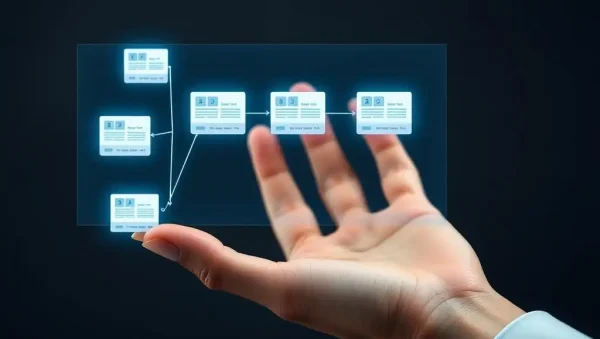
Learn how designers, developers, product managers, and stakeholders can collaborate through pull requests, merge requests, approvals, and documented asset changes. Since many binary design files cannot be reviewed line by line, effective workflows use previews, exported comparisons, commit descriptions, and linked tickets. These practices create transparent design reviews while connecting visual work with GitHub, GitLab, issue tracking, and release planning.
Branching, Merging, and Asset Conflicts 🌿
Design repositories often contain files that are difficult to merge automatically. Learn how to create branches for campaigns, product features, experiments, and localization while reducing conflicting edits. You will also explore conflict prevention, file locking, communication protocols, and safe recovery techniques. A thoughtful Git branching strategy for design assets helps teams work independently without accidentally overwriting approved artwork or production-ready files.
Backup, Governance, and Asset Security 🔐
Version control can provide a dependable history for digital design assets, but it should be combined with permissions, backups, retention policies, and access reviews. Learn how to protect proprietary artwork, client materials, fonts, source files, and confidential product designs. Topics include repository permissions, protected branches, contributor guidelines, tagging releases, and restoring previous versions. These safeguards support secure design asset governance and long-term project continuity.
Frequently Asked Questions
Can Git be used for Photoshop and Illustrator files?
Yes. Git can track Photoshop, Illustrator, InDesign, PDF, SVG, and other design files, although it cannot compare binary files like source code. Git LFS is recommended for large files because it stores lightweight pointers in the repository while managing the actual content more efficiently.
What is Git LFS, and why do designers need it?
Git Large File Storage, or Git LFS, is an extension designed for large binary assets. It helps manage high-resolution images, videos, 3D models, and editable design documents without making the main Git repository unnecessarily large. It improves cloning and collaboration performance when configured correctly.
How should a design team organize assets in a Git repository?
Use predictable folders for source files, exports, fonts, references, and documentation. Apply consistent file names, commit messages, and version tags. Keep editable originals separate from generated deliverables, and document required software versions, licenses, and export settings so contributors can reproduce approved assets.
How can designers resolve Git conflicts in binary files?
Binary files usually cannot be merged automatically. Teams should communicate before editing shared files, use file locking where supported, and choose one approved version during conflict resolution. Keeping source files modular, using branches thoughtfully, and attaching visual previews to reviews can reduce accidental overwrites.
Is Git a replacement for dedicated digital asset management software?
Not always. Git is excellent for history, collaboration, branching, and technical project integration, but dedicated digital asset management platforms may offer richer previews, metadata, approvals, search, and media delivery. Many teams use Git for source assets and a DAM or cloud platform for final distribution and broader access.