
PrePush Hooks: Your Last Line of Defense Before Sharing Code

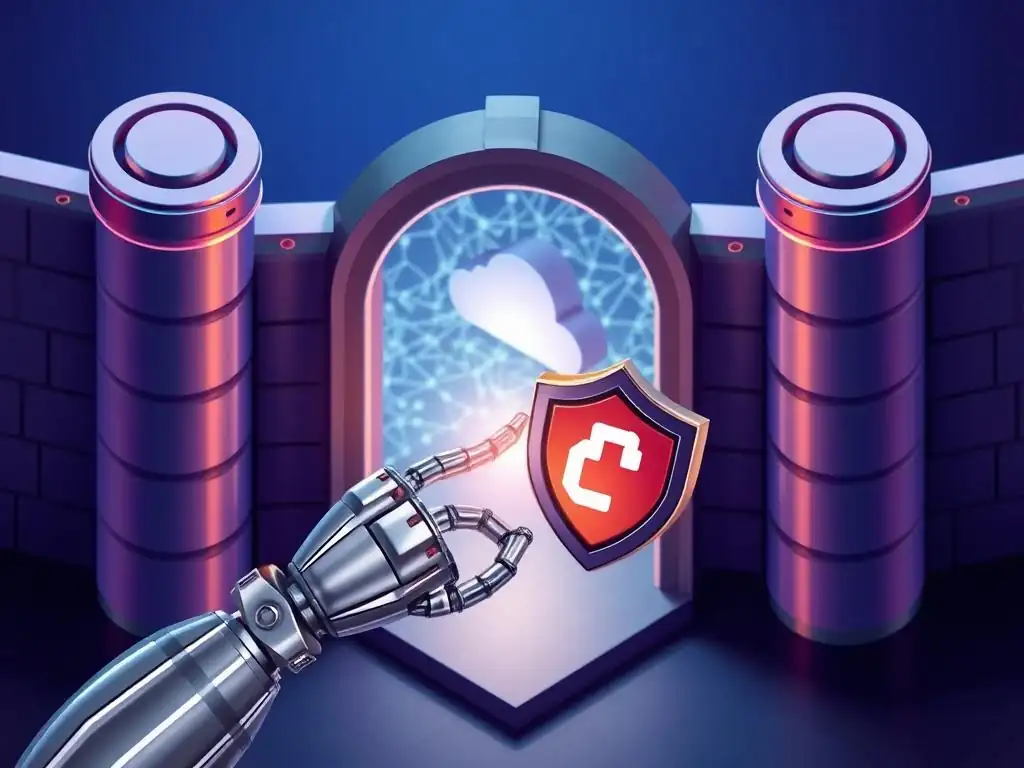
Welcome to the Git and Version Control Hub, your central resource for mastering the art of collaborative coding! Are you ready to elevate your Git game and prevent potential mishaps before they reach your team? Dive into our latest article, a comprehensive Git pre-push hook tutorial, and discover how to implement automated checks that act as your last line of defense before sharing code. Curious how you can catch errors, enforce style guidelines, or run tests before pushing? Let's explore the power of pre-push hooks and streamline your development workflow!
Introduction to Git Pre-Push Hooks: Preventing Errors Before They Happen
Understanding the Importance of Pre-Push Hooks in Git Workflows
In the collaborative world of software development, maintaining code quality and consistency across a team is paramount. Git, as a cornerstone of modern version control, offers powerful mechanisms to aid in this endeavor. Among these, pre-push hooks stand out as a crucial element for proactive error prevention within your Git workflow. Imagine a scenario where a developer, in a rush to meet a deadline, accidentally introduces a bug or commits code that doesn't adhere to the team's coding standards. Without pre-push hooks, this flawed code might be pushed to the remote repository, potentially disrupting the build process, introducing vulnerabilities, or causing integration issues for other team members. Pre-push hooks act as automated gatekeepers, intercepting the git push command just before it executes and allowing you to run scripts that validate the changes being pushed.
Consider a development team working on a large e-commerce platform. They have established strict coding guidelines and require all code to pass unit tests before integration. Without pre-push hooks, developers might unknowingly push code that breaks these rules. For instance, a developer might forget to run unit tests locally, or they might introduce code that violates the defined style guide.
Implementing pre-push hooks allows this team to automate checks right before code is shared. A pre-push hook can be configured to automatically run the project's unit tests, ensuring that only code that passes these tests is allowed to be pushed. Similarly, it can run linters to verify code style, preventing inconsistencies from creeping into the codebase. This proactive approach not only saves time by catching issues early but also fosters a culture of quality within the development team, leading to a more robust and stable codebase.
Why Use Git Hooks for Code Quality and Consistency?
Git hooks, in general, are scripts that Git executes before or after events such as commit, push, and receive. They are powerful tools for automating and customizing your Git workflow. When focusing on code quality and consistency, Git hooks provide an invaluable layer of automated checks and enforcement that manual processes often fail to deliver consistently.
Human error is inevitable; developers might forget to run linters, skip unit tests, or overlook coding standard violations, especially under pressure. Git hooks, being automated, eliminate this human element of oversight. They ensure that defined checks are performed every single time the relevant Git event occurs, without exception.
Using Git hooks, particularly pre-push hooks, significantly contributes to maintaining code quality and consistency across a project in several key ways. Firstly, they enforce coding standards by automatically running linters and style checkers. For example, a team might decide to enforce the PEP 8 style guide for Python or a specific ESLint configuration for JavaScript. A pre-push hook can be set up to run these linters and block the push if any violations are found, ensuring all code adheres to the agreed-upon style.
Secondly, pre-push hooks improve code reliability by running automated tests. Before code is pushed and potentially integrated with the main codebase, a pre-push hook can execute unit, integration, or even end-to-end tests. Only if these tests pass will the push be allowed, significantly reducing the chances of introducing bugs into shared branches.
Finally, Git hooks promote team consistency. By automating checks and validations, hooks ensure that every developer on the team is adhering to the same quality standards and workflows, leading to a more unified and maintainable codebase. This automated enforcement fosters a proactive approach to quality, making it an integral part of the development process rather than an afterthought.
Frequently Asked Questions
What is a Git pre-push hook?
A Git pre-push hook is a script that runs automatically just before you push your local commits to a remote repository. It acts as a last-minute check to ensure your code meets certain criteria.
Why should I use pre-push hooks?
Pre-push hooks help maintain code quality and consistency by enforcing rules before code is shared. They can prevent errors and ensure code standards are followed.
What kind of checks can I perform with a pre-push hook?
You can perform a wide range of checks, including running linters, unit tests, checking for sensitive data, and verifying commit message formatting. Essentially, any automated check can be implemented.
Where do I find and modify pre-push hooks?
Pre-push hooks reside in the .git/hooks directory of your Git repository. They are simple scripts that you can edit to define the desired checks, or create new ones.
No, pre-push hooks are not automatically shared. You need to distribute them through other means, like including them in the repository and instructing developers to link or copy them to their .git/hooks directory.
Final Reflection: Safeguarding Code Integrity
The journey through crafting effective Git pre-push hooks reveals a crucial truth: proactive code quality is paramount in collaborative development. What began as a "Git pre-push hook tutorial" evolves into a powerful strategy for preventing errors and maintaining a robust codebase, a necessity in today's fast-paced software landscape where even minor flaws can have significant repercussions.
The impact of implementing pre-push hooks extends far beyond simply catching typos or formatting inconsistencies. It fosters a culture of responsibility and shared ownership, empowering developers to take pride in their contributions and ensuring that only the highest quality code reaches the remote repository. Quality is not an act, it is a habit.
- Aristotle. This quote perfectly encapsulates the essence of pre-push hooks: they transform quality assurance from a reactive process into an ingrained habit.
As you embark on your own journey to implement pre-push hooks, remember that you are not just writing scripts; you are building a foundation for a more reliable and collaborative development process. Embrace the power of these hooks, experiment with different configurations, and tailor them to your specific needs. Let this "Git pre-push hook tutorial" be the catalyst for a future where code quality is not an afterthought, but a fundamental principle guiding every commit.
Fortify Your Code: Master the Pre-Push Hook!
Thanks for exploring the power of pre-push hooks to protect your code! You've learned how to automate code quality checks before sharing code with your team. Now, let's put this knowledge into practice.
Here's how to leverage pre-push hooks to improve your workflow immediately:
- Implement your first pre-push hook today! Begin with a simple linting script or a basic test suite. Hands-on experience is key.
- Explore advanced options like security vulnerability checks or code style enforcement to further enhance your code quality.
- Share your best pre-push hook strategies in the comments below and learn from the community!
What pre-push hook will you implement first to safeguard your codebase? Share your plans and let's collaborate to improve our code together!