
GitLab CI/CD Pipeline Triggers: External Pipeline Initiation

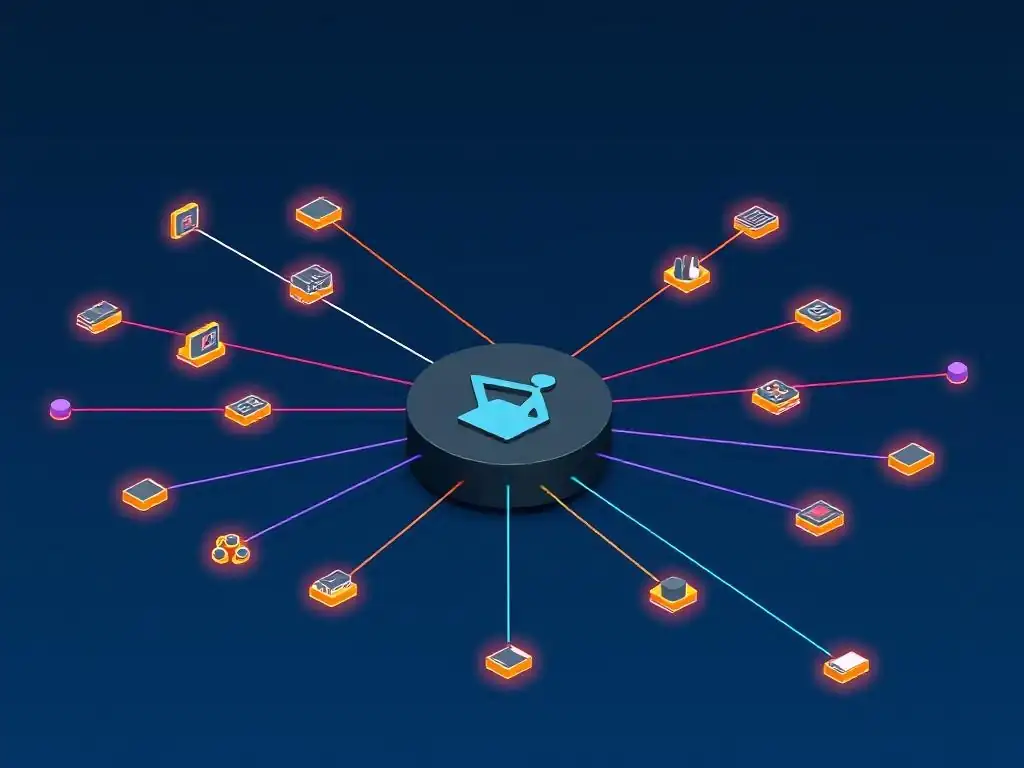
Welcome to Git and Version Control Hub, your central resource for mastering the art of version control! Dive into the world of efficient software development as we explore the power of Git and related tools. In this article, we'll uncover the secrets of GitLab CI/CD external triggers, showing you how to initiate pipelines from outside your GitLab environment. Ready to unlock a new level of automation and streamline your workflows? Let's get started!
GitLab CI/CD Pipeline Triggers: External Pipeline Initiation
- Understanding GitLab CI/CD and Pipeline Orchestration
-
Frequently Asked Questions
- What are GitLab CI/CD external triggers?
- How do I create an external trigger in GitLab CI/CD?
- What kind of data can I pass to the GitLab CI/CD pipeline through an external trigger?
- What's the difference between a regular GitLab CI/CD trigger and an external trigger?
- Why would I want to use GitLab CI/CD external triggers?
- Final Reflection: Embracing the Power of Automated Collaboration
- Unlock the Power of External Pipeline Control!
Understanding GitLab CI/CD and Pipeline Orchestration
What is GitLab CI/CD? A Quick Overview for Version Control Mastery
GitLab CI/CD is a powerful suite of tools integrated directly into GitLab that enables continuous integration, continuous delivery, and continuous deployment practices. It's a core component of modern DevOps workflows, allowing development teams to automate the software development lifecycle, from code commit to production deployment. At its heart, GitLab CI/CD utilizes a YAML file ( .gitlab-ci.yml) within your repository to define a series of stages and jobs that constitute your pipeline. These pipelines automatically execute whenever changes are pushed to the repository, based on configured triggers. This seamless integration within GitLab provides a unified platform for version control and automation, streamlining the development process significantly.
GitLab CI/CD supports a wide range of functionalities, including building applications, running tests, deploying code to various environments, and even managing infrastructure. It allows for granular control over the entire process through configurable stages and jobs, environment variables, and caching mechanisms. The system is designed to be highly scalable and adaptable, catering to projects of all sizes, from individual hobby projects to large enterprise applications. By leveraging GitLab CI/CD, development teams can accelerate their release cycles, improve code quality through automated testing, and reduce manual errors in deployment processes, ultimately leading to faster innovation and more reliable software.
The Role of Pipelines in Automated Software Delivery
Pipelines are the backbone of automated software delivery in GitLab CI/CD. They represent the entire workflow from code change to deployment, broken down into distinct stages and jobs. Think of a pipeline as a series of automated steps that your code must go through before it reaches production. Each stage can contain multiple jobs that run in parallel or sequentially. A typical pipeline might include stages like build, test, staging, and production. Within the test stage, you might have jobs for unit tests, integration tests, and security scans running concurrently to maximize efficiency.
The use of pipelines in GitLab CI/CD drastically reduces manual intervention in the software delivery process. Instead of manually compiling code, running tests, and deploying applications, developers commit their code changes, and the pipeline automatically takes over. This automation minimizes the risk of human error, ensures consistency across deployments, and frees up developers to focus on writing code rather than managing deployment processes.
Pipelines also provide a clear and auditable history of every change, making it easier to track deployments, identify issues, and roll back to previous versions if necessary. This structured and automated approach to software delivery is crucial for achieving agility and speed in modern software development.
Introduction to Pipeline Triggers: Automating Workflow Execution
Pipeline triggers are the mechanisms that initiate the execution of GitLab CI/CD pipelines. They are the events or conditions that signal GitLab to start running the defined stages and jobs within your .gitlab-ci.yml file. The most common trigger is a code push to the repository – every time a developer commits and pushes changes, a pipeline can be automatically triggered. However, GitLab CI/CD offers a variety of trigger types to cater to different workflow needs, including scheduled triggers for running pipelines at specific times or intervals, manual triggers for on-demand pipeline execution, and, importantly, external triggers which allow pipelines to be initiated from outside the GitLab environment.
Understanding pipeline triggers is fundamental to harnessing the full power of GitLab CI/CD. They are the key to automating your workflows and making your software delivery process truly continuous.
By configuring the right triggers, you can ensure that your pipelines run exactly when and how you need them to, whether it's automatically on every code change, on a schedule for nightly builds, or in response to events happening in external systems. External triggers, in particular, open up possibilities for integrating GitLab CI/CD with other tools and systems, creating complex and highly customized automation workflows that extend beyond the confines of the GitLab repository itself.
Frequently Asked Questions
What are GitLab CI/CD external triggers?
GitLab CI/CD external triggers allow you to start a pipeline from an external source, such as another CI/CD system or a script. This is achieved by making an API request to GitLab with a specific trigger token. This enables powerful orchestration workflows.
How do I create an external trigger in GitLab CI/CD?
You create an external trigger in your GitLab project's CI/CD settings. You'll generate a unique trigger token that will be used in the API request to initiate the pipeline. Make sure to keep this token secure.
What kind of data can I pass to the GitLab CI/CD pipeline through an external trigger?
You can pass variables to the pipeline through the API request when using an external trigger. These variables can then be used within your .gitlab-ci.yml file to customize the pipeline's behavior. This allows for dynamic pipeline configurations.
What's the difference between a regular GitLab CI/CD trigger and an external trigger?
A regular GitLab CI/CD trigger is typically activated by events within the GitLab project itself, such as code commits or merge requests. External triggers, on the other hand, are initiated by external systems or scripts using the API.
Why would I want to use GitLab CI/CD external triggers?
External triggers are useful for integrating GitLab CI/CD with other tools or systems. They enable you to orchestrate complex workflows where pipelines are triggered based on events or conditions outside of the GitLab environment itself, like a successful build in another system.
Final Reflection: Embracing the Power of Automated Collaboration
The ability to initiate GitLab CI/CD pipelines externally represents a significant leap in the evolution of DevOps, and its current relevance is undeniable. The seamless integration of disparate systems and workflows, driven by external triggers, unlocks unprecedented levels of automation and collaboration. This capability empowers organizations to build more responsive, agile, and efficient development processes, ultimately accelerating innovation and delivering value faster.
The impact of GitLab CI/CD external triggers extends far beyond mere technical efficiency; it fundamentally reshapes how teams interact and build software. This technology fosters a culture of interconnectedness, where events in one system can automatically trigger actions in another, breaking down silos and promoting a more holistic view of the development lifecycle. Alone we can do so little; together we can do so much.
- Helen Keller. This quote perfectly encapsulates the spirit of external triggers, highlighting the power of collaboration and interconnectedness in achieving greater outcomes.
As you consider the potential of GitLab CI/CD external triggers, I invite you to reflect on how you can leverage this technology to transform your own workflows. Explore the possibilities of connecting your systems, automating your processes, and fostering a more collaborative environment. Embrace the power of automated collaboration, and unlock the full potential of your development teams.
Here's a Call to Action (CTA) designed for the end of an article about GitLab CI/CD Pipeline Triggers, specifically focusing on external pipeline initiation, tailored for the "Git and Version Control Hub" website:
Unlock the Power of External Pipeline Control!
Thanks for exploring the world of externally triggered GitLab CI/CD pipelines with us! We hope you now have a solid grasp of how to orchestrate your workflows for maximum efficiency. Now, let's put that knowledge into action!
Ready to take your CI/CD game to the next level?
- Implement Your First External Trigger: Start by configuring a simple pipeline that can be triggered from a basic
curlcommand. This is your primary step toward mastery! - Share this article with a fellow DevOps enthusiast and collaborate on a complex integration scenario. The best learning comes from teamwork.
- Experiment with using webhooks to trigger your pipelines from other services like GitHub or Jira. Uncover hidden integration possibilities!
What creative ways are you planning to trigger your GitLab CI/CD pipelines externally to streamline your development process? Share your ideas and challenges in the comments below!