
The Art of the Pipeline: Designing Efficient Jenkins Workflows for Git

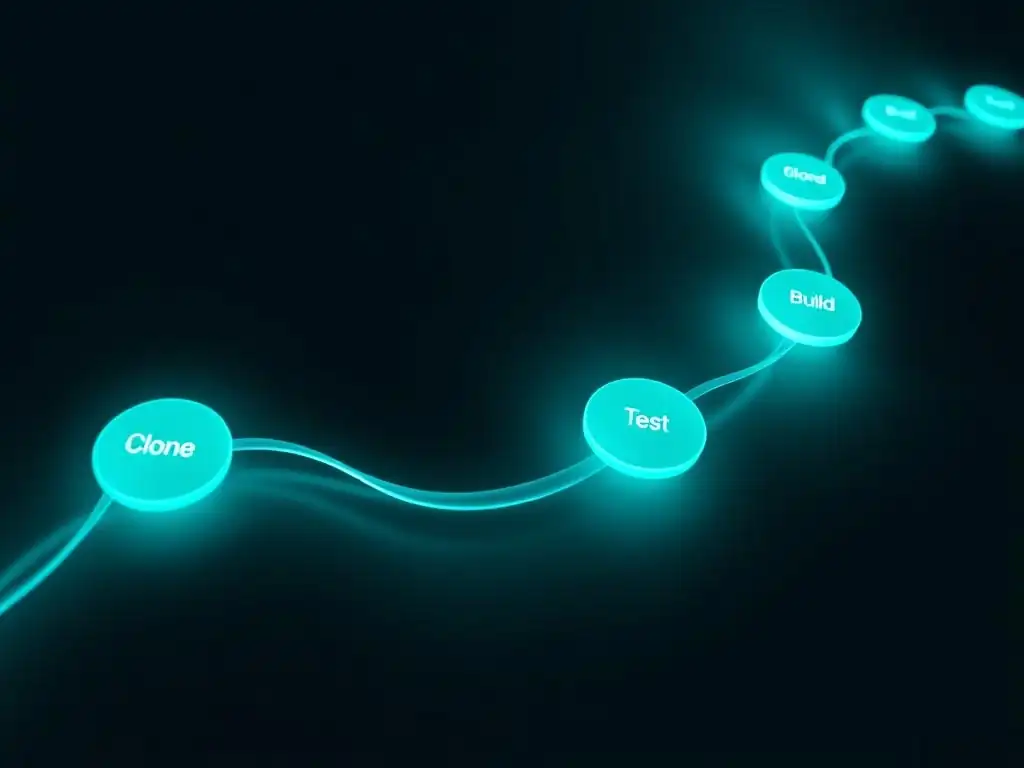
Welcome to Git and Version Control Hub!
Dive into the world of streamlined software development. Are you ready to unlock the secret to efficient Jenkins workflows for Git? Discover how to transform your CI/CD pipelines and significantly boost your team's productivity. Prepare to master the art of automation and elevate your Git integration to the next level. What are the key elements for creating a robust and reliable pipeline? Let's explore!
- Introduction: Mastering Jenkins Pipelines for Git-Based Projects
-
Frequently Asked Questions
- What are the key benefits of using Jenkins with Git for software development?
- How can I ensure my Jenkins workflows for Git are efficient?
- What role does version control play in creating robust Jenkins pipelines?
- What are some best practices for integrating Git branches into Jenkins workflows?
- How can I automate code deployment using Jenkins and Git?
- Final Reflection: Mastering the Flow
- Unleash Your Inner Workflow Architect!
Introduction: Mastering Jenkins Pipelines for Git-Based Projects
The Importance of CI/CD with Jenkins and Git
Continuous Integration and Continuous Delivery (CI/CD) are foundational practices in modern software development, and when combined with the power of Jenkins and Git, they create a robust framework for automating the software delivery pipeline. Git, as a distributed version control system, provides the backbone for tracking changes and collaboration, while Jenkins acts as the automation server orchestrating the build, test, and deployment processes.
The synergy between these tools ensures that code changes are automatically integrated, tested, and prepared for release, significantly reducing manual intervention and the risk of errors. This automation is not just about speed; it's about fostering a culture of rapid feedback, enabling developers to identify and resolve issues early in the development cycle, leading to higher quality software and faster time-to-market.
Furthermore, the implementation of CI/CD with Jenkins and Git addresses several critical challenges in software development. It streamlines the integration of code contributions from multiple developers, preventing integration nightmares and ensuring that the codebase remains stable and consistent.
By automating testing at various stages of the pipeline, from unit tests to integration and system tests, it significantly improves software reliability and reduces the likelihood of bugs reaching production. Ultimately, embracing CI/CD with Jenkins and Git empowers development teams to deliver software updates more frequently and reliably, adapting quickly to changing business needs and maintaining a competitive edge in the fast-paced technology landscape.
Why Efficient Jenkins Workflows are Crucial for Software Development
Efficient Jenkins workflows are not merely a "nice-to-have" but a cornerstone of successful software development in today's dynamic environment. Inefficient pipelines can lead to prolonged build times, bottlenecks in the delivery process, and increased operational costs. Imagine a scenario where a build process takes hours to complete due to poorly configured Jenkins jobs. This delay can severely impact developer productivity, slow down the feedback loop, and postpone critical releases. For instance, a large e-commerce platform experiencing slow build times might miss out on crucial sales opportunities during peak seasons due to delayed feature deployments or bug fixes.
Conversely, well-designed and efficient Jenkins workflows directly translate to tangible benefits. Faster build and test cycles mean quicker feedback for developers, enabling them to iterate rapidly and resolve issues promptly. Reduced cycle times lead to faster time-to-market for new features and products, a critical advantage in competitive industries.
Moreover, optimized workflows minimize resource consumption on build servers, leading to cost savings and improved infrastructure utilization. For example, parallelizing test execution and caching dependencies, as we will explore later, can dramatically reduce pipeline execution time and free up valuable resources. Ultimately, efficient Jenkins workflows for Git are essential for achieving agility, speed, and cost-effectiveness in software development, directly impacting the bottom line and the overall success of software projects.
Frequently Asked Questions
What are the key benefits of using Jenkins with Git for software development?
Using Jenkins with Git enables automated builds and testing, leading to faster feedback loops and improved software quality. This integration streamlines the entire development process.
How can I ensure my Jenkins workflows for Git are efficient?
Efficiency comes from well-defined stages, parallel execution of tasks, and effective resource management. Optimizing these aspects reduces build times and improves overall performance.
What role does version control play in creating robust Jenkins pipelines?
Version control, specifically using Git, allows you to track changes to your pipeline configurations, enabling rollback to previous versions and ensuring consistency. This is crucial for maintaining a stable and reliable CI/CD process.
What are some best practices for integrating Git branches into Jenkins workflows?
Employing a branching strategy like Gitflow and configuring Jenkins to automatically build and test feature branches are crucial. This ensures code quality and stability before merging into the main branch.
How can I automate code deployment using Jenkins and Git?
By using Jenkins plugins for Git integration and defining deployment stages in your pipeline, you can automate the process of deploying code to various environments. This reduces manual effort and minimizes errors.
Final Reflection: Mastering the Flow
The journey through crafting efficient Jenkins workflows for Git reveals more than just technical prowess; it unveils the power of automation to transform software development. What began as a technical exploration culminates in a realization of how streamlined processes can unlock unprecedented levels of productivity and innovation in today's fast-paced technological landscape.
This pursuit of efficiency has profoundly shaped the way we approach software development, moving us away from manual, error-prone processes towards automated, reliable pipelines. The impact extends beyond mere code deployment; it fosters a culture of continuous integration and continuous delivery (CI/CD), enabling faster feedback loops and quicker iterations. The key is not to prioritize what's on your schedule, but to schedule your priorities.
- Stephen Covey. This quote perfectly encapsulates the essence of efficient workflows: prioritizing the essential tasks and automating the rest to free up valuable time and resources.
Now, as you reflect on the principles and practices discussed, consider how you can apply them to your own projects and teams. Embrace the art of the pipeline, design workflows that are not only efficient but also adaptable and resilient. Let the pursuit of efficient Jenkins workflows for Git be a catalyst for innovation, empowering you to build better software, faster, and with greater confidence.
Unleash Your Inner Workflow Architect!
Thanks for diving into the world of efficient Jenkins pipelines! We hope you've unlocked valuable insights into streamlining your Git-based workflows. Now, it's time to put that knowledge into action and experience the power of automated builds and deployments firsthand.
Here's how you can take the next step:
- Immediately revamp one of your existing Jenkins pipelines using the techniques we discussed. Prioritize the pipeline that currently causes the most friction.
- Share a screenshot of your newly streamlined pipeline architecture on your team's Slack channel and explain the key improvements you implemented. Let's foster collaboration and knowledge sharing!
- Explore Jenkins plugins you haven't tried before to further optimize your pipeline's performance. Perhaps there's a hidden gem waiting to be discovered!
What's the one seemingly small adjustment you'll make to your pipelines today that will have the biggest impact on your development workflow? Share your thoughts in the comments below!