
Measure Collaboration Success: Key Metrics for Team Performance in Git

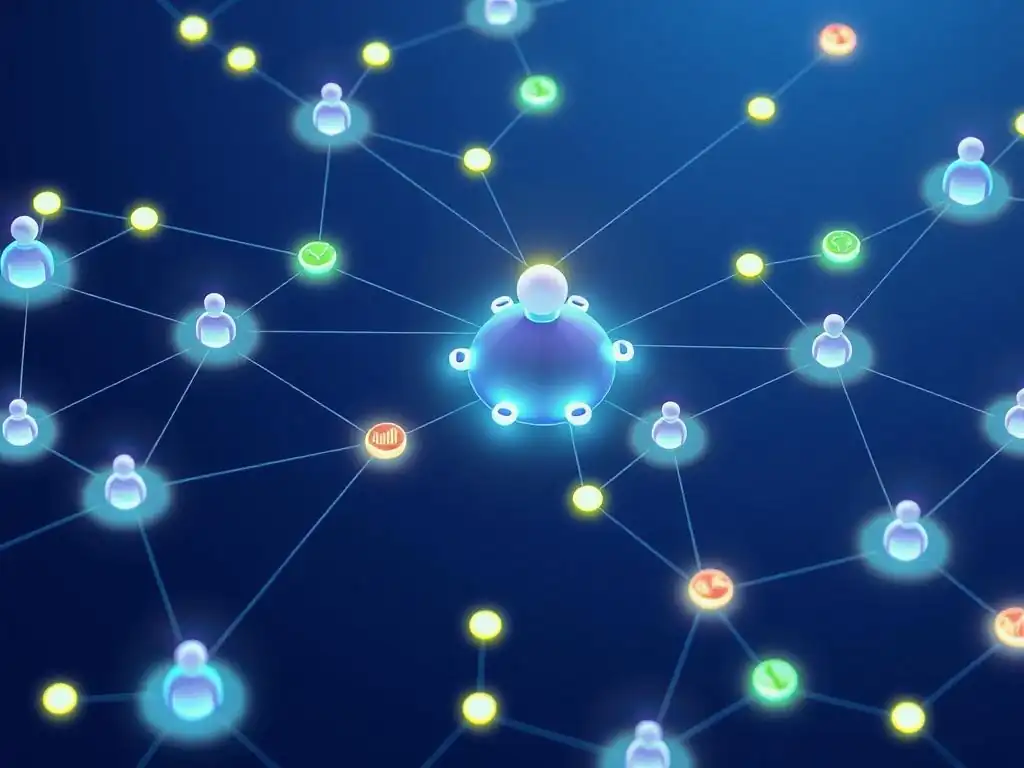
Welcome to Git and Version Control Hub, your central resource for mastering the art of code management. Are you ready to unlock the secrets to truly effective team collaboration using Git? This article delves into the crucial question of how to measure the effectiveness of your team's workflow. Discover the key Git collaboration success metrics that can transform your project's efficiency and reveal hidden bottlenecks. Intrigued? Let's explore how you can leverage these insights to optimize your team's performance and drive your projects to new heights.
- Introduction: Why Git Collaboration Success Metrics Matter
-
Frequently Asked Questions
- What are the most important Git collaboration success metrics for a development team?
- How can I track code review turnaround time in a Git-based project?
- Why is merge conflict frequency a critical indicator of Git collaboration success?
- What role does a well-defined branching strategy play in achieving Git collaboration success?
- How can CI/CD pipelines contribute to improved Git collaboration success metrics?
- Final Reflection: Cultivating Collaborative Harmony in Code
- Uncover Your Team's Git Potential!
Introduction: Why Git Collaboration Success Metrics Matter
The Importance of Measuring Team Performance in Git Workflows
In the realm of software development, Git has become the cornerstone of collaboration, enabling teams to work concurrently on projects of any scale. However, simply adopting Git doesn't automatically translate to efficient and successful teamwork. Measuring team performance within Git workflows is crucial because it provides objective insights into how effectively your development processes are functioning.
Without metrics, teams operate in the dark, potentially missing critical bottlenecks, inefficiencies, and areas for improvement. By implementing Git collaboration success metrics, organizations can gain a data-driven understanding of their development lifecycle, allowing them to identify pain points, optimize workflows, and ultimately enhance team productivity and code quality.
Imagine a scenario where a development team is consistently missing deadlines. Without metrics, it's difficult to pinpoint the root cause. Is it due to overly complex branching strategies? Are code reviews taking too long and creating bottlenecks? Are merge conflicts frequently delaying integration?
Measuring metrics like 'Merge Request Cycle Time', 'Branch Lifespan', and 'Merge Conflict Rate' can provide concrete answers. For example, if the 'Merge Request Cycle Time' is excessively long, it may indicate that code reviews are a bottleneck, prompting the team to investigate and streamline the review process. Similarly, a high 'Merge Conflict Rate' could signal issues with branch management or communication within the team, leading to targeted improvements in these areas. Ultimately, measuring team performance in Git transforms anecdotal observations into actionable data, driving continuous improvement and more predictable software delivery.
Defining Git Collaboration Success: Increased Velocity, Higher Quality, Improved Team Morale
Defining "Git collaboration success" goes beyond simply having code in a repository. True success encompasses several key dimensions that directly impact the effectiveness and well-being of a development team. Increased velocity is a primary indicator, reflecting the team's ability to deliver features and updates quickly and consistently.
Higher code quality is another crucial aspect, ensuring that the software produced is robust, reliable, and maintainable. Equally important, improved team morale signifies a healthy and productive work environment where developers feel empowered, collaborate effectively, and are satisfied with their contributions. Git collaboration success metrics should therefore be chosen and interpreted with these three pillars in mind: velocity, quality, and morale.
Consider how different metrics align with these success dimensions. Metrics like 'Merge Request Cycle Time' and 'Issue Resolution Time' directly contribute to increased velocity by highlighting and addressing delays in the development process.
Code quality is directly reflected by metrics such as 'Defect Density After Review' and 'Code Review Coverage', which assess the effectiveness of quality assurance efforts within the Git workflow. While harder to quantify directly, team morale can be indirectly gauged by analyzing trends in metrics over time and correlating them with team feedback.
For instance, if streamlining code review processes (reflected in improved 'Time to First Review' and 'Merge Request Cycle Time' metrics) is accompanied by positive feedback from developers about reduced frustration and faster iteration cycles, it suggests a positive impact on team morale. By focusing on metrics that collectively address velocity, quality, and morale, organizations can achieve a holistic view of Git collaboration success and drive improvements that benefit both the product and the team.
Git and Version Control Hub: Fostering Collaborative Development
Git and Version Control Hub is dedicated to empowering development teams to master Git and version control, recognizing that effective collaboration is the lifeblood of successful software projects. Our platform serves as a comprehensive resource for developers of all skill levels, providing in-depth tutorials, best practices, and practical guidance on leveraging Git to its full potential.
We understand that Git is not just a tool, but a foundation for building strong collaborative workflows that enhance team performance, improve code quality, and streamline the entire software development lifecycle. Our aim is to equip developers with the knowledge and skills necessary to not only use Git proficiently but also to understand and optimize their collaborative processes using data-driven insights.
At Git and Version Control Hub, we delve beyond the basic commands and explore advanced Git concepts crucial for team collaboration, such as branching strategies, effective merging techniques, and conflict resolution best practices. We also emphasize the importance of integrating Git with platforms like GitHub and GitLab to facilitate code review workflows, issue tracking, and continuous integration/continuous deployment (CI/CD) pipelines. Furthermore, we recognize that measuring collaboration is key to continuous improvement.
Therefore, we provide resources and guidance on how to implement and interpret Git collaboration success metrics, enabling teams to track their progress, identify areas for optimization, and foster a data-driven culture within their development workflows. By utilizing Git and Version Control Hub, teams can transform their Git practices from simply version controlling code to strategically leveraging Git as a powerful engine for collaborative development and continuous improvement.
Frequently Asked Questions
What are the most important Git collaboration success metrics for a development team?
The most important metrics typically include code review turnaround time, merge conflict frequency, and branching strategy effectiveness. These metrics help identify bottlenecks and improve collaboration efficiency.
How can I track code review turnaround time in a Git-based project?
You can track this metric by analyzing the time elapsed between a pull request creation and its subsequent approval or rejection. Tools like GitHub and GitLab provide built-in features and APIs for this purpose.
Why is merge conflict frequency a critical indicator of Git collaboration success?
High merge conflict frequency often signals issues with branch management, communication, or code integration. Reducing these conflicts leads to a smoother and more efficient workflow.
What role does a well-defined branching strategy play in achieving Git collaboration success?
A clear and consistent branching strategy, like Gitflow or GitHub Flow, streamlines parallel development and minimizes integration issues. This fosters better team coordination and reduces errors.
How can CI/CD pipelines contribute to improved Git collaboration success metrics?
By automating testing and deployment, CI/CD pipelines ensure that code changes are validated quickly and reliably. This reduces the risk of introducing bugs and improves overall team productivity.
Final Reflection: Cultivating Collaborative Harmony in Code
The insights shared throughout this article underscore the critical importance of quantifying collaboration in Git environments to foster high-performing teams. In today's rapidly evolving software landscape, where distributed teams and open-source contributions are the norm, understanding and optimizing how developers interact within Git is no longer a luxury, but a necessity for project success and organizational agility.
The impact of effective Git collaboration extends far beyond mere code commits; it shapes the very culture of a development team. By focusing on metrics like code review participation, branch management efficiency, and issue resolution time, we can cultivate a more transparent, supportive, and ultimately, more productive environment. Coming together is a beginning, keeping together is progress, working together is success.
- Henry Ford. This quote perfectly encapsulates the journey from individual contributions to collective achievement, highlighting the power of collaboration.
Now, consider how you can apply these Git collaboration success metrics within your own teams and projects. Reflect on the current state of your Git workflows and identify areas where targeted improvements can unlock greater efficiency and foster a stronger sense of shared ownership. By embracing a data-driven approach to collaboration, you can empower your developers to work together more effectively, build better software, and achieve remarkable results.
Uncover Your Team's Git Potential!
Thanks for diving into the world of Git collaboration! We hope you've gained valuable insights into measuring and improving your team's performance using key metrics. Now it's time to put that knowledge into action and unlock your team's full potential.
Here's how you can start transforming your Git workflow today:
- Implement at least one of the metrics discussed in this article within your team this week. See if you can demonstrably improve efficiency or code quality in your next sprint!
- Explore Git best practices for collaboration by reading related documentation and guides, aiming to identify additional strategies to boost team harmony and effectiveness.
- Share this article with your team members and discuss which metrics and strategies resonate most with them – fostering a culture of continuous improvement.
What's one small change you can make today to improve your team's Git collaboration based on what you learned?