
Collaborative Issue Tracking with GitHub: Enhance Team Communication

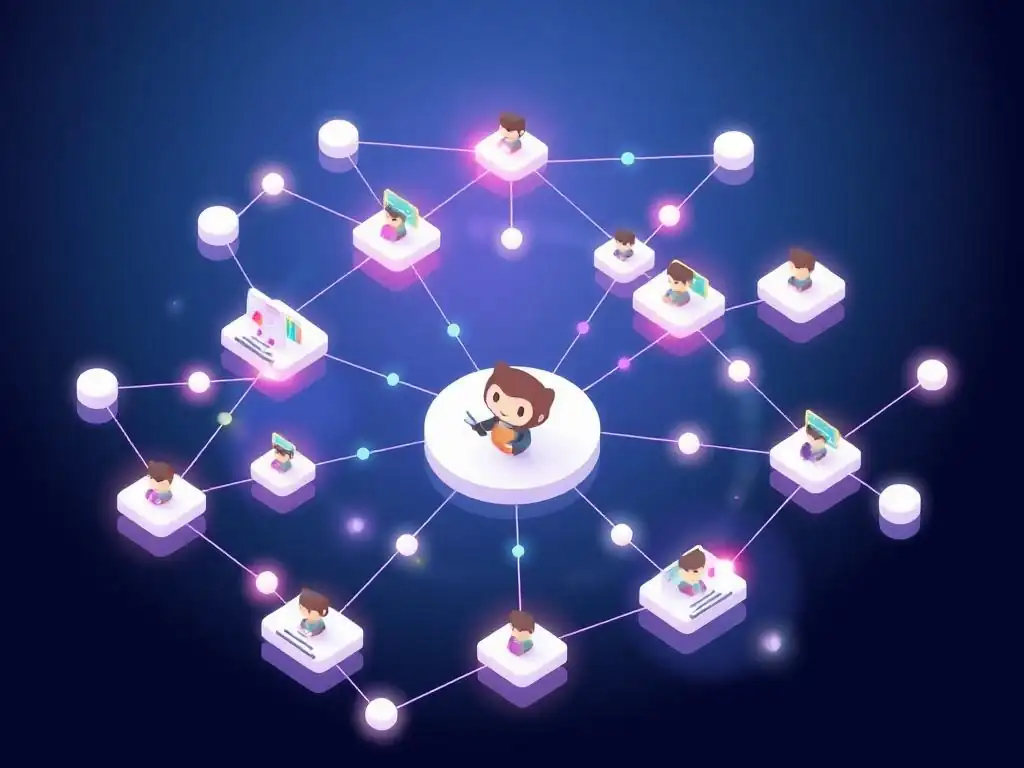
Welcome to Git and Version Control Hub!
Are you ready to unlock the full potential of collaborative development? This site is your guide to mastering Git and version control, and today we're diving deep into GitHub collaboration and issue tracking. Discover how to streamline your team's communication and workflow with GitHub's powerful features, turning bug reports and feature requests into well-organized and easily manageable tasks. Want to learn how to transform chaos into clarity? Read on and let's elevate your development game!
- Introduction to GitHub Collaboration and Issue Tracking
-
Frequently Asked Questions
- How does GitHub enhance collaboration for software development teams?
- What is "issue tracking" on GitHub, and why is it important?
- Can GitHub's issue tracking be integrated with other tools?
- What are some best practices for using GitHub issues effectively?
- How does GitHub's collaborative issue tracking improve team communication?
- Final Reflection: Embracing Collaborative Growth
- Unlock Seamless Teamwork: Supercharge Your GitHub Workflow!
Introduction to GitHub Collaboration and Issue Tracking
Why Effective Issue Tracking is Crucial for Team Success
Effective issue tracking is the backbone of successful software development, particularly in collaborative team environments. Imagine a team building a complex web application without a system to manage bugs, feature requests, or tasks. Chaos would quickly ensue. Without issue tracking, communication becomes fragmented, tasks are easily overlooked, and progress becomes difficult to measure.
A robust issue tracking system, like that offered by GitHub, provides a centralized platform to document, discuss, and resolve every aspect of a project, ensuring that everyone is on the same page. This shared understanding minimizes misunderstandings, reduces redundant work, and ultimately accelerates development cycles. Studies have shown that teams using structured issue tracking systems experience a significant reduction in project completion times and a marked increase in software quality due to fewer unresolved bugs slipping through the cracks.
Furthermore, effective issue tracking fosters accountability and transparency within a team. When each task, bug, or feature request is documented as an issue and assigned to a team member, responsibilities become clear. This eliminates ambiguity about who is working on what and by when.
The history of each issue, including discussions and updates, is readily available, providing a clear audit trail of decisions and progress. This transparency is crucial for team leads and project managers to monitor progress, identify bottlenecks, and make informed decisions. For instance, if a particular type of issue consistently remains unresolved for extended periods, it might signal a need for additional training or a reassessment of team workload distribution.
The Role of GitHub in Streamlining Team Communication
GitHub, beyond being a version control platform, serves as a central hub for collaborative software development, and its issue tracking system is a cornerstone of this functionality. It integrates seamlessly with the codebase, allowing developers to link issues directly to specific lines of code, commits, and pull requests. This deep integration provides unparalleled context, making it easier to understand the origin and impact of issues.
For example, when a bug is reported, developers can quickly navigate from the issue description to the relevant code section in GitHub, accelerating the debugging process. This streamlined workflow contrasts sharply with older, disconnected issue tracking systems that require developers to juggle multiple tools and manually correlate issues with code changes.
Moreover, GitHub's issue tracking system facilitates asynchronous communication within development teams, especially those that are geographically distributed or work across different time zones. Team members can create issues, provide updates, and engage in discussions regardless of their immediate availability. This asynchronous nature of GitHub issues reduces the reliance on real-time meetings and email threads, which can often be inefficient and disruptive to workflow.
Instead, developers can contribute to issue resolution at their own pace, ensuring that all relevant information is captured and readily accessible to the entire team. Features like notifications and watch settings ensure that team members are promptly informed of updates and changes to issues they are involved in, fostering continuous collaboration without overwhelming inboxes.
Frequently Asked Questions
How does GitHub enhance collaboration for software development teams?
GitHub facilitates collaboration through shared repositories, pull requests for code review, and issue tracking to manage tasks and bugs, ensuring everyone stays informed.
What is "issue tracking" on GitHub, and why is it important?
Issue tracking on GitHub is a system to manage tasks, bugs, and feature requests within a project. It's crucial for organized development and efficient communication.
Can GitHub's issue tracking be integrated with other tools?
Yes, GitHub's issue tracking can be integrated with various tools through webhooks and APIs, allowing for seamless workflow management and automated updates between systems.
What are some best practices for using GitHub issues effectively?
Some best practices include using clear and descriptive titles, assigning issues to specific individuals, and utilizing labels and milestones for categorization and prioritization.
How does GitHub's collaborative issue tracking improve team communication?
GitHub's system keeps all communication centralized within issues, allowing for transparent discussions, and easy access to context, reducing misunderstandings and improving team efficiency.
Final Reflection: Embracing Collaborative Growth
The journey of software development, often fraught with complexities and unforeseen challenges, finds a powerful ally in collaborative issue tracking. GitHub, with its robust features, transcends mere code hosting, becoming a vibrant ecosystem for team communication and problem-solving. By embracing its collaborative capabilities, development teams can transform potential roadblocks into opportunities for shared learning and accelerated progress.
The impact of effective issue tracking extends far beyond simply fixing bugs; it fosters a culture of transparency and shared responsibility. This shift, from individual silos to interconnected collaboration, is crucial for building resilient and innovative teams. Coming together is a beginning, staying together is progress, and working together is success.
– Henry Ford. This quote encapsulates the essence of GitHub collaboration, highlighting the transformative power of unified effort in achieving shared objectives.
Now, consider how you can further leverage the power of GitHub collaboration and issue tracking in your own projects. Reflect on the communication patterns within your team and identify areas where greater transparency and shared ownership can be fostered. Embrace the tools and techniques discussed, not just as a means to fix bugs, but as a pathway to building stronger, more collaborative, and ultimately, more successful teams.
Unlock Seamless Teamwork: Supercharge Your GitHub Workflow!
Thank you for exploring collaborative issue tracking with GitHub! We hope this article provided valuable insights into improving team communication and project management. Now, let's put that knowledge into practice.
Here are a few ways to enhance your GitHub workflow:
- Implement a consistent issue template within your team to ensure all necessary information is captured reliably.
- Explore GitHub Projects' advanced features, such as automation and custom fields, to tailor your workflow to your specific needs.
- Share this article with colleagues who could benefit from improved collaboration. Help spread the word about effective issue tracking.
What's one concrete change you plan to make to your team's GitHub workflow this week to improve collaboration? Share your ideas in the comments below!