
Unlocking Team Synergy: Git for CrossFunctional Project Participation

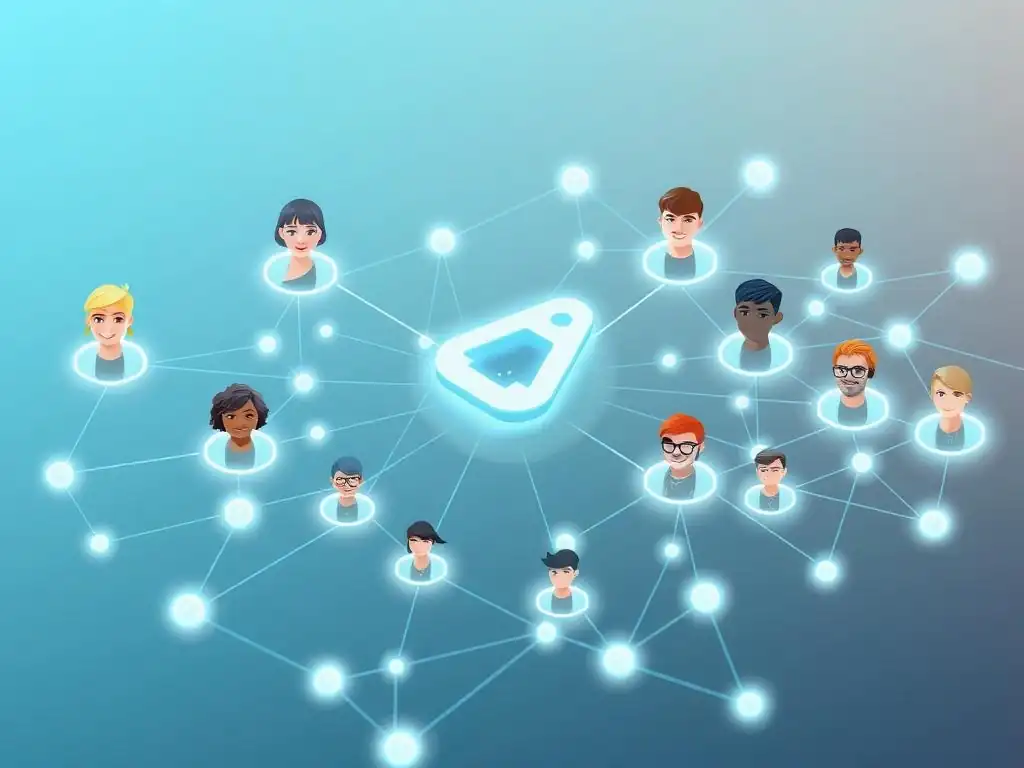
Welcome to Git and Version Control Hub!
Are you ready to supercharge your team's development workflow? Unlocking Team Synergy: Git for CrossFunctional Project Participation is your guide to mastering Git for team collaboration. Dive in and discover how to leverage Git's powerful features to streamline communication, manage complex projects, and ensure every team member contributes seamlessly. Curious about how to eliminate merge conflicts and foster a more collaborative environment? Let's explore!
- Introduction: Why Git is Crucial for Cross-Functional Teams
-
Frequently Asked Questions
- How can Git improve team collaboration on a software project?
- What are the key Git commands for effective team collaboration?
- How does Git handle conflicts when multiple team members modify the same files?
- What are the benefits of using Git with platforms like GitHub or GitLab for team projects?
- How can Git help in setting up CI/CD pipelines for collaborative software development?
- Final Reflection: Embracing Collaborative Evolution
- Ignite Collaboration: Implement Git in Your Cross-Functional Projects Now!
Introduction: Why Git is Crucial for Cross-Functional Teams
The Increasing Need for Cross-Functional Collaboration in Software Projects
Modern software development is rarely a siloed endeavor. Projects are becoming increasingly complex, requiring a diverse range of expertise to bring them to fruition. From product managers defining the vision, to UX/UI designers crafting user experiences, to developers writing the code, and operations teams ensuring smooth deployment, projects thrive when these different disciplines work in concert. This cross-functional collaboration is not just a nice-to-have; it's a necessity for creating robust, user-centric, and successful software solutions. Organizations that foster strong cross-functional teams are often more agile, innovative, and responsive to market changes, gaining a significant competitive advantage.
The shift towards Agile methodologies and DevOps practices further amplifies the importance of cross-functional teams. Agile emphasizes iterative development and close collaboration between business and technical teams. DevOps breaks down the traditional walls between development and operations, requiring seamless communication and shared responsibility. In both scenarios, effective collaboration across different skill sets is paramount for achieving faster release cycles, higher quality software, and improved alignment with business goals. Ignoring the need for efficient cross-functional teamwork can lead to miscommunication, duplicated efforts, and ultimately, project delays and failures.
How Git Enables Efficient Teamwork Across Disciplines
Git, originally designed for developers to manage code, provides a powerful platform for cross-functional teams to collaborate effectively, regardless of their technical background. Its core features, such as version control, branching, and merging, translate into tangible benefits for diverse teams. Git acts as a central hub, allowing everyone involved in a project to access the latest version of all project assets, from code to design files to documentation. This shared visibility reduces confusion and ensures everyone is working with the most up-to-date information.
Beyond simply storing files, Git facilitates a structured and transparent workflow. Branching allows different team members to work on features or tasks concurrently without interfering with each other's progress. Pull requests introduce a mechanism for review and feedback, ensuring that changes are carefully considered and integrated smoothly. This structured approach is invaluable in cross-functional settings where different team members might have varying levels of technical understanding and different perspectives on the project. By providing a common platform and workflow, Git bridges the communication gap and fosters a collaborative environment where everyone can contribute effectively.
Core Concepts: Git Terminology for Non-Developers
For non-developers, Git terminology can initially seem daunting. However, understanding a few core concepts is crucial for anyone working in a Git-based collaborative environment. Imagine Git as a sophisticated 'save' and 'history' system for projects. The repository (often called "repo") is the central storage location for all project files and their complete history. Think of it like a project folder, but one that remembers every change ever made.
When someone makes changes, they are creating a commit. A commit is like a snapshot of the project at a specific point in time, along with a message explaining what was changed. Branches are parallel versions of the project.
The 'main' or 'master' branch is usually the stable version, and team members create new branches to work on new features or fixes without directly altering the main project. Finally, a pull request (or merge request) is a request to merge the changes from one branch into another, often requiring review and approval. Understanding these basic terms empowers non-developers to participate in Git workflows, even if they are not writing code, and to contribute meaningfully to the project's success.
Frequently Asked Questions
How can Git improve team collaboration on a software project?
Git facilitates seamless collaboration by enabling multiple developers to work on the same codebase simultaneously without directly overwriting each other's changes. It uses branching and merging to integrate these changes efficiently. This enables better teamwork.
What are the key Git commands for effective team collaboration?
Essential commands include git clone to obtain a local copy of the repository, git branch to create isolated branches, git commit to record changes, git push to share changes, and git pull to update your local repository. Finally, git merge integrates changes from other branches.
How does Git handle conflicts when multiple team members modify the same files?
Git identifies conflicts when merging changes and requires developers to manually resolve them. This involves reviewing conflicting sections and choosing the correct code to keep, avoiding potential errors in the process.
What are the benefits of using Git with platforms like GitHub or GitLab for team projects?
GitHub and GitLab offer remote repository hosting, issue tracking, code review tools, and automation features that significantly enhance team collaboration. They streamline workflows and provide better visibility into project progress.
How can Git help in setting up CI/CD pipelines for collaborative software development?
Git repositories can trigger CI/CD pipelines upon code changes, automating the building, testing, and deployment processes. This ensures code quality and faster delivery in a collaborative environment.
Final Reflection: Embracing Collaborative Evolution
The principles of version control, once confined to the realm of software development, are now proving invaluable across diverse teams. Git's power to foster seamless collaboration and track iterative progress extends far beyond code, offering a blueprint for cross-functional synergy in any project. This article has explored how Git, traditionally a developer's tool, can unlock unprecedented levels of transparency, accountability, and efficiency when applied to collaborative endeavors across various disciplines.
The impact of Git on team dynamics is profound. It's not just about managing files; it's about managing ideas, contributions, and the very evolution of a project. The ability to branch, merge, and revert changes allows for experimentation and innovation without the fear of irreversible errors, fostering a culture of continuous improvement. Coming together is a beginning, staying together is progress, and working together is success.
- Henry Ford. This quote encapsulates the essence of Git's potential: it provides the framework for teams to not only come together but to truly work together effectively.
As you navigate your own collaborative projects, consider the lessons learned here. Embrace the power of version control, not just as a technical tool, but as a philosophy of collaborative evolution. Let Git, or any similar system, be the foundation upon which you build a more transparent, accountable, and ultimately, more successful team. The future of teamwork is collaborative, iterative, and version-controlled. Are you ready to commit?
Ignite Collaboration: Implement Git in Your Cross-Functional Projects Now!
Thanks for exploring how Git can revolutionize team synergy in cross-functional projects! We hope you've gained valuable insights into fostering better collaboration and streamlined workflows. Now, let's put that knowledge into action!
Here are a few steps you can take to amplify your team's collaboration using Git:
- Prioritize Git training for all team members. Focus on the fundamentals: branching, merging, and conflict resolution. This is crucial for successful implementation.
- Explore using Git hooks to automate code quality checks and style enforcement. This can prevent integration issues and maintain a consistent codebase.
- Share this article with your team and start a discussion about integrating these strategies into your next project. Encourage feedback and collaborative planning.
What's one concrete Git workflow improvement you'll implement this week to boost cross-functional collaboration? Share your plans in the comments below!