Enhancing Team Collaboration with Advanced Git Workflows 🤝
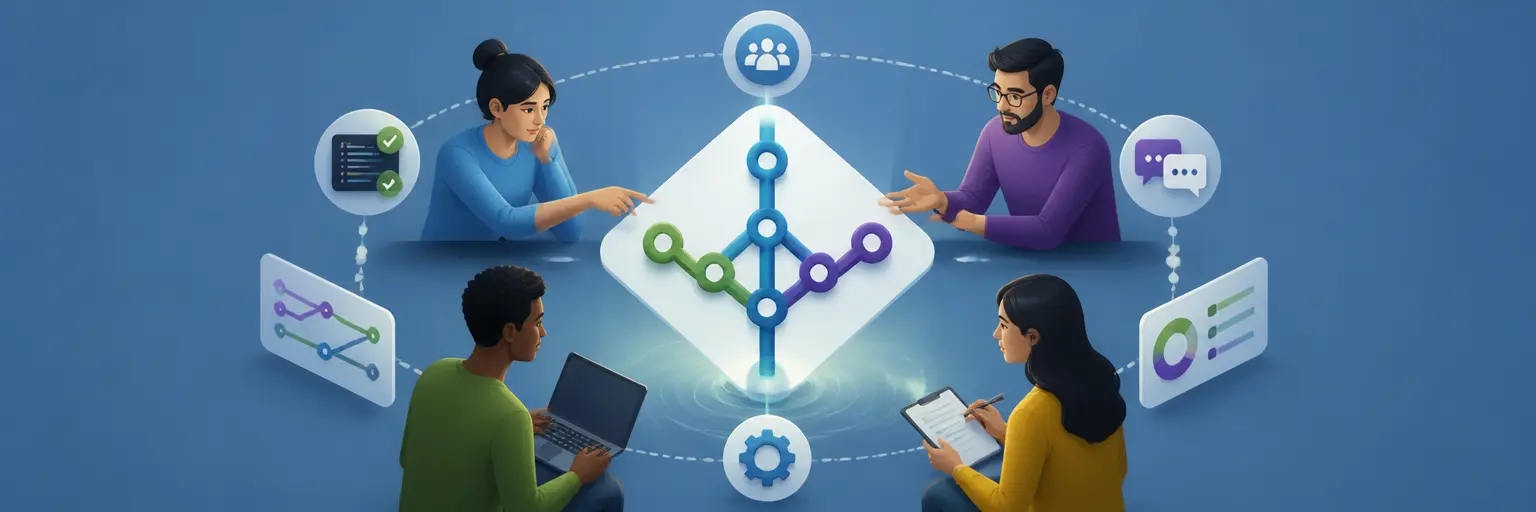
Discover practical strategies for Git team collaboration, efficient code reviews, developer communication, and workflow optimization. This subcategory helps professional development teams build reliable processes with Git, GitHub, and GitLab while improving code quality, delivery speed, and project visibility.
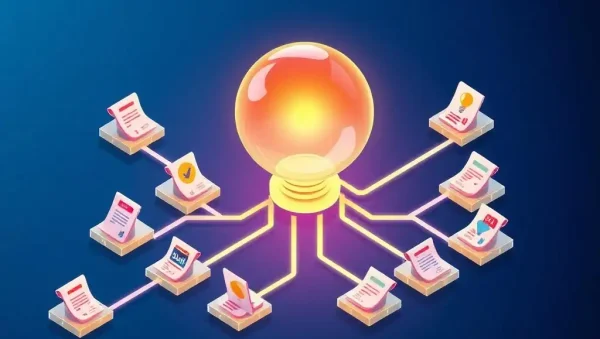
🔍 Code Review Tools and Pull Request Best Practices
Learn how to use pull requests, merge requests, and code review tools to evaluate changes before they reach a shared branch. Explore reviewer assignment, approval rules, draft pull requests, inline comments, review checklists, and automated status checks in GitHub and GitLab. Readers can expect guidance for creating focused branches, writing clear descriptions, and keeping reviews small enough to support fast, constructive feedback without sacrificing technical quality.
💬 Communication Strategies for Git Teams
Strong communication makes advanced Git workflows easier to understand and maintain. This section explains how to write meaningful commit messages, document decisions, describe breaking changes, and use issue trackers, pull request discussions, and team channels effectively. You will learn collaborative communication practices that reduce ambiguity, prevent duplicated work, and help remote or distributed developers stay aligned throughout planning, implementation, review, and release.
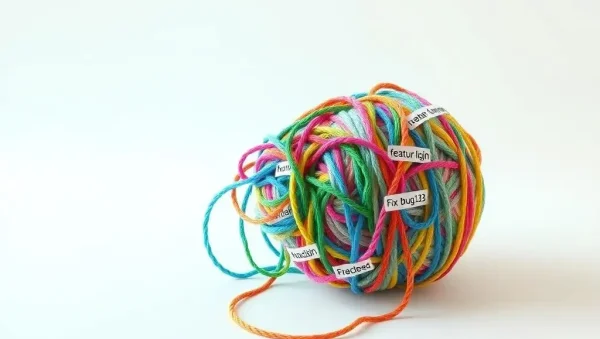
⚙️ Workflow Optimization and Branching Models
Improve development efficiency by selecting a branching strategy that matches your team, product, and release cycle. Topics include feature branches, trunk-based development, Git Flow, short-lived branches, rebasing, merging, and branch protection. Expect practical advice for reducing merge conflicts, keeping branches synchronized, and designing a streamlined Git workflow that supports parallel development while preserving a clean, understandable project history.
🚀 Automation, CI/CD, and Quality Gates
Explore how continuous integration and delivery strengthen team collaboration by providing rapid feedback on every change. Learn how GitHub Actions, GitLab CI/CD, automated tests, linters, security scans, and deployment checks can be connected to pull requests. These practices create automated quality gates, identify defects earlier, and make code review more dependable by allowing developers to focus on architecture, maintainability, and user impact rather than repetitive manual validation.
🛡️ Permissions, Standards, and Team Scalability
Reliable collaboration requires clear governance as projects and teams grow. Discover repository permissions, protected branches, CODEOWNERS files, contribution guidelines, commit conventions, semantic versioning, and release procedures. This section explains how to establish consistent Git standards without creating unnecessary bureaucracy. Readers can build predictable workflows for onboarding developers, managing sensitive changes, coordinating releases, and maintaining security across GitHub, GitLab, and other version control platforms.
Frequently Asked Questions
What is the best Git workflow for team collaboration?
The best workflow depends on team size, release frequency, and project complexity. Many teams use short-lived feature branches with pull requests and protected main branches. Trunk-based development can improve delivery speed, while Git Flow may suit scheduled releases. The most important principles are clear ownership, frequent integration, automated testing, and consistent review standards.
How can code reviews become faster and more effective?
Keep pull requests focused, explain the purpose of each change, and include relevant tests or screenshots. Use automated checks for formatting, builds, security, and common defects before requesting human review. Establish review priorities and service-level expectations, then provide respectful, specific feedback. Smaller changes are generally easier to understand, approve, and safely deploy.
Should teams merge or rebase Git branches?
Both strategies are useful. Rebasing can create a linear history and helps update a private feature branch before review, while merging preserves the full context of parallel development. Teams should agree on a shared policy, avoid rebasing public branches that others rely on, and use protected branches to prevent accidental history rewriting.
How do GitHub and GitLab improve team communication?
GitHub and GitLab connect code changes with issues, discussions, reviews, pipelines, and release information. This creates a searchable record of technical decisions and project status. Templates, labels, milestones, CODEOWNERS, notifications, and integrations help teams communicate consistently, assign responsibility, and keep planning and implementation connected in one collaborative development environment.
What Git practices help reduce merge conflicts?
Use small, focused branches and integrate changes frequently instead of allowing branches to become outdated. Communicate ownership of files undergoing major edits, avoid unrelated formatting changes, and synchronize with the target branch regularly. Clear task boundaries, automated tests, and a shared branching policy also reduce conflicting changes and make resolution safer.