
The Importance of Branching in Version Control: RealWorld Examples

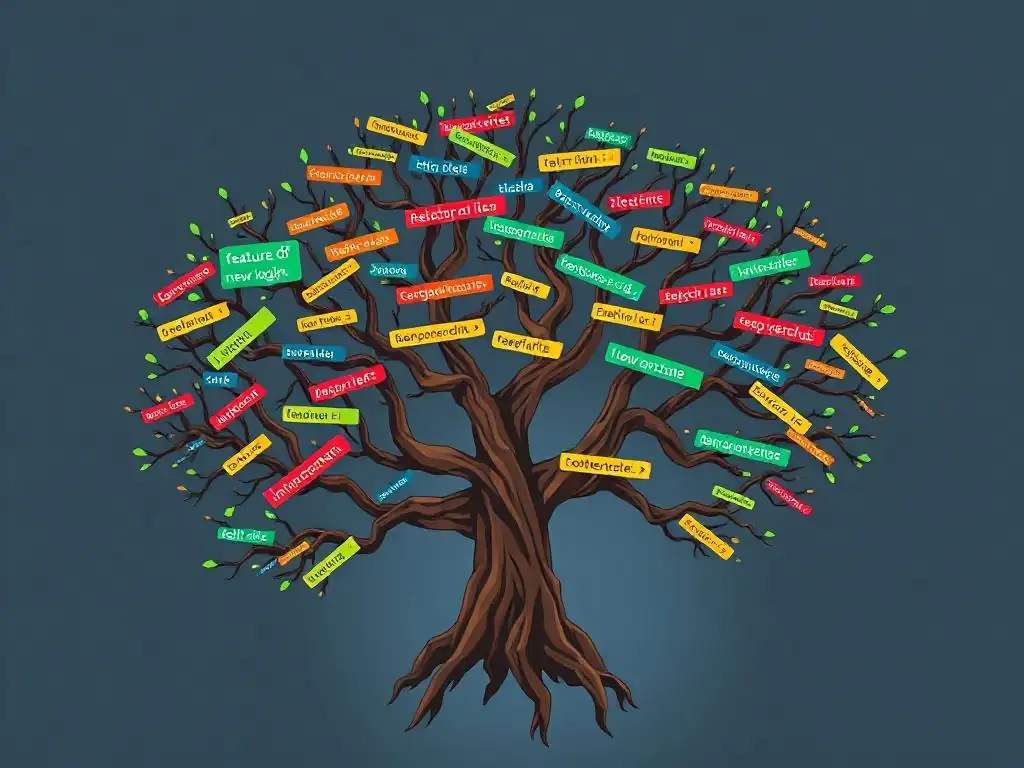
Welcome to Git and Version Control Hub!
Are you ready to unlock the true potential of Git? Dive in and discover the power of branching! Branching strategies are the cornerstone of efficient collaboration and streamlined development. This article explores real-world examples that will revolutionize your approach to version control. Intrigued? Keep reading to learn how mastering branching can dramatically improve your workflow and prevent development disasters!
- Introduction to Branching Strategies in Version Control
-
Frequently Asked Questions
- What is branching in version control, and why is it important?
- What are some common branching strategies used in version control?
- How does branching improve collaboration in team environments?
- What are the potential drawbacks of using branching strategies?
- How do branching strategies relate to CI/CD pipelines?
- Final Reflection: Mastering Collaborative Evolution
- Unleash Your Branching Power!
Introduction to Branching Strategies in Version Control
What is Branching in Version Control Systems (VCS)?
Branching in Version Control Systems (VCS) is a fundamental concept that allows developers to diverge from the main line of development and work on features, bug fixes, or experiments in isolation. Think of it like creating a new pathway from a main road. This new pathway, the branch, allows you to explore different routes without disrupting the traffic flow on the main road. In VCS terms, the 'main road' is typically the main branch (often named main or master), representing the stable, production-ready codebase. When you create a branch, you essentially create a copy of the codebase at a specific point in time. Any changes you make on this branch are isolated from the main branch and other branches until you explicitly decide to merge them back. This isolation is crucial for managing complexity and ensuring stability in software development projects.
From a technical standpoint, in Git, branching is remarkably lightweight. It doesn't involve copying the entire codebase. Instead, Git uses pointers called 'references' that point to specific commits. When you create a branch, you are essentially creating a new pointer that initially points to the same commit as the branch you branched from.
This efficient mechanism allows for rapid branch creation and switching, encouraging developers to utilize branching extensively without performance overhead. Visualizing this in your mind, imagine each commit as a node in a graph, and branches as labels that point to these nodes. This graph-based structure is what makes Git's branching model so powerful and flexible compared to older version control systems that might have relied on full codebase copies for branching.
Why is Branching Important for Software Development?
Branching is indispensable for modern software development for several compelling reasons, primarily revolving around managing complexity, enabling collaboration, and ensuring code quality. In essence, branching empowers developers to work more efficiently and safely. Consider a scenario without branching: all developers would be working directly on the main codebase. This would lead to chaos, especially in larger teams. Imagine trying to implement a new feature while simultaneously fixing a critical bug, all in the same workspace. Conflicts, regressions, and instability would be rampant, making development slow and error-prone.
Branching solves this by providing a structured and organized way to manage concurrent development efforts. It enables parallel development streams, where different teams or individual developers can work on different features or fixes simultaneously without interfering with each other's work or the stability of the main codebase. This parallelization significantly accelerates development cycles. Furthermore, branching facilitates experimentation and innovation.
Developers can explore new ideas, refactor code, or implement risky changes on branches without the fear of breaking the main application. If an experiment fails, the branch can simply be discarded, leaving the main codebase untouched. This safety net encourages innovation and allows for a more agile and iterative development process. Branching, therefore, is not just a feature of VCS; it is a core practice that underpins efficient, collaborative, and high-quality software development workflows.
Frequently Asked Questions
What is branching in version control, and why is it important?
Branching allows you to create independent lines of development from your main codebase. This is crucial for isolating new features or bug fixes without disrupting the stable version.
What are some common branching strategies used in version control?
Common strategies include Gitflow, GitHub Flow, and Trunk-Based Development. These strategies dictate how branches are created, merged, and managed throughout the development lifecycle.
How does branching improve collaboration in team environments?
Branching enables multiple developers to work on separate features concurrently. This minimizes conflicts and allows for thorough testing before integrating changes into the main codebase, improving team productivity.
What are the potential drawbacks of using branching strategies?
Overly complex branching strategies can lead to merge conflicts and increased overhead. It's important to choose a strategy that suits the team's size and the project's complexity to avoid unnecessary complications.
How do branching strategies relate to CI/CD pipelines?
Branching strategies are fundamental to CI/CD automation. Specific branches can be configured to trigger automated builds, tests, and deployments, streamlining the release process and ensuring code quality.
Final Reflection: Mastering Collaborative Evolution
The exploration of branching strategies in version control, as we've seen, isn't just about managing code; it's about orchestrating collaborative evolution. The ability to isolate features, fix bugs, and experiment without disrupting the main codebase is paramount in today's fast-paced software development landscape. This agility directly translates to faster innovation, reduced risk, and ultimately, more successful projects.
The impact of effective branching extends far beyond the technical realm. It fosters a culture of experimentation and continuous improvement, empowering developers to take risks and learn from their mistakes. This, in turn, shapes the entire software development lifecycle, promoting better communication, clearer responsibilities, and a more robust final product. The best way to predict the future is to create it.
- Peter Drucker. This quote perfectly encapsulates the spirit of branching: it allows us to actively shape the future of our projects, one branch at a time.
Now, consider how these principles apply to your own endeavors, both within and beyond the realm of code. Are you embracing experimentation and iteration? Are you creating safe spaces for innovation and learning? Let the lessons of branching strategies inspire you to build systems, teams, and even personal habits that are resilient, adaptable, and constantly evolving. Embrace the power of branching, and you'll unlock the potential for continuous growth and innovation in every aspect of your life.
Unleash Your Branching Power!
Thanks for exploring the world of branching! We hope you now understand how effective branching strategies can streamline your development workflow and prevent costly errors. Now it's time to put your new knowledge into practice.
Here are a few ways to master branching:
- Start by creating a new branch for your next feature, no matter how small it seems. Familiarize yourself with the process!
- Explore different branching models like Gitflow or GitHub Flow. Consider adopting one for your next project to experience the benefits of improved collaboration.
- Share your experiences—both positive and negative—with branching strategies in the comments below. Let others learn from your successes and challenges!
Ready to take your branching skills to the next level? Share your best branching tip in the comments!