
Git Branching for Experimental Features: Safe Exploration and Innovation

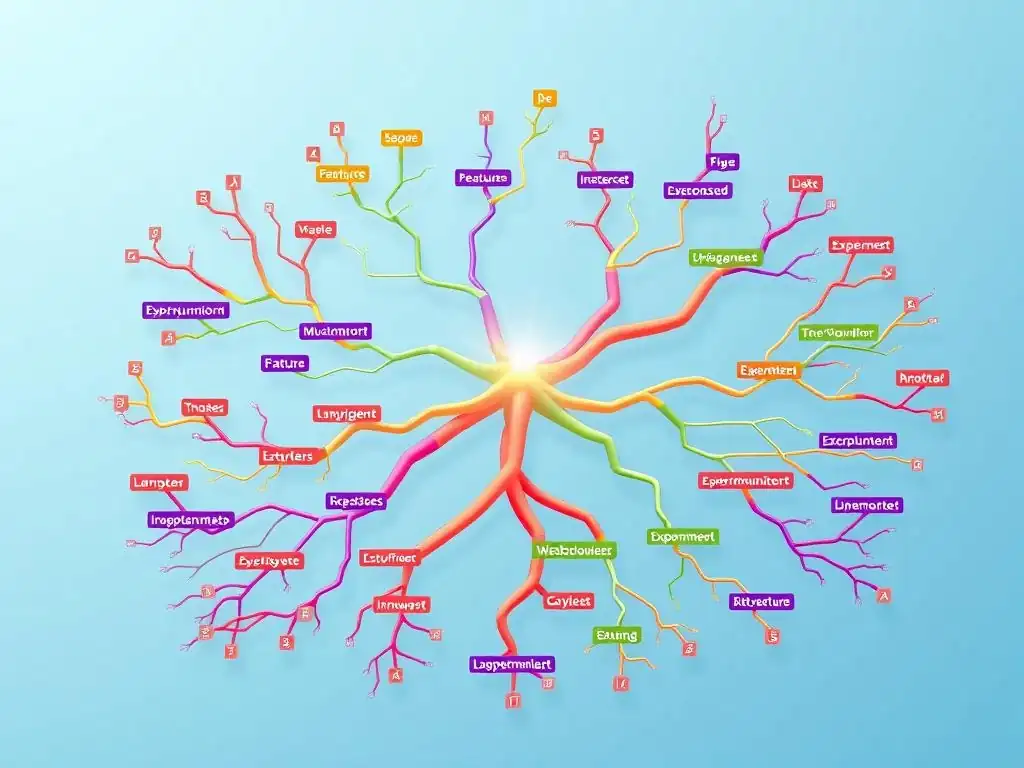
Welcome to Git and Version Control Hub, your central resource for mastering the art of version control! Dive in and unlock the power of Git with our comprehensive tutorials, designed for developers of all levels. This week, we're exploring a critical aspect of collaborative coding: Git branching for experimental features. Ever wondered how to safely explore new ideas without disrupting your main codebase? We'll walk you through a hands-on tutorial, revealing best practices and powerful techniques to isolate your experiments and foster innovation. Ready to revolutionize your workflow? Let's begin!
Git Branching for Feature Development: Safe Exploration and Integration
- Introduction to Git Branching for Feature Development
-
Frequently Asked Questions
- What is the main purpose of using Git branching for experimental features?
- Why is Git branching preferred over directly modifying the main branch when trying out new features?
- How does a Git branching strategy for experimental features facilitate collaboration within a team?
- What are some best practices to follow when naming branches for experimental features?
- After completing an experimental feature on a branch, what are the typical next steps in Git?
- Final Reflection: Embracing the Power of Branching
- Dive Deeper: Unleash Your Inner Git Innovator!
Introduction to Git Branching for Feature Development
Why Use Git Branches for Feature Development?
Git branches are fundamental to modern software development workflows, especially when it comes to introducing new features. Imagine a team of developers working simultaneously on a complex project. Without a system to isolate changes, chaos would quickly ensue. Branches in Git solve this problem by providing isolated workspaces for each developer or feature.
Think of branches as parallel timelines in your project's history, allowing for independent development without disrupting the main codebase. This isolation is crucial for working on experimental features, as it allows for exploration and innovation without the risk of destabilizing the core application. By using branches, developers can confidently experiment with new ideas, knowing that their changes are contained and can be easily integrated or discarded as needed.
Consider a scenario where a development team at a tech company like "Innovate Solutions" is working on a major update to their flagship product. They need to implement several new features, including a revamped user interface and an enhanced data analytics module. If all developers were to commit directly to the main branch, integrating these large features would become incredibly risky and prone to conflicts. Git branching provides the solution: each feature, like the UI revamp and the analytics module, can be developed in its own dedicated branch. This separation ensures that work on one feature doesn't interfere with another, and the main branch remains stable and deployable. This structured approach significantly reduces the risk of introducing bugs and simplifies the process of integrating new functionalities.
The Benefits of Isolating Feature Code in Git Branches
Isolating feature code within Git branches offers a multitude of benefits that streamline the development process and enhance team collaboration. Firstly, it promotes parallel development. Multiple developers can work on different features concurrently without stepping on each other's toes. This parallel workflow significantly reduces development time and accelerates the delivery of new features. Secondly, feature branches provide a safe environment for experimentation. Developers can try out new approaches, refactor code, or even implement risky changes without fear of breaking the main application. This encourages innovation and allows for a more agile development process.
Furthermore, using Git branches for feature development improves code review processes. When a feature is complete, the branch containing its code can be easily reviewed by other team members before being merged into the main branch. This focused code review ensures higher code quality and reduces the likelihood of introducing bugs into the production codebase. For instance, imagine a developer at "Global Software Inc." working on a new payment gateway integration in a feature branch called feature/payment-gateway. Once development is complete, a pull request can be created for this branch. Other developers can then review the code specifically related to the payment gateway integration, ensuring its quality and security before it is merged into the main project. This targeted review process is much more efficient and effective than reviewing large, monolithic changes directly committed to main.
Understanding the Risks of Directly Modifying the main Branch
Directly modifying the main branch, especially when developing new features, carries significant risks that can disrupt development workflows and compromise project stability. The main branch is typically considered the stable, production-ready branch of a repository. It represents the current released version of the software or the codebase that is expected to be deployable at any time. Introducing untested or incomplete feature code directly into this branch can lead to instability, introduce bugs into the production environment, and potentially halt deployments. This is particularly problematic in continuous delivery environments where frequent and automated deployments are the norm.
Consider a scenario at a startup called "CodeCraft Solutions," where developers initially worked directly on the main branch to quickly push out features. They soon encountered numerous issues. Bug fixes introduced for one feature inadvertently broke another, and the main branch became increasingly unstable. Deployments became risky and unpredictable, leading to delays and customer dissatisfaction. This experience underscores the importance of treating the main branch with care and avoiding direct modifications for feature development. Using feature branches provides a crucial layer of protection for the main branch, ensuring its stability and reliability as the central point of integration for all developed features.
Frequently Asked Questions
What is the main purpose of using Git branching for experimental features?
The primary purpose is to isolate experimental code from the main codebase, ensuring that unstable or potentially breaking changes do not affect the stable version of the project. This allows for safe exploration and innovation.
Why is Git branching preferred over directly modifying the main branch when trying out new features?
Directly modifying the main branch risks introducing bugs and instability to the production-ready code. Branching allows developers to experiment freely without impacting the overall integrity of the project. It promotes parallel development.
How does a Git branching strategy for experimental features facilitate collaboration within a team?
Branching enables multiple developers to work on different experimental features simultaneously and independently. It prevents code conflicts and allows for focused testing and review before merging the successful experiments back into the main branch.
What are some best practices to follow when naming branches for experimental features?
Branch names should be descriptive and concise, clearly indicating the purpose of the branch. Consider using prefixes like "feature/", "experiment/", or "dev/" to categorize different types of branches. This enhances code maintainability.
After completing an experimental feature on a branch, what are the typical next steps in Git?
The next steps typically involve thorough testing and review of the code on the experimental branch. If the feature is deemed successful, the branch can be merged into the main branch after resolving any conflicts. Unsuccessful ones are usually discarded.
Final Reflection: Embracing the Power of Branching
The ability to experiment without fear of breaking the main codebase is paramount in today's fast-paced development environment, and Git branching provides the perfect sandbox for such exploration. This tutorial has hopefully illuminated the path to leveraging Git branching for experimental features, allowing developers to innovate safely and efficiently.
The impact of Git branching on software development is undeniable. It fosters a culture of experimentation and allows for parallel development efforts, significantly accelerating the innovation cycle. Personally, I've witnessed firsthand how a well-structured branching strategy can transform a team's ability to tackle complex problems and deliver cutting-edge solutions. The best way to predict the future is to create it.
- Peter Drucker. This quote perfectly encapsulates the spirit of experimental branching: it empowers us to actively shape the future of our software.
Now, I encourage you to embrace the power of Git branching in your own projects. Don't be afraid to create branches, explore new ideas, and push the boundaries of what's possible. The tools are at your fingertips; the only limit is your imagination. Go forth and build something amazing!
Dive Deeper: Unleash Your Inner Git Innovator!
Thank you for exploring the power of Git branching for experimental features! We hope you've gained a clearer understanding of how to safely explore new ideas and foster innovation within your projects. Now, let's put that knowledge into action!
Here are a few steps you can take right now to become a Git branching expert:
- Start a feature branch for that groundbreaking idea you've been hesitating to begin. Don't wait—the time is now!
- Share this article with a colleague who could benefit from safer experimentation. Help them discover the advantages of branching!
- Review your existing codebase and identify areas where using feature branches could improve your workflow.
What new feature will you develop today using a new branch? Share your ideas in the comments below!