
Stop Guessing, Start Bisecting: Pinpoint Bugs with Binary Search in Git

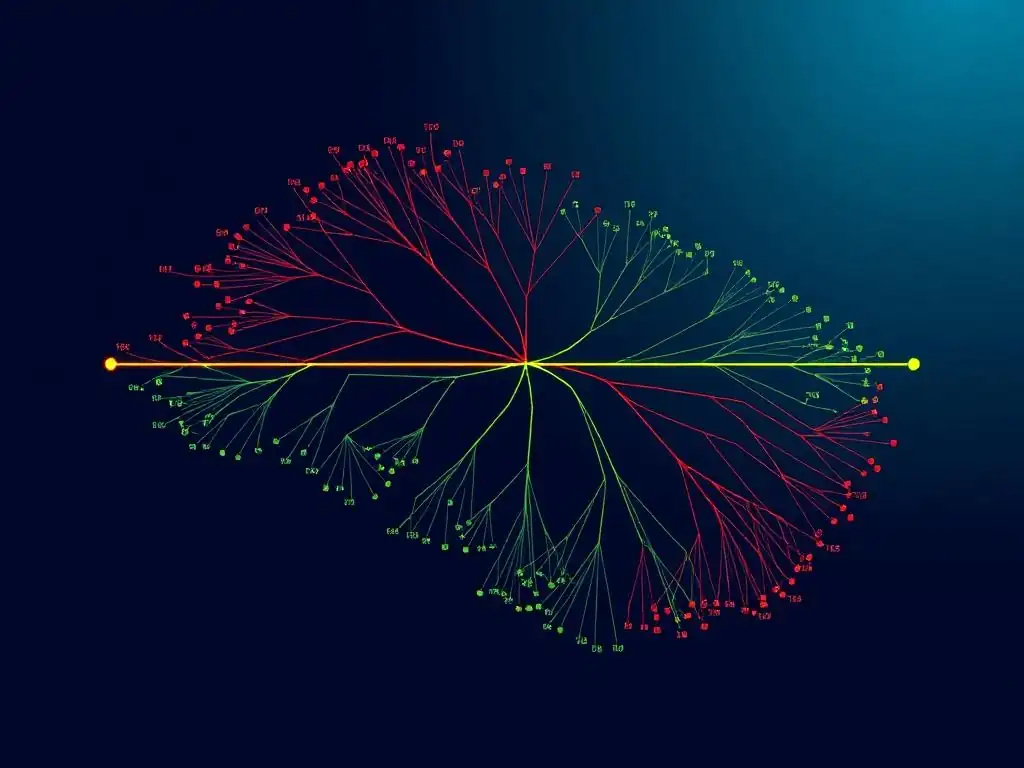
Welcome to Git and Version Control Hub, your compass in the world of code collaboration! Ready to ditch the debugging guesswork? Today, we're diving deep into an advanced Git technique that will revolutionize your bug hunting process. Ever heard of using binary search within Git? Get ready to master Git bisect for bug tracking, a powerful tool that will help you pinpoint the exact commit that introduced that pesky bug. Intrigued? Let's get started and unravel the secrets to efficient bug resolution!
Introduction to Git Bisect for Bug Tracking: Stop Guessing, Start Pinpointing
The Frustration of Finding Bugs in Git History
Debugging is an inherent part of software development, and often, bugs are introduced subtly and remain undetected for some time. When a bug surfaces, especially in a mature project with a rich commit history, the immediate question is: "Where did this come from?". Developers often find themselves lost in a sea of commits, desperately trying to manually sift through changes, hoping to stumble upon the commit that introduced the problematic code. This manual process is akin to searching for a needle in a haystack, often involving numerous git log commands, comparing different versions, and mentally retracing steps. It’s a time-consuming and error-prone process, often leading to developer frustration and delayed bug fixes.
The traditional approach of manually reviewing commit history for bug identification is not only inefficient but also heavily reliant on guesswork and intuition. Imagine a scenario where a bug was introduced weeks or even months ago, across hundreds of commits made by multiple developers. Trying to remember the context of changes, or pinpoint specific commits that might be responsible, becomes an overwhelming task.
Developers may resort to checking out older commits one by one, running tests, and hoping to land on the culprit. This linear, step-by-step approach can take hours, if not days, and still might not accurately identify the root cause, leading to prolonged debugging sessions and increased development costs. The need for a more systematic and efficient method becomes undeniably clear in such situations.
Frequently Asked Questions
What is git bisect and why is it useful for bug tracking?
git bisect is a powerful Git command that helps you find the commit that introduced a bug by using a binary search algorithm. This saves significant time compared to manually checking each commit.
How does git bisect work in practice?
You provide git bisect with a "good" commit (where the bug didn't exist) and a "bad" commit (where the bug is present). It then automatically checks out commits in between, asking you to mark each as "good" or "bad" until it identifies the problematic commit.
What are the essential commands for using git bisect?
The main commands are git bisect start, git bisect good <commit>, git bisect bad <commit>, git bisect reset, and git bisect visualize. These commands allow you to start the process, mark commits, stop the process, and visualize the steps.
Can git bisect be used for more than just bug tracking?
While primarily used for bug tracking, git bisect can also be used to identify the commit that introduced a performance regression or any other unwanted change in your codebase.
What are some common pitfalls to avoid when using git bisect?
Make sure you have a reliable test to determine if a commit is "good" or "bad". Also, it's important to git bisect reset after finding the culprit to return to your original branch.
Final Reflection: The Precision of Progress
The ability to pinpoint the exact moment a bug infiltrated our codebase, as demonstrated by Git bisect's power, is more crucial than ever in today's rapidly evolving software landscape. No longer must we rely on guesswork and endless debugging sessions; instead, we can leverage the precision of binary search to efficiently isolate and eliminate errors, ensuring the stability and reliability of our projects.
This technique has profoundly influenced how we approach debugging, shifting from a reactive scramble to a proactive and methodical investigation. The empowerment that comes from knowing exactly where a problem originated is transformative, fostering a culture of accountability and continuous improvement within development teams. The best debugger is the one you don't need.
- Unknown. This sentiment underscores the value of tools like Git bisect, which ultimately aim to prevent bugs from reaching production in the first place.
Now, consider the implications of this precision in your own workflow. How can you integrate Git bisect into your debugging process to save time, reduce frustration, and ultimately build better software? Embrace the power of methodical investigation, and let the binary search guide you towards a future where bugs are not dreaded obstacles, but rather opportunities for learning and growth.
Unleash Your Inner Git Detective!
Thanks for delving into the power of git bisect! We hope you've uncovered a valuable tool for pinpointing pesky bugs in your codebase. Now, it's time to put that knowledge into action and make your debugging process smoother than ever.
Here are a few ways to leverage your newfound expertise:
- Dive deep and bisect your oldest unresolved bug! There's no better way to learn than by doing. See how much time
git bisectcan save you. - Share this article with a colleague who struggles with debugging. Help them discover a more efficient workflow and become a Git hero!
- Explore other advanced Git techniques in our resource library. We're constantly adding new content to help you master version control.
Ready to conquer your codebase, one bisect at a time?