
Squashing Commits for Clarity: Interactive Rebase for Feature Branches

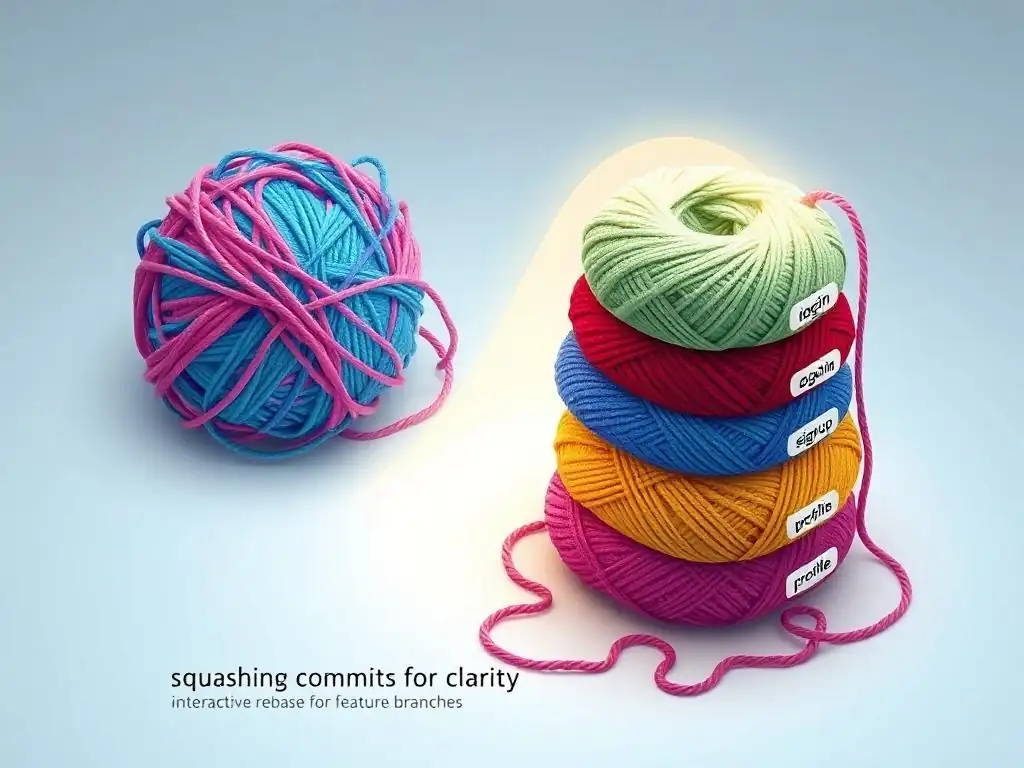
Welcome to Git and Version Control Hub, your definitive resource for mastering the art of version control! Are you ready to transform your Git workflow from good to exceptional? This article dives deep into an interactive rebase git tutorial, uncovering how to elegantly squash commits on your feature branches and create a pristine, understandable project history. Intrigued? Let's unlock the power of a clean commit history together!
Squashing Commits for Clarity: Interactive Rebase for Feature Branches
- Introduction to Interactive Rebase and Commit Squashing
-
Frequently Asked Questions
- How does an interactive rebase specifically help with commit history?
- Why is squashing commits considered beneficial in a feature branch workflow?
- What are the risks associated with using interactive rebase, especially in a team environment?
- What are some alternatives to using interactive rebase for cleaning up commit history?
- How does an interactive rebase git tutorial help improve my overall Git workflow?
- Final Reflection: Embracing Clarity Through History
- Master Your Git History: Reclaim Clarity Now!
Introduction to Interactive Rebase and Commit Squashing
Why Squash Commits in Git? Improving Project History
In the world of software development, version control systems like Git are indispensable for tracking changes and fostering collaboration. As developers work on features, they often create numerous commits, each representing a small step in the development process. While these granular commits are useful during active development, they can sometimes clutter the project's history, making it harder to understand the evolution of features at a higher level.
This is where commit squashing comes into play. Squashing commits is the practice of combining multiple smaller commits into a single, more comprehensive commit. This technique is particularly valuable when working on feature branches, where the focus is on delivering a cohesive feature rather than every intermediate step.
Imagine a scenario where a developer is implementing a new user authentication system. Throughout the development, they might create commits for adding the user model, implementing password hashing, creating login and registration endpoints, and fixing minor bugs encountered along the way. Individually, these commits might be very specific and detailed, but when viewed together in the main branch's history, they can appear noisy and less informative about the feature as a whole. By squashing these commits into a single commit like "feat: Implement user authentication system," the project history becomes cleaner and more focused on the significant features added to the codebase. This streamlined history makes it easier for developers to understand the project's evolution, track down specific features, and perform tasks like git bisect more effectively.
Understanding the Benefits of a Clean Commit History
A clean commit history offers several significant advantages in software development workflows. Firstly, it enhances the readability and understandability of the project's evolution. When browsing the commit history, developers can quickly grasp the major changes and features introduced over time without getting bogged down in numerous minor, implementation-specific commits. This is especially crucial for onboarding new team members or when revisiting older parts of the codebase after a period of inactivity. A clear history acts as a form of documentation, telling the story of the project in a concise and logical manner.
Secondly, a well-structured commit history simplifies the process of debugging and issue tracking. When encountering a bug, developers often rely on git bisect to pinpoint the commit that introduced the issue. A cleaner history with fewer, more meaningful commits makes this process significantly more efficient. Instead of sifting through dozens of trivial commits, developers can focus on reviewing larger, feature-oriented changes, increasing the chances of quickly identifying the root cause of the problem. Furthermore, a clear commit history improves collaboration within development teams. When team members review pull requests or investigate code changes, a well-organized history makes it easier to understand the context and impact of modifications, leading to more effective code reviews and knowledge sharing.
Interactive Rebase: A Powerful Tool for Git Commit Management
Interactive rebase is a powerful Git command that allows developers to manipulate and rewrite commit history in a flexible and controlled manner. Unlike a standard rebase, which automatically replays commits onto a new base, interactive rebase provides a scriptable interface where developers can choose to modify, reorder, squash, edit, or even drop commits before applying them. This level of control makes interactive rebase an invaluable tool for cleaning up feature branches before merging them into the main branch. It allows developers to consolidate their work into a series of logical and well-described commits, improving the overall project history.
Imagine a scenario where you've been working on a feature branch and have made several commits, some of which are minor fixes, experiments, or work-in-progress states. Before merging this branch, you realize that these individual commits don't add much value to the main branch's history. Using interactive rebase, you can select these commits and squash them together into a single, more meaningful commit that represents the complete feature. Interactive rebase is initiated using the command git rebase -i <base-branch> or git rebase --interactive <base-branch>. This command opens an editor displaying a "todo list" of commits in your feature branch, allowing you to specify actions like pick, squash, fixup, reword, edit, and drop for each commit. This todo list is the key to the power of interactive rebase, providing a granular level of control over how your commit history is rewritten.
Frequently Asked Questions
How does an interactive rebase specifically help with commit history?
Interactive rebase allows you to rewrite commit history by providing the opportunity to edit, reorder, squash, or drop commits before merging them, resulting in a cleaner and more understandable project timeline. It's a powerful tool for optimizing your commit log.
Why is squashing commits considered beneficial in a feature branch workflow?
Squashing commits in a feature branch helps to consolidate multiple small changes into a single, coherent commit before merging into the main branch. This makes the main branch history cleaner and easier to follow, focusing on logical features rather than granular steps.
What are the risks associated with using interactive rebase, especially in a team environment?
The primary risk is rewriting shared history. If others have based work on the original commits, rebasing can cause merge conflicts and confusion. It's generally recommended to avoid rebasing public branches.
What are some alternatives to using interactive rebase for cleaning up commit history?
Alternatives include using the --amend flag for the most recent commit, or writing clear and concise commit messages in the first place. Regular discussions about commit standards within the team can also help minimize the need for extensive rebasing.
How does an interactive rebase git tutorial help improve my overall Git workflow?
Learning interactive rebase provides greater control over your commit history, allowing you to create a polished and professional record of your work. This improves collaboration, makes debugging easier, and demonstrates a strong understanding of Git principles.
Final Reflection: Embracing Clarity Through History
The ability to refine and reshape our project history, as demonstrated through interactive rebase, is not merely a technical skill, but a powerful tool for clear communication and collaborative efficiency. In today's fast-paced development landscape, where teams are often distributed and projects complex, a clean and understandable commit history is paramount to maintainability and shared understanding.
The impact of a well-structured commit history extends far beyond the immediate development cycle. It influences how future developers, including our future selves, understand the evolution of the project. This understanding is crucial for debugging, feature enhancements, and even onboarding new team members. Code is read much more often than it is written.
- Guido van Rossum. This quote underscores the importance of writing code, and crafting commit histories, that are easily digestible and contribute to a shared narrative.
As you navigate your own projects, I encourage you to embrace the power of interactive rebase. Don't just commit code; craft a story. Take the time to refine your commit history, to squash those minor fixes, and to present a clear and concise narrative of your work. By doing so, you not only improve the quality of your codebase but also contribute to a more collaborative and understandable development environment for everyone involved.
Okay, here's a CTA for the article "Squashing Commits for Clarity: Interactive Rebase for Feature Branches" for the website "Git and Version Control Hub" with the domain "GitAndVersionControlHub.com":
Master Your Git History: Reclaim Clarity Now!
Thanks for diving into the world of interactive rebasing! Hopefully, you've now got a better understanding of how to clean up your feature branch commits and create a more streamlined Git history for easier collaboration. Ready to put that knowledge to work?
Here are a few steps you can take right now:
- Apply Interactive Rebase on Your Latest Feature Branch: Take that messy branch you've been working on and transform it into a series of logical, easily digestible commits. This is the primary action you should prioritize!
- Share your newly squashed branch and invite your team to review the cleaner history. Get feedback on whether the changes are easier to understand.
- Experiment with different rebasing options like
editandrewordto fully customize your commit messages and content, then share your before and after with the GitAndVersionControlHub community.
Which "messy" feature branch are you most excited to clean up first, and what challenges do you anticipate facing during the interactive rebase process? Share your plans and questions in the comments below!