
Master Git Bisect StepbyStep: From Beginner to BugFinding Expert

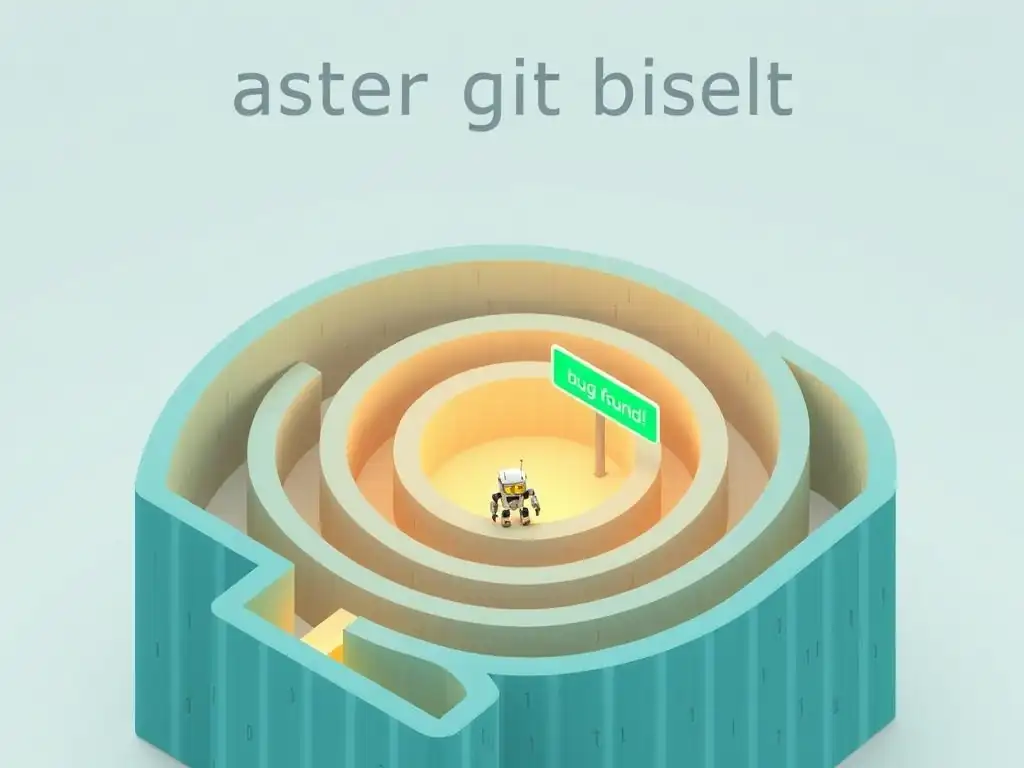
Welcome to Git and Version Control Hub, your central resource for mastering the art of version control! Are you ready to elevate your debugging skills to the next level? This article dives deep into an advanced Git technique that will transform how you find and fix bugs. Ever wished you had a magic tool to pinpoint the exact commit that introduced a pesky error? Prepare to be amazed, because our Git bisect tutorial for beginners will show you how! Uncover the power of binary search in your codebase and become a bug-finding expert. Let's get started!
- Introduction to Git Bisect: A Powerful Debugging Tool
-
Frequently Asked Questions
- What is Git bisect and what is it primarily used for?
- How does Git bisect work in a nutshell?
- What are the basic commands involved in using Git bisect?
- Can Git bisect be used in team environments, or is it primarily for personal projects?
- What happens after Git bisect identifies the commit that introduced the bug?
- Final Reflection: The Power of Precise Debugging
- Unearth Hidden Bugs: Become a Git Bisect Pro!
Introduction to Git Bisect: A Powerful Debugging Tool
What is Git Bisect and Why Should You Use It?
Git bisect is a powerful command-line tool in Git that helps you efficiently find the commit that introduced a bug in your codebase. Imagine you discover a bug in the current version of your software, but you know that a few versions back, the bug was not present. Manually going through each commit to identify the culprit would be incredibly time-consuming, especially in projects with a long history. This is where git bisect comes to the rescue. It automates the process of binary search through your commit history to quickly pinpoint the exact commit that introduced the issue. By using git bisect, developers can significantly reduce the time spent on debugging, allowing them to focus more on feature development and other critical tasks. For example, in a repository with 5000 commits between a known good state and a bad state, manual checking could take days. Git bisect, in the worst-case scenario, would take approximately log₂(5000) steps, which is around 13 steps, dramatically reducing the debugging time to potentially minutes.
Using git bisect is particularly beneficial when dealing with regressions, where a previously working feature suddenly breaks. These types of bugs can be notoriously difficult to track down, especially if they were introduced subtly within a large number of changes. Instead of relying on guesswork or painstakingly reviewing code changes commit by commit, git bisect provides a systematic and efficient approach. It leverages the version control history to its advantage, turning what could be a daunting task into a manageable and even straightforward process. Think of it as a detective tool specifically designed for your Git repository, helping you trace the origin of bugs with precision and speed, ultimately improving your debugging workflow and the overall quality of your software.
Understanding Binary Search in Version Control
At its core, git bisect employs the binary search algorithm, a highly efficient method for finding a specific item in a sorted list. In the context of version control, the "sorted list" is your project's commit history, chronologically ordered. Binary search works by repeatedly dividing the search interval in half. It starts by examining the middle element of the list. If this element is not the target, the search continues in either the lower or upper half, depending on whether the middle element is greater or less than the target. This process is repeated until the target element is found or the interval becomes empty. This logarithmic time complexity, denoted as O(log n), is what makes binary search so much faster than linear search (O(n)) for large datasets, and in this case, large commit histories.
In git bisect, you begin by marking a "bad" commit (where the bug is present) and a "good" commit (where the bug is absent). git bisect then intelligently checks out a commit midway between these two points in your commit history. You test this commit to see if the bug exists. If the bug is present, you mark this commit as "bad"; otherwise, you mark it as "good". Based on your feedback, git bisect narrows down the range of commits where the bug must have been introduced, again picking a commit in the middle of the new range. This iterative process of testing and marking commits continues, halving the search space with each step, until git bisect isolates the single commit that introduced the bug. This systematic approach ensures you don't have to manually examine every commit, saving significant time and effort.
Benefits of Using Git Bisect for Bug Hunting
The advantages of integrating git bisect into your debugging toolkit are numerous and can significantly enhance your development workflow. Firstly, and most importantly, time efficiency is a major benefit. As mentioned earlier, git bisect reduces the number of commits you need to manually examine from potentially thousands to just a handful. For instance, searching through 1024 commits would require at most 10 steps with git bisect, compared to potentially 1024 manual checks. This time saving translates directly to faster bug resolution and quicker release cycles.
Secondly, git bisect provides precision in bug identification. It doesn't just point you to a general area of code changes; it pinpoints the exact commit that introduced the bug. This level of precision is invaluable for understanding the root cause of the issue and implementing targeted fixes. Furthermore, git bisect encourages a systematic and methodical approach to debugging. Instead of relying on intuition or guesswork, it provides a structured process, making debugging less stressful and more predictable. This is particularly helpful when dealing with complex bugs or when working in larger teams where different developers might have contributed to the codebase. Finally, using git bisect enhances your understanding of the codebase history. By stepping through different commits and observing how the application behaves, you gain a deeper appreciation for the evolution of the project and the impact of individual changes. This improved understanding can be beneficial for preventing similar bugs in the future and for making more informed development decisions.
Frequently Asked Questions
What is Git bisect and what is it primarily used for?
Git bisect is a powerful Git command used for finding the commit that introduced a bug in your codebase. It automates the process of binary search through your commit history.
How does Git bisect work in a nutshell?
Git bisect essentially performs a binary search to identify the problematic commit. You mark a "bad" commit (where the bug exists) and a "good" commit (where the bug doesn't exist), and Git bisect narrows down the search.
What are the basic commands involved in using Git bisect?
The primary commands are git bisect start, git bisect good <commit>, git bisect bad <commit>, and git bisect reset. You'll also use git bisect next (implicitly) as it moves between commits.
Can Git bisect be used in team environments, or is it primarily for personal projects?
Git bisect is highly valuable in team environments as it helps teams quickly pinpoint the source of bugs introduced by various contributors and complex code changes.
What happens after Git bisect identifies the commit that introduced the bug?
After identifying the culprit commit, you can then investigate the specific changes in that commit to understand the root cause of the bug and implement a fix.
Final Reflection: The Power of Precise Debugging
The journey from Git novice to bug-finding expert, as outlined in this tutorial, highlights the enduring value of systematic problem-solving. While the world of software development constantly evolves, the core principles of debugging – isolating variables, testing hypotheses, and meticulously tracing the source of errors – remain fundamentally important. The ability to quickly and accurately pinpoint the introduction of a bug, empowered by tools like git bisect, is a skill that transcends specific technologies and makes developers significantly more effective.
This exploration of git bisect has not only provided a practical skill but also underscored the importance of meticulousness in a field often characterized by rapid iteration. The ability to confidently navigate a complex codebase and identify the precise commit that introduced a flaw is a testament to the power of structured thinking and the value of understanding the tools at our disposal. Give me six hours to chop down a tree and I will spend the first four sharpening the axe.
- Abraham Lincoln. This quote perfectly encapsulates the essence of mastering git bisect; investing time in learning the tool allows for exponentially faster and more effective debugging.
Now, armed with the knowledge and techniques presented in this git bisect tutorial for beginners, I encourage you to embrace the challenge of debugging with newfound confidence. Don't shy away from complex problems; instead, approach them with the methodical precision that git bisect empowers. Remember that every bug you conquer is a victory, not just for your project, but for your own growth as a developer. Go forth and find those bugs!
Thanks for diving deep into the world of git bisect! We hope you’ve gained a clearer understanding of how this powerful tool can help you pinpoint the exact commit that introduced a bug into your codebase. Now, let's put that knowledge into action.
Here are some practical steps you can take to solidify your Git bisect skills:
- Start bisecting! Pick a project (even a small one) with a known bug and use
git bisectto find the culprit. Practical experience is the best teacher. - Share your newfound expertise! Write a short blog post or create a tutorial demonstrating how you used
git bisectto solve a real problem. Helping others learn solidifies your own understanding. - Explore advanced bisect techniques. Dig into scripting
git bisectwith complex tests to automate even more challenging bug hunts.
What's the most elusive bug you've ever encountered, and how could git bisect have helped you track it down faster?