
Git Security Essentials: Protecting Your Code from Prying Eyes

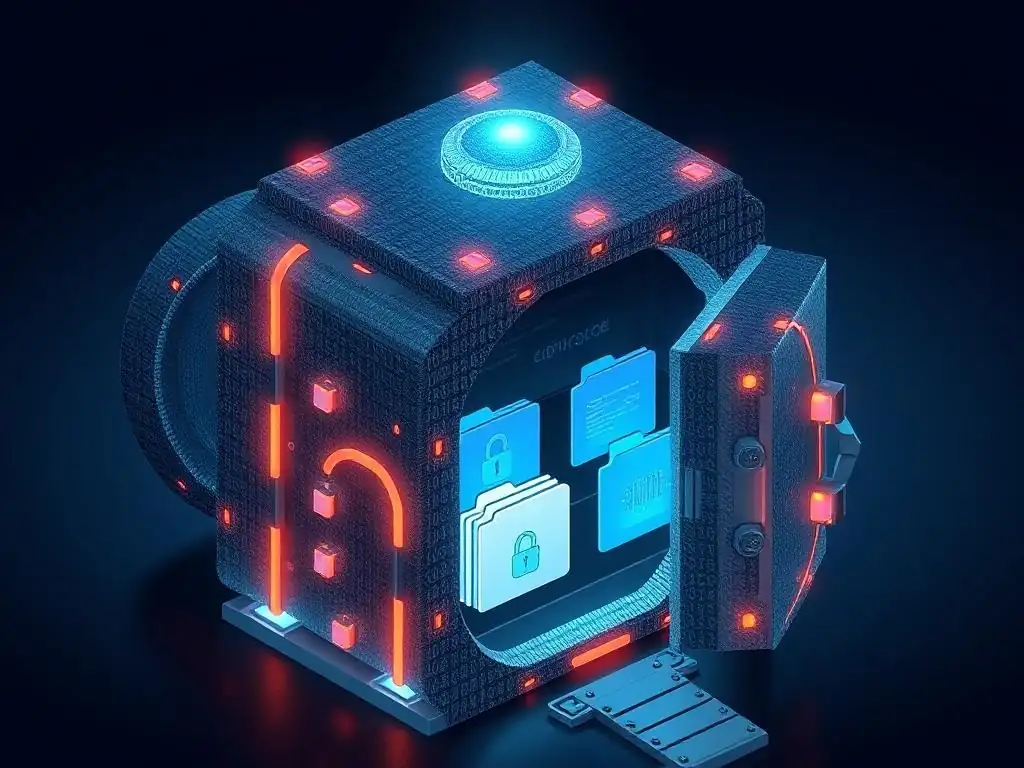
Welcome to the Git and Version Control Hub, your central resource for mastering the art of version control! Curious about how to safeguard your valuable code? Dive into our latest article, " Git Security Essentials: Protecting Your Code from Prying Eyes," where we unveil crucial Git security best practices to shield your projects from potential vulnerabilities. Explore the essential techniques to fortify your workflow and ensure the integrity of your codebase, starting now!
Git Security Essentials: Protecting Your Code from Prying Eyes
- Introduction to Git Security Best Practices
-
Frequently Asked Questions
- How can I protect my Git repository from unauthorized access?
- What are some best practices for handling sensitive data like API keys in Git?
- How can I prevent accidentally committing sensitive information into my Git history?
- What should I do if I accidentally commit sensitive information to my Git repository?
- How important is it to keep my Git client and server software up to date?
- Final Reflection: Guardians of the Digital Frontier
- Unseal Your Code Fortress: Secure Your Git Workflow Now!
Introduction to Git Security Best Practices
Understanding the Importance of Git Repository Security
Git repositories are the backbone of modern software development. They house not only the source code but also the complete history of changes, configurations, and often, sensitive data. Securing these repositories is paramount for maintaining the integrity, confidentiality, and availability of your projects. A breach in Git security can lead to severe consequences, ranging from intellectual property theft and data leaks to supply chain attacks and reputational damage. Therefore, understanding and implementing robust Git security best practices is not merely an option but a critical necessity for any organization relying on version control.
The importance of Git repository security extends beyond just protecting code from external threats. Internal risks, such as accidental data exposure or malicious insider activity, are equally significant concerns. A compromised repository can disrupt development workflows, introduce vulnerabilities into production systems, and even halt business operations. Robust security measures ensure that only authorized individuals have access to specific parts of the codebase, changes are properly audited, and sensitive information remains protected throughout the development lifecycle. By prioritizing Git security, organizations can build trust with their clients, maintain a competitive edge, and safeguard their valuable assets.
Common Git Security Vulnerabilities and Risks
Despite Git's robust design, several common vulnerabilities and risks can compromise the security of your repositories if not properly addressed. One of the most prevalent risks is the accidental or intentional commit of sensitive data directly into the repository. This includes API keys, passwords, private keys, and other credentials that, if exposed, can grant unauthorized access to critical systems and services. Once committed, this data can be difficult to completely remove from the repository's history, potentially leaving a long-term security vulnerability.
Another significant area of concern lies in insecure access control and authentication practices. Weak passwords, shared accounts, and inadequate permission management can create openings for unauthorized access. Furthermore, vulnerabilities in Git hosting platforms or misconfigurations in server setups can expose repositories to external attacks. Lack of proper auditing and monitoring makes it difficult to detect and respond to security incidents in a timely manner. Ignoring these common vulnerabilities can lead to data breaches, intellectual property theft, and disruptions to the software development process, underscoring the need for proactive Git security best practices.
Frequently Asked Questions
You should implement access control using features provided by Git hosting platforms like GitHub or GitLab. Furthermore, use strong passwords and consider enabling two-factor authentication for all accounts.
What are some best practices for handling sensitive data like API keys in Git?
Never commit sensitive data directly into your repository. Instead, use environment variables or dedicated secret management tools to store and access such information.
How can I prevent accidentally committing sensitive information into my Git history?
Utilize a .gitignore file to exclude files containing sensitive information from being tracked. Also, regularly review your commits before pushing them to remote repositories.
What should I do if I accidentally commit sensitive information to my Git repository?
Immediately remove the sensitive data from the repository's history using tools like git filter-branch or BFG Repo-Cleaner. Then, rotate the compromised credentials to prevent unauthorized access.
How important is it to keep my Git client and server software up to date?
Keeping your Git software updated is crucial for security, as updates often include patches for vulnerabilities. Regularly update your Git client and the server software used for your repositories.
Final Reflection: Guardians of the Digital Frontier
The principles outlined in this article, focused on Git security best practices, are not merely theoretical exercises. They are vital, living safeguards in a world increasingly reliant on collaborative code development. The ever-present threat of data breaches and malicious attacks underscores the urgent need for developers and organizations to proactively implement these measures, ensuring the integrity and confidentiality of their valuable intellectual property.
The impact of compromised Git repositories extends far beyond immediate financial losses. It erodes trust, damages reputations, and can have cascading effects across entire industries. Understanding and implementing these security measures is not just a best practice; it's a moral imperative, a responsibility we owe to ourselves, our colleagues, and the users who depend on the software we create. Security is not a product, but a process.
- Bruce Schneier
As we navigate the complexities of modern software development, let us not forget that security is a continuous journey, not a destination. Take the lessons learned here, the Git security best practices, and integrate them into your daily workflow. Question assumptions, challenge vulnerabilities, and champion a culture of security within your teams. The future of secure software development rests on our collective commitment to vigilance and proactive protection. Let's build a more secure digital world, one commit at a time.
Unseal Your Code Fortress: Secure Your Git Workflow Now!
Thank you for diving into the world of Git security! We hope you've gained valuable insights into safeguarding your codebase and protecting your sensitive information. Now, let's put that knowledge into action!
- Implement Multi-Factor Authentication (MFA) on all your Git accounts for an immediate boost in security. This is the most crucial step.
- Dive deeper into advanced security topics, like Git hooks for pre-commit checks, by exploring our comprehensive guide on GitAndVersionControlHub.com (example provided for context only, do not use links).
- Share this article with your team to foster a culture of security-minded version control!
What's the first concrete security measure you'll implement in your Git workflow today to make your code safer than ever?