
Simplifying Git Branching: Understanding the Core Concepts

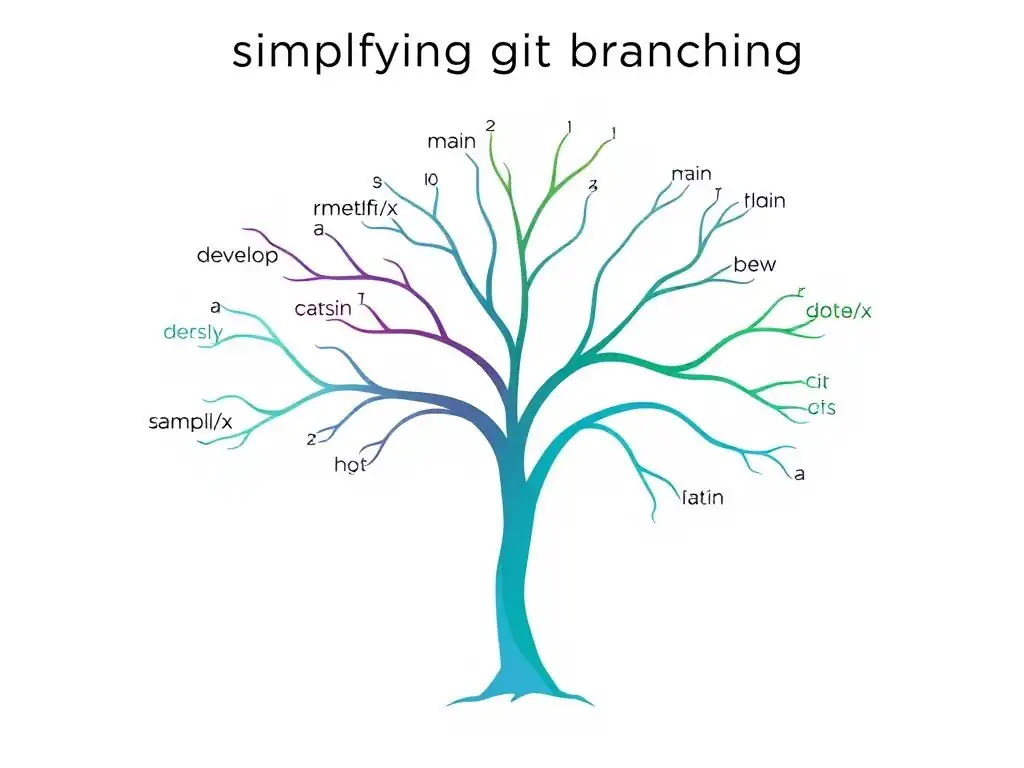
Welcome to the Git and Version Control Hub! Are you ready to unlock the full potential of Git branching and streamline your development workflow? Ever wondered how to navigate the complexities of branches without getting lost in the process? Our latest guide focuses on simplifying git branching concepts, offering a clear path to understanding the core principles and empowering you to collaborate more effectively. Dive in and discover how to master branching, merging, and more!
Introduction to Git Branching: A Collaborative Tool
Why is Git Branching Essential for Team Collaboration?
Imagine a team of developers working simultaneously on a complex software project. Without a system to manage concurrent changes, chaos would quickly ensue. Git branching solves this problem by providing isolated workspaces for developers to work on features, bug fixes, or experiments without directly affecting the main codebase.
This isolation is crucial for preventing conflicts and ensuring that ongoing development doesn't destabilize the project's primary, stable version. For instance, consider a scenario where three developers are working on different features for the next version of an application. Developer A is implementing a new user authentication system, Developer B is redesigning the user interface, and Developer C is optimizing database queries.
Each of these tasks is complex and carries a risk of introducing bugs. By using branches, each developer can work in their own isolated environment, making changes and testing their code without interfering with the work of others or the main project. This parallel development significantly accelerates the development process and reduces the risk of integrating unstable code into the primary codebase.
Furthermore, Git branching facilitates a more structured and reviewable development process. When a developer completes a feature or bug fix on their branch, they can submit it for review before merging it into the main branch. This review process is a cornerstone of collaborative development, allowing team members to examine code changes, identify potential issues, and ensure code quality. Many teams use platforms like GitHub or GitLab to manage these code reviews through pull requests or merge requests, which are built upon Git branching.
For example, before merging Developer A's authentication system, other team members can review the code, suggest improvements, and test its functionality in isolation. This collaborative review loop ensures that only well-vetted and high-quality code is integrated into the main project, leading to more stable and reliable software releases. Branching, therefore, isn't just about code isolation; it's about enabling a collaborative, controlled, and high-quality development workflow.
The Core Concepts of Git Branching Explained
At its heart, Git branching is about creating divergent paths of development within a repository. Think of your project's history as a tree, with the main branch, often named main or master, as the trunk. Branches are like limbs extending from this trunk, representing parallel lines of development. Each branch is essentially a pointer to a specific commit, which is a snapshot of your project at a particular point in time. When you create a new branch, you're essentially creating a new pointer that starts at the same commit as the branch you branched from. This initial commit is the common ancestor of both the original branch and the new branch.
The power of Git branching lies in its ability to allow developers to make changes on these separate branches without affecting other branches until they are explicitly merged. When you make commits on a branch, you are advancing that branch's pointer, creating a new history specific to that branch. For instance, imagine you are on the main branch and decide to start working on a new feature. You create a new branch called feature-x. From this point forward, any commits you make will be recorded on feature-x, and the main branch remains unchanged. You can work on feature-x for days or weeks, making numerous commits, all while the main branch stays stable and potentially receives other updates from your team through different branches. The core operations of branching, such as creating, switching, merging, and deleting branches, are fundamental to managing these parallel development streams effectively and are key to simplifying Git branching concepts for developers.
Frequently Asked Questions
What is Git branching, and why is it important?
Git branching allows you to create separate lines of development from the main codebase. This is crucial for feature development, bug fixes, and experimenting without affecting the stable version.
How do I create a new branch in Git?
You can create a new branch using the command git branch <branch_name>. To switch to the new branch, use git checkout <branch_name>. These commands are essential for managing different versions of your code.
What is the difference between merging and rebasing in Git?
Merging combines changes from one branch into another, creating a new merge commit. Rebasing, on the other hand, rewrites the commit history of a branch to make it appear as if it branched from a different point, creating a cleaner history.
How do I resolve merge conflicts in Git?
Merge conflicts occur when Git cannot automatically determine how to combine changes from two branches. You must manually edit the conflicting files to resolve the conflicts, then use git add and git commit to complete the merge.
How can Git branching help improve team collaboration?
Git branching enables teams to work on features independently without interfering with each other's work. Using well-defined branching strategies, like Gitflow, facilitates efficient collaboration and reduces the risk of introducing bugs into the main codebase.
Final Reflection: Embracing Clarity in Version Control
The journey through Git branching, as we've explored, underscores the vital need for accessible and understandable version control. In today's rapidly evolving software landscape, where collaboration and iterative development are paramount, a clear grasp of Git branching is no longer a luxury, but a fundamental requirement for efficient and successful projects. The ability to navigate branches with confidence empowers developers to experiment, innovate, and contribute effectively, ultimately driving innovation forward.
The impact of simplified Git branching extends far beyond individual developers; it shapes the entire software development ecosystem. The ease with which teams can now manage complex projects, track changes, and revert to previous states is a testament to the power of well-understood version control. This understanding fosters a culture of collaboration and experimentation, where developers feel empowered to explore new ideas without fear of disrupting the main codebase. The best code is both correct and clear.
- Steve McConnell. This quote perfectly encapsulates the spirit of simplifying Git branching: striving for clarity alongside functionality.
Now, as you close this article, consider how you can apply these simplified Git branching concepts to your own workflow. Embrace the power of clear communication and structured branching strategies to unlock new levels of productivity and collaboration within your team. Take the time to experiment, practice, and refine your understanding. By mastering these core concepts, you can not only streamline your own development process but also contribute to a more collaborative and innovative future for software development as a whole.
Master Git Branching Today!
Thanks for exploring the world of Git branching! We hope you now have a clearer understanding of how branches streamline your development workflow. Let's put that knowledge into practice!
Here are a few ways to solidify your understanding and enhance your Git skills:
- Experiment with branching in a personal project by creating a new branch and merging features or bug fixes. Hands-on practice is the best way to learn!
- Share this article with fellow developers who are new to Git branching. Knowledge sharing is key!
- Explore Git's advanced features by trying a new command, such as
git rebase, to see how it integrates with the branching model.
What's the most innovative branching strategy you've employed, and what valuable lessons did you learn? Share your experiences in the comments below!