
Git Branching for Beginners: A Practical Introduction with Examples

Welcome to Git and Version Control Hub, your central resource for mastering the art of version control! Are you ready to unlock the power of collaborative coding and streamline your development workflow? This article dives deep into the world of branching with our beginner git branching tutorial, providing a practical and easy-to-understand introduction. Ever wondered how branching can revolutionize your project management? Keep reading to discover how to leverage this essential Git feature, and prepare to level up your coding game!
Git Branching: A Practical Guide for Collaborative Development
Understanding Git Branching: Core Concepts
What is a Git Branch? An Isolated Line of Development
In Git, a branch is essentially a lightweight, movable pointer to a commit. Imagine it as a parallel pathway diverging from the main road of your project's history. By default, Git repositories have a primary branch named main (or sometimes master), which represents the stable, production-ready version of your project. When you create a new branch, you are creating a separate copy of the codebase at a specific point in time, allowing you to work on new features or bug fixes without directly affecting the main branch. This isolation is crucial for maintaining a stable project while enabling experimentation and parallel development.
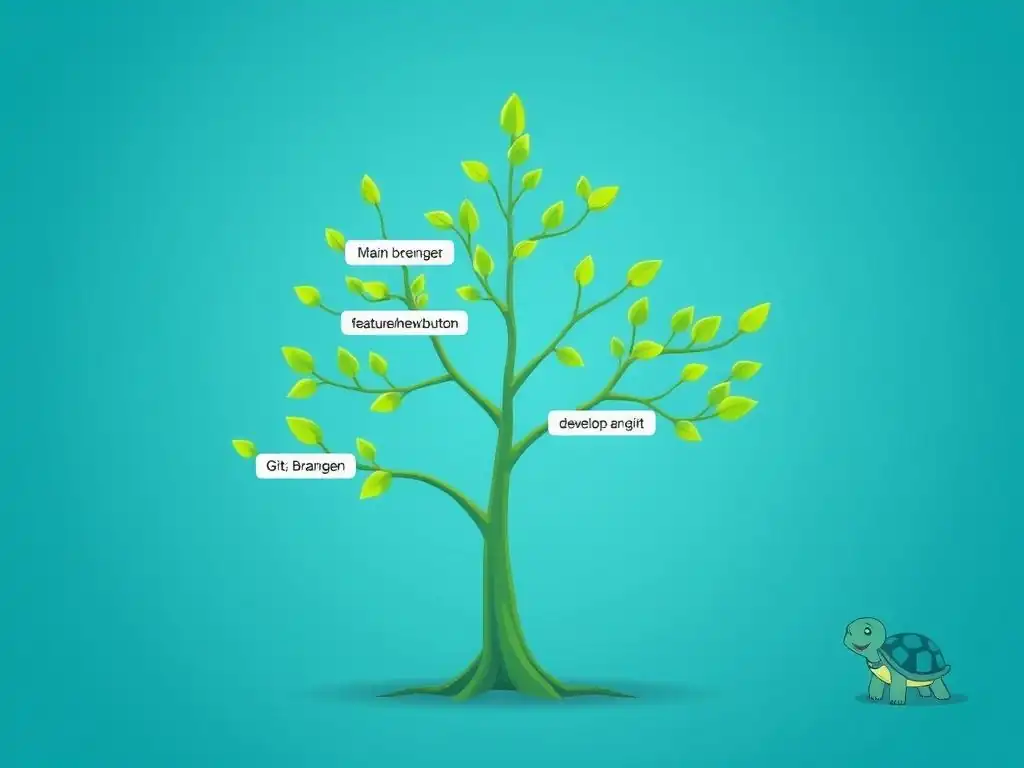
Think of a software project as a tree. The main branch is the trunk, representing the core, stable development line. When you decide to add a new feature or fix a bug, you create a new branch – a new limb growing from the trunk. This new branch is independent; changes made in this branch do not immediately affect the trunk or other branches. You can work on this branch, experiment, and even make mistakes without risking the stability of the main codebase. Once the feature is complete and tested, you can then merge this branch back into the main trunk, integrating your changes into the stable version.
Benefits of Branching: Parallel Development and Experimentation
Git branching unlocks powerful workflows for both individual developers and collaborative teams. One of the primary benefits is enabling parallel development. Multiple developers can work on different features or bug fixes simultaneously, each on their own branch, without interfering with each other's work.
This significantly speeds up the development process, as teams are not forced to work sequentially on tasks. For instance, while one developer is implementing a new user authentication system on a feature branch, another can be fixing a critical bug on a separate hotfix branch, and a third could be refactoring the codebase on a refactoring branch – all at the same time.
Beyond parallel development, branching provides a safe space for experimentation and innovation. Developers can try out new ideas, refactor code, or implement risky features on branches without the fear of breaking the main codebase. If an experiment fails, the branch can simply be discarded, leaving the main branch untouched and stable. This encourages exploration and allows for a more iterative development process. For example, a developer might want to test a new UI library. They can create a branch, integrate the library, and experiment with it. If the library proves to be unsuitable, they can simply delete the branch and revert to the original state without impacting the project's stability. This safety net is invaluable for fostering innovation and reducing the risk associated with trying new technologies or approaches.
Frequently Asked Questions
What is Git branching and why is it important?
Git branching allows you to create separate lines of development from your main codebase. This is important for isolating new features or bug fixes without disrupting the stable version of your project.
How do I create a new branch in Git?
You can create a new branch using the command git branch <branch_name>. This command creates a pointer to the current commit, allowing you to switch to the new branch and start making changes.
How do I switch between different branches in Git?
The command git checkout <branch_name> allows you to switch to an existing branch. This updates your working directory to reflect the files and commits in that branch.
What is the difference between git branch and git checkout -b?
git branch only creates a new branch, while git checkout -b <branch_name> creates a new branch and immediately switches to it. The latter is a shortcut for creating and switching in one step.
How do I merge changes from one branch into another?
You use the command git merge <branch_name> while on the branch you want to merge into. This integrates the changes from <branch_name> into your current branch.
Final Reflection: Embracing the Power of Branching
The journey into version control, particularly with Git branching, is more than just learning commands; it's about unlocking a collaborative and resilient development workflow. In today's fast-paced software landscape, the ability to experiment, iterate, and manage code effectively is paramount, and Git branching provides the foundation for achieving just that.
This exploration of Git branching has, I hope, illuminated its power and accessibility. Understanding and utilizing branching strategies is not just a technical skill, but a crucial element in fostering innovation and reducing risk in software development. The best way to predict the future is to create it.
This quote resonates deeply with the spirit of branching, allowing developers to explore new possibilities without jeopardizing the stability of their projects.
Now, armed with this beginner Git branching tutorial, I encourage you to embrace the power of branching in your own projects. Don't be afraid to experiment, to create new branches, and to explore different approaches. The ability to isolate changes, collaborate effectively, and revert to previous states is a superpower that will transform your development process. Go forth and branch with confidence!
Unlock Your Git Potential: Start Branching Today!
Thank you for exploring the world of Git branching with us! We hope you now have a solid understanding of how branching can significantly improve your development workflow. Now it's time to put your knowledge into practice.
To continue your Git branching journey, try these steps:
- Experiment with a new branch: Create a branch for a small feature or bug fix. Commit your changes and merge the branch back into your main branch. This hands-on experience is invaluable.
- Share this article with a colleague. Help them move beyond linear development and embrace the power of branching.
- Learn more about advanced Git workflows. Explore strategies like Gitflow or GitHub Flow to streamline your project's development.
What project will you use your new branching skills on first? Share your ideas in the comments below!