
Git for Beginners: Beyond the Basics What to Learn Next

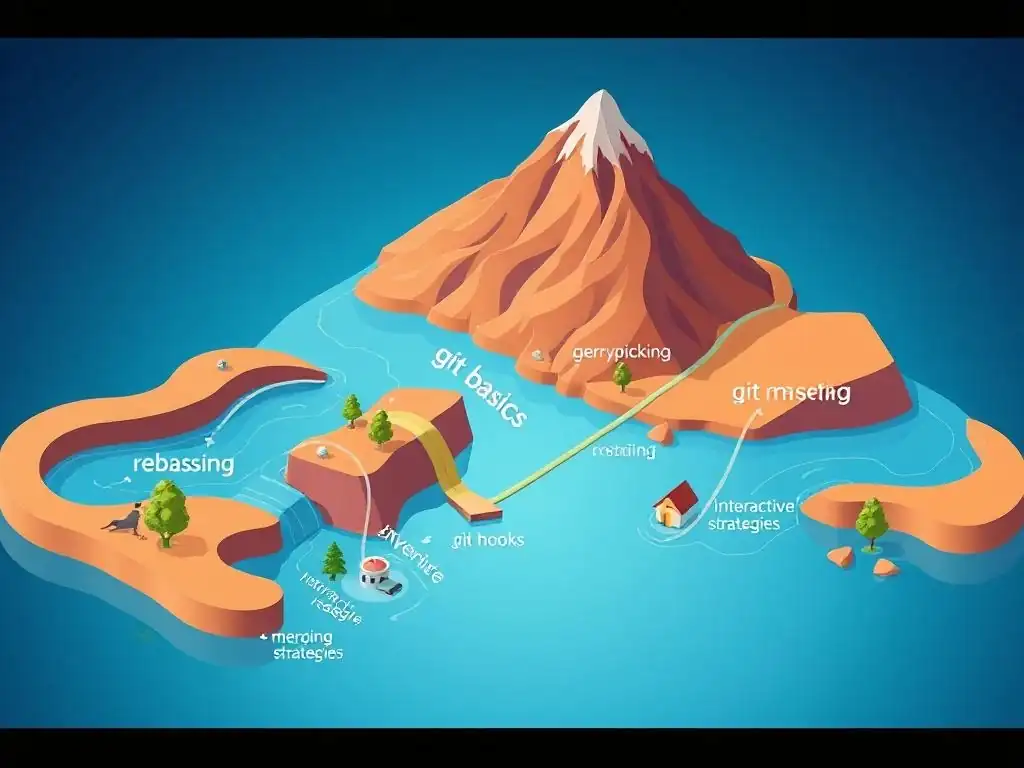
Welcome to the Git and Version Control Hub, your central resource for mastering the art of collaborative coding! Ready to level up your Git skills? This guide dives into advanced Git concepts for beginners, demystifying powerful techniques that will transform your workflow. Curious about branching strategies and conflict resolution? Let's explore how you can move beyond the basics and become a Git pro – it's easier than you think!
- Introduction: Refining Your Git Proficiency
-
Frequently Asked Questions
- What are some advanced Git concepts that beginners should prioritize learning after grasping the basics?
- How does understanding rebasing help in managing a Git repository?
- Why is learning about Git hooks considered an advanced concept, and what benefits do they offer?
- What is the significance of CI/CD pipelines in a Git-based workflow, and how does version control contribute to them?
- How can I effectively use GitHub or GitLab to collaborate with others on a Git repository, going beyond basic commits and pushes?
- Final Reflection: Mastering Git for Tomorrow's Challenges
- Unleash Your Git Potential!
Introduction: Refining Your Git Proficiency
From Basic Commands to Efficient Git Practices
Moving beyond the fundamental git add, git commit, and git push commands is crucial for any developer aiming for proficiency in version control. While these basic commands are the building blocks, they merely scratch the surface of Git's capabilities. Efficient Git practices involve understanding how to leverage Git's more advanced features to manage complex projects, collaborate effectively with teams, and maintain a clean and understandable project history. This progression is not just about knowing more commands; it’s about adopting strategies that streamline your workflow, reduce errors, and enhance your overall development experience.
Think of the initial Git commands as learning to write individual words. Once you master these, the next step is to learn grammar and sentence structure to form coherent and complex thoughts. Similarly, in Git, mastering advanced concepts allows you to construct sophisticated version control strategies that are essential for navigating real-world software development scenarios.
These efficient practices include strategic branching, intelligent merging and rebasing, effective conflict resolution, and utilizing tools like Git hooks to automate repetitive tasks. Embracing these advanced techniques transforms Git from a simple version tracking tool into a powerful ally in managing the complexities of software development.
The Value of Advanced Git Knowledge
Investing time in learning advanced Git concepts pays dividends in numerous ways, especially for beginners looking to solidify their skills. Firstly, it significantly enhances your ability to work on larger and more complex projects. Imagine trying to manage a project with multiple developers contributing code simultaneously, features being developed in parallel, and bug fixes being rolled out regularly using only basic Git commands. It would quickly become chaotic and error-prone. Advanced Git knowledge equips you with the tools to handle these complexities gracefully.
Secondly, a strong grasp of advanced Git concepts makes you a more valuable and efficient team member. Collaboration in software development heavily relies on effective version control practices. Understanding branching strategies like Gitflow or GitHub Flow, mastering pull requests for code review, and efficiently resolving merge conflicts are all skills that are highly sought after in professional development environments.
Furthermore, proficiency in Git is often a prerequisite for contributing to open-source projects, opening up a vast world of collaborative development and learning opportunities. By moving beyond the basics, you not only improve your personal workflow but also elevate your contribution to any development team.
Frequently Asked Questions
What are some advanced Git concepts that beginners should prioritize learning after grasping the basics?
Beginners should focus on branching and merging. These are essential for parallel development and feature integration, allowing for a more organized workflow.
How does understanding rebasing help in managing a Git repository?
Rebasing helps create a cleaner and more linear project history. It rewrites commit history, making it appear as if changes were made from a single branch, improving code maintainability.
Why is learning about Git hooks considered an advanced concept, and what benefits do they offer?
Git hooks automate tasks during specific Git events, like commits or pushes. They allow for customized workflows and quality control, ensuring code consistency.
What is the significance of CI/CD pipelines in a Git-based workflow, and how does version control contribute to them?
CI/CD pipelines automate testing and deployment. Version control ensures that only tested and approved code is integrated, leading to faster and more reliable releases.
How can I effectively use GitHub or GitLab to collaborate with others on a Git repository, going beyond basic commits and pushes?
Mastering pull requests, code reviews, and issue tracking on platforms like GitHub or GitLab are vital. This facilitates team collaboration and code quality, leading to streamlined development.
Final Reflection: Mastering Git for Tomorrow's Challenges
The journey from basic Git commands to understanding more advanced Git concepts is not just about mastering a tool; it's about embracing a mindset of collaboration, version control, and continuous improvement that is increasingly vital in today's rapidly evolving software development landscape. Understanding these concepts empowers developers to tackle complex projects with confidence and efficiency, making them invaluable assets to any team.
The influence of Git extends far beyond the realm of coding. It's a philosophy of tracking changes, understanding history, and collaborating effectively that permeates various aspects of our digital lives. My own experience has shown me that understanding Git's underlying principles fosters a more organized and thoughtful approach to any project, regardless of its technical nature. The best way to predict the future is to create it.
– Peter Drucker. This quote resonates deeply with the spirit of Git, encouraging us to actively shape our projects and workflows through careful planning and version control.
Now, armed with a deeper understanding of Git, I invite you to reflect on how these advanced concepts can transform your own projects and workflows. Consider how branching strategies, rebasing, and conflict resolution can streamline your collaboration and empower you to build more robust and reliable software. Embrace the power of Git not just as a tool, but as a framework for continuous learning and improvement, and you will unlock new levels of productivity and innovation in your endeavors.
Unleash Your Git Potential!
Thanks for exploring Git with us! We hope you've discovered exciting new ways to use it. Now's the time to put your knowledge into practice and truly master version control.
Here's how to take your Git skills to the next level:
- Immediately apply branching strategies to your next project. Don't just read about it; try it!
- Explore advanced workflows like Gitflow or GitHub Flow to see how teams collaborate effectively. Then, adapt these strategies to your own projects.
- Share your Git knowledge! Write a blog post about your favorite tip, or teach a friend the basics.
Ready to become a Git expert? What advanced Git command will you master this week?