
Branch Protection Demystified: Secure Your Git Workflow with Smart Permissions

Welcome to Git and Version Control Hub, your central resource for mastering Git and version control.
Ever wondered how to safeguard your critical code branches from accidental or malicious changes? Dive into our latest article, " Branch Protection Demystified: Secure Your Git Workflow with Smart Permissions," where we unlock the secrets of Git branch protection best practices. Discover how to implement robust safeguards and elevate your team's collaborative workflow within the Git ecosystem. Curious to learn how to prevent accidental pushes or unauthorized merges? Read on to find out!
Introduction: Why Git Branch Protection Best Practices Matter
Understanding the Vulnerabilities in Unprotected Git Branches
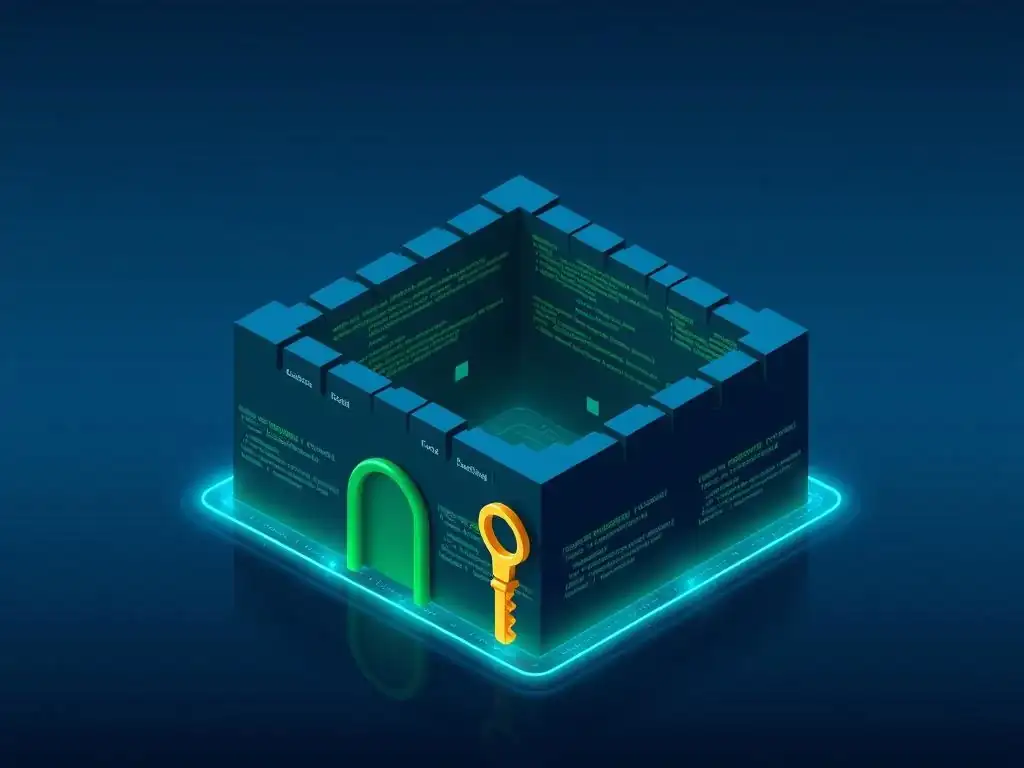
In the collaborative world of software development, Git has become the cornerstone of version control. However, the very flexibility and openness that make Git so powerful can also introduce vulnerabilities if not managed correctly. Unprotected Git branches, especially critical ones like main or release, are akin to leaving the front door of your codebase unlocked. Imagine a scenario where any developer, regardless of their experience or understanding of the project's current state, can directly push changes to the main branch. This lack of control can lead to accidental introduction of bugs, broken builds, or even security vulnerabilities making their way into production. A single git push --force command from an unaware developer can overwrite critical history, causing significant disruption and potential data loss.
Furthermore, unprotected branches are prime targets for unintentional or malicious actions. Without branch protection, there's no enforced code review process, meaning suboptimal or even flawed code can be merged without scrutiny. This bypasses crucial quality gates and increases the risk of introducing regressions and technical debt. Consider the impact of a junior developer, still learning the codebase, accidentally merging a feature branch with untested and breaking changes directly into develop. This can halt development for the entire team, requiring significant debugging and rollback efforts. In a more serious scenario, a disgruntled or compromised insider could inject malicious code directly into a critical branch, leading to security breaches and potential data leaks if no branch protection measures are in place. Therefore, understanding the inherent vulnerabilities of unprotected branches is the first step towards appreciating the importance of Git branch protection best practices.
Frequently Asked Questions
What is Git branch protection and why is it important?
Git branch protection is a set of rules that restrict actions on specific branches, like main or develop. It's important because it prevents accidental or malicious changes, safeguarding the integrity of your codebase and ensuring a stable development process.
What are some common Git branch protection settings?
Common settings include requiring pull request reviews before merging, preventing direct commits to the branch, and requiring status checks to pass (like CI/CD tests). These settings help maintain code quality and stability.
How do pull request reviews contribute to branch protection?
Pull request reviews ensure that code changes are scrutinized by other developers before being integrated into the protected branch. This process helps identify potential bugs, improve code quality, and reduce the risk of errors making their way into the main codebase.
Can I customize branch protection rules for different branches?
Yes, Git allows you to customize branch protection rules on a per-branch basis. This flexibility lets you tailor the protection level to the specific needs and importance of each branch within your repository, like development vs. production.
How does branch protection relate to CI/CD pipelines?
Branch protection often integrates with CI/CD pipelines by requiring successful status checks before a pull request can be merged. This ensures that automated tests pass and that the code meets predefined quality standards before being deployed or integrated.
Final Reflection: Fortifying the Future of Collaboration
The principles of Git branch protection, as explored throughout this article, are not merely technical configurations; they are cornerstones of secure and collaborative software development in today's rapidly evolving digital landscape. In a world increasingly reliant on distributed teams and open-source contributions, understanding and implementing Git branch protection best practices is paramount to safeguarding code integrity and fostering a culture of responsible development.
The impact of robust branch protection extends far beyond preventing accidental pushes; it shapes the very fabric of how teams interact and build together. It fosters trust, encourages thoughtful code review, and ultimately leads to higher quality software. This resonates deeply with the core values of collaborative development. Coming together is a beginning, staying together is progress, and working together is success.
- Henry Ford. This quote encapsulates the essence of Git branch protection: it's not just about preventing errors, but about enabling sustained, successful collaboration.
Now, consider how you can apply these principles within your own workflows. Reflect on the current state of your Git repositories and identify areas where stronger branch protection measures could be implemented. Embrace the power of smart permissions, encourage thorough code reviews, and empower your team to build with confidence. The future of software development hinges on our ability to collaborate securely and effectively – let's build that future together, one protected branch at a time.
Supercharge Your Git Security: Take Control Now!
Thanks for exploring the world of branch protection! We hope this guide has given you the tools to strengthen your Git workflow. Ready to put this knowledge into practice and enhance your team's security?
Here's how to begin:
- Implement branch protection on your most crucial branches right away. Don't wait for a problem! Prioritize your main development branches first.
- Explore advanced permission settings. Utilize code owner assignments and granular access control to customize protection for your team's specific needs.
- Share this article with your team and initiate a discussion about your current Git security practices. Let's collaborate to create a more secure development environment!
What's the first branch you'll protect, and what access permissions will you set? Share your thoughts in the comments below!