
GitLab CI/CD and Git Triggers: Reacting to Repository Changes

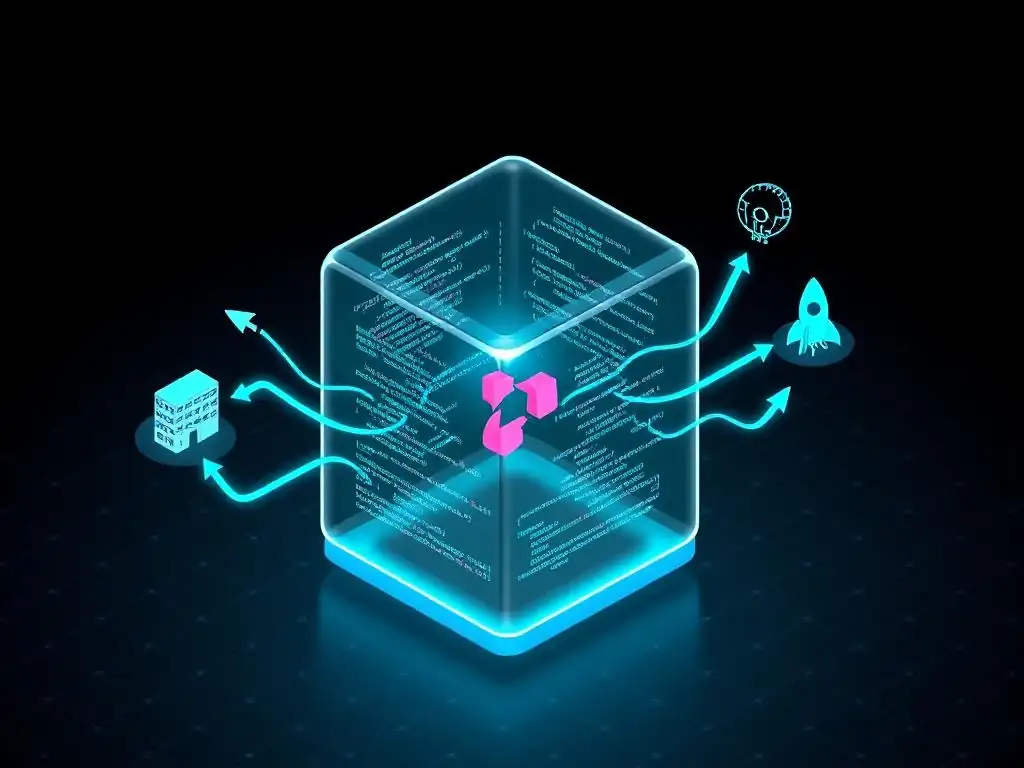
Welcome to Git and Version Control Hub, your central resource for mastering the intricacies of Git and version control!
Dive in and discover how to supercharge your development workflow. Ever wondered how to automate your CI/CD pipelines based on specific repository changes in GitLab? Our in-depth exploration of GitLab CI/CD repository change triggers will reveal how to seamlessly integrate your code updates with automated testing and deployment, ensuring a smoother, more efficient development lifecycle. Ready to unlock the full potential of your GitLab repositories? Let's get started!
GitLab CI/CD and Git Triggers: Reacting to Repository Changes
- Introduction to GitLab CI/CD and Automated Triggers
-
Frequently Asked Questions
- How can GitLab CI/CD automatically start a pipeline when my repository changes?
- What is the purpose of a .gitlab-ci.yml file in relation to GitLab CI/CD?
- Can I configure GitLab CI/CD to only run pipelines for specific branches?
- What types of repository changes can trigger GitLab CI/CD pipelines?
- How can I ensure my GitLab CI/CD pipeline only runs when specific files are changed?
- Final Reflection: Embracing Dynamic Automation
- Unleash the Power of Automated Builds!
Introduction to GitLab CI/CD and Automated Triggers
Understanding the Power of Continuous Integration and Continuous Delivery (CI/CD)
Continuous Integration and Continuous Delivery, commonly known as CI/CD, represent a pivotal shift in modern software development practices. At its core, CI/CD is about automating the software release pipeline, from code integration to deployment. Imagine a scenario where developers frequently commit code changes to a shared repository. Without CI/CD, each integration and deployment would be a manual, error-prone, and time-consuming process.
CI/CD streamlines this by automating the build, test, and deployment stages. For instance, studies show that companies adopting CI/CD pipelines experience up to a 90% reduction in deployment time, allowing for faster release cycles and quicker responses to market demands. This speed is crucial in today's fast-paced tech environment where time-to-market is a significant competitive advantage.
The benefits of CI/CD extend beyond just speed. By automating testing at various stages of the pipeline, from unit tests to integration and system tests, CI/CD significantly improves code quality and reduces the incidence of bugs in production. This automated testing provides rapid feedback to developers, allowing them to identify and fix issues early in the development cycle, when they are less costly and easier to resolve.
Furthermore, CI/CD promotes better collaboration among development teams. With a shared pipeline and automated processes, everyone has visibility into the software delivery process, fostering transparency and accountability. Large tech companies like Netflix and Amazon heavily rely on CI/CD to manage their complex software ecosystems, deploying code changes thousands of times a day with high reliability and minimal downtime.
The Role of Git Triggers in Automating Your GitLab CI/CD Pipeline
Git triggers are the linchpin that connects your Git repository events to your GitLab CI/CD pipeline, enabling a truly automated workflow. Think of Git triggers as automated listeners that constantly monitor your repository for specific changes. These changes could be anything from a new commit being pushed, a new branch being created, or a tag being added. When a defined trigger condition is met, GitLab CI/CD automatically springs into action, initiating a pipeline execution without any manual intervention required.
This reactive mechanism is what makes CI/CD truly "continuous." For example, consider a typical workflow where developers push code changes multiple times a day. Without Git triggers, someone would need to manually start the CI/CD pipeline after each push to ensure the code is built, tested, and potentially deployed.
Git triggers eliminate this manual step entirely. By configuring your .gitlab-ci.yml file to react to specific Git events, such as pushes to the main branch, you ensure that every code change automatically kicks off the CI/CD process. This automation reduces the risk of human error, ensures consistency in the deployment process, and frees up developers to focus on writing code rather than managing deployment workflows. In essence, Git triggers are the foundation for building event-driven CI/CD pipelines in GitLab. They transform your repository into an intelligent system that not only stores your code but also actively participates in its lifecycle management, automatically driving the CI/CD process based on repository changes.
Why Automate CI/CD with Repository Change Detection?
Automating CI/CD with repository change detection, particularly through Git triggers, offers compelling advantages that dramatically enhance software development workflows. The primary benefit is the significant reduction in manual effort and the associated human error. Imagine a scenario where every code commit requires a developer to manually initiate a build, run tests, and trigger deployments.
This process is not only tedious but also prone to inconsistencies and delays. Automated CI/CD triggered by repository changes eliminates this manual overhead, ensuring that every code modification is systematically and reliably processed through the pipeline. This is particularly crucial in fast-paced development environments where frequent code changes are the norm.
Furthermore, automating CI/CD with repository change detection drastically accelerates the feedback loop for developers. As soon as a code change is pushed to the repository, the automated pipeline kicks in, running tests and providing immediate feedback on the success or failure of those changes. This rapid feedback enables developers to quickly identify and rectify issues, leading to higher code quality and fewer bugs in production. Studies indicate that teams using automated CI/CD pipelines experience a 50% reduction in bug fix times due to this faster feedback mechanism. Moreover, automated pipelines ensure consistency and repeatability in the software delivery process. By defining the pipeline steps in code within the .gitlab-ci.yml file and triggering them automatically based on repository events, you create a standardized and reliable process that eliminates configuration drift and ensures that every deployment follows the same predefined steps. This consistency is vital for maintaining software quality and reducing the risk of deployment failures.
Frequently Asked Questions
How can GitLab CI/CD automatically start a pipeline when my repository changes?
GitLab CI/CD uses Git triggers, such as push events or merge requests, to automatically start pipelines. These triggers are defined in your .gitlab-ci.yml file.
What is the purpose of a .gitlab-ci.yml file in relation to GitLab CI/CD?
The .gitlab-ci.yml file is the configuration file for GitLab CI/CD. It defines the pipeline stages, jobs, and the triggers that initiate those pipelines.
Can I configure GitLab CI/CD to only run pipelines for specific branches?
Yes, you can configure GitLab CI/CD to run pipelines only for specific branches using the only or except keywords in your .gitlab-ci.yml file. This allows you to customize pipeline execution based on branch.
What types of repository changes can trigger GitLab CI/CD pipelines?
Common triggers include pushing commits, creating merge requests, tagging releases, and schedule-based triggers. You can customize the triggers to suit your specific workflow needs.
How can I ensure my GitLab CI/CD pipeline only runs when specific files are changed?
You can use the changes keyword in your .gitlab-ci.yml file to define rules that trigger pipelines only when specific files or directories have been modified. This ensures efficient pipeline execution.
Final Reflection: Embracing Dynamic Automation
The power of GitLab CI/CD repository change triggers lies not just in automating workflows, but in fostering a dynamic and responsive development ecosystem. By connecting code changes directly to automated processes, we move beyond static pipelines and embrace a world where our infrastructure intelligently reacts to the evolving needs of our projects. This responsiveness translates to faster feedback loops, reduced manual intervention, and ultimately, a more efficient and agile development process.
This intricate dance between code and automation has profoundly influenced the way we approach software development. The ability to instantly trigger builds, tests, and deployments based on repository changes has shifted the focus from reactive problem-solving to proactive prevention. The key to successful DevOps is automation. It allows us to move faster, reduce errors, and focus on delivering value.
This sentiment perfectly encapsulates the transformative impact of GitLab CI/CD and Git triggers, empowering teams to build, test, and deploy with unprecedented speed and reliability.
As you navigate the complexities of software development, remember the lessons learned here. Embrace the power of automation, experiment with different trigger configurations, and continuously refine your CI/CD pipelines. Let the responsiveness of GitLab CI/CD and Git triggers guide you towards a future where code changes seamlessly translate into tangible value, empowering you to build better software, faster.
Okay, here's a CTA tailored for an article on GitLab CI/CD and Git Triggers, focusing on reacting to repository changes, for "Git and Version Control Hub" (GitAndVersionControlHub.com):
Unleash the Power of Automated Builds!
Thanks for diving into the world of GitLab CI/CD and Git Triggers! You've now unlocked the secrets to automating your workflows based on repository changes, saving you time and boosting your development efficiency. Now, it's time to put that knowledge into action!
Here are a few steps you can take to immediately supercharge your workflow:
- Immediately implement a Git trigger in your most active repository to automatically run your tests and builds upon each push. This is the fastest way to see the benefits firsthand!
- Explore GitLab CI/CD documentation for advanced configurations like setting up specific branch triggers, and share your findings with the community on the Git and Version Control Hub forums.
- Experiment with creating a custom Slack notification that triggers after each successful build to notify your entire team, and make sure to document your workflow with screenshots to share in the comments section below.
What's one thing you'll automate with Git triggers this week to reclaim your valuable time?