
GitLab CI/CD for Basic Needs: Streamlining Your Development Cycle

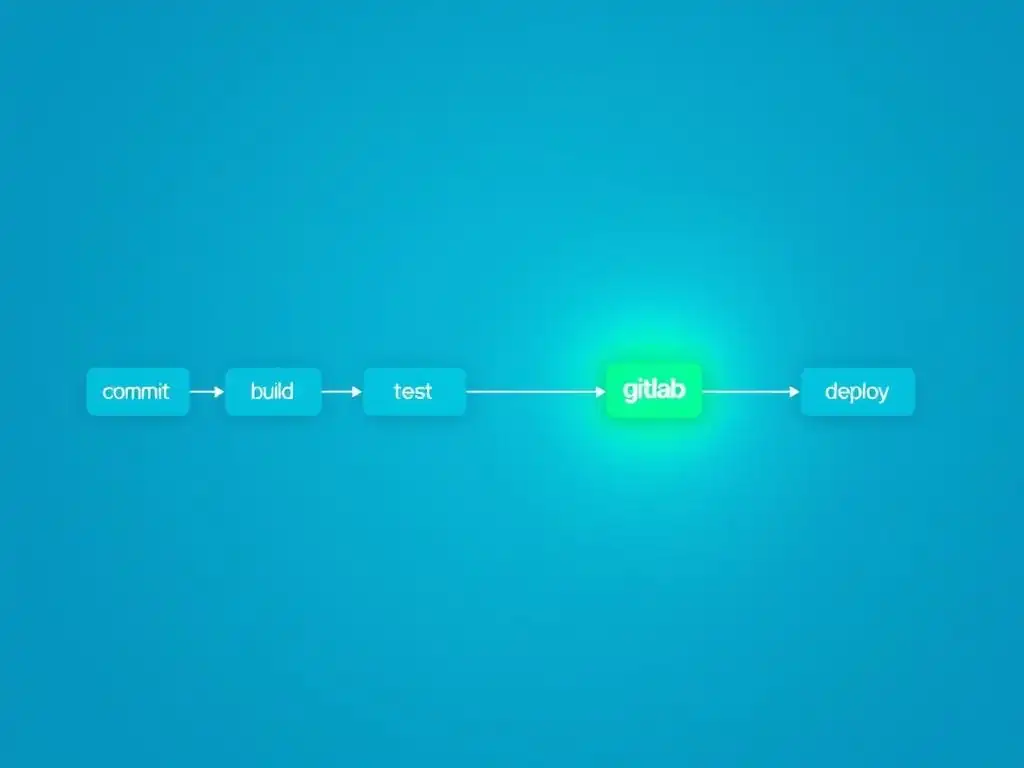
Welcome to Git and Version Control Hub, your central resource for mastering the art of version control with Git! Are you ready to unlock the power of automated workflows and seamless deployments? Delve into our GitLab CI/CD basics tutorial and discover how to effortlessly streamline your development cycle. Uncover the secrets to continuous integration and continuous delivery, and see how GitLab CI/CD can revolutionize your projects. Intrigued? Keep reading to find out how!
GitLab CI/CD for Python Projects: Streamlining Development
- Introduction to GitLab CI/CD for Python Developers
-
Frequently Asked Questions
- How does GitLab CI/CD help streamline the software development cycle?
- What are the basic components of a GitLab CI/CD pipeline?
- Where do I define the configuration for my GitLab CI/CD pipeline?
- What is a GitLab Runner, and what role does it play in CI/CD?
- What are some of the benefits of using GitLab CI/CD for basic projects?
- Final Reflection: Embracing Continuous Evolution
- Unleash Your Development Potential!
Introduction to GitLab CI/CD for Python Developers
Understanding Continuous Integration and Continuous Delivery (CI/CD)
Continuous Integration and Continuous Delivery, often abbreviated as CI/CD, are foundational practices in modern software development aimed at automating and streamlining the software release process. Continuous Integration focuses on the frequent merging of code changes from multiple developers into a shared repository. This practice is crucial for preventing integration conflicts, allowing teams to detect and resolve issues early in the development cycle.
Imagine a team of Python developers working on different features of a web application. CI ensures that as each developer completes a part, their code is regularly integrated with the main codebase, triggering automated tests to quickly identify any incompatibilities or bugs introduced.
Continuous Delivery extends CI by automating the steps required to release new software versions. After the integration and testing phases of CI are successful, CD takes over to prepare the application for deployment. This can include tasks like building deployable artifacts, running further automated tests in staging environments, and finally, deploying to production.
For Python projects, CD might involve packaging a Python application into a distributable format, deploying it to a cloud platform like AWS or Heroku, or publishing a library to PyPI. The goal of CD is to ensure that software releases are reliable, predictable, and can be performed frequently and with minimal manual intervention.
Why GitLab CI/CD? Benefits for Python Development
GitLab CI/CD offers a powerful and integrated solution for automating the software development lifecycle directly within the GitLab platform. For Python developers, adopting GitLab CI/CD brings numerous advantages, significantly improving both efficiency and code quality. One of the primary benefits is the tight integration with GitLab repositories. Setting up CI/CD pipelines for Python projects becomes remarkably straightforward because the configuration is stored alongside the code in the same repository, version-controlled and readily accessible. This simplifies management and ensures that pipeline configurations are always in sync with the project's codebase.
Furthermore, GitLab CI/CD provides excellent support for a wide range of testing frameworks and tools commonly used in the Python ecosystem, such as pytest, unittest, and Flake8. This allows for easy automation of code linting, unit testing, integration testing, and more. For instance, a Python project can be configured to automatically run Flake8 to check for PEP 8 style guide compliance and pytest to execute unit tests every time code is pushed to the repository.
This automated feedback loop helps Python developers catch potential issues early, reducing the likelihood of bugs making their way into production. Moreover, GitLab CI/CD's flexible pipeline configuration, using YAML files, enables developers to define complex workflows tailored to the specific needs of their Python projects, from building and testing to deployment across various environments.
Target Audience: Python Developers New to CI/CD
This article is specifically crafted for Python developers who are new to the concepts of Continuous Integration and Continuous Delivery and are looking to implement these practices using GitLab CI/CD. It assumes a basic understanding of Python development, including familiarity with virtual environments, package management using pip, and fundamental testing practices. If you are a Python developer who has been manually testing and deploying your applications, or if you are just beginning to explore automation in your development workflow, this guide is designed to provide you with a practical and accessible introduction to GitLab CI/CD.
We will walk through the essential steps of setting up your first CI/CD pipeline, starting with the basics of configuring a .gitlab-ci.yml file. The examples and tutorials will focus on common Python development tasks such as linting, testing, and building Python packages. The aim is to demystify the process and empower Python developers, regardless of their prior CI/CD experience, to automate their workflows, improve their code quality, and streamline their software delivery process using GitLab CI/CD. By the end of this guide, you should have a solid foundation in GitLab CI/CD basics and be ready to implement automated pipelines for your own Python projects.
Frequently Asked Questions
How does GitLab CI/CD help streamline the software development cycle?
GitLab CI/CD automates the build, test, and deployment processes, reducing manual effort and potential errors. This leads to faster release cycles and improved software quality by catching issues early. It essentially creates a repeatable and reliable workflow.
What are the basic components of a GitLab CI/CD pipeline?
The key components include the .gitlab-ci.yml file which defines the pipeline, jobs which are individual tasks executed, and stages which group jobs together to run in a specific order. These elements work together to automate your workflow.
Where do I define the configuration for my GitLab CI/CD pipeline?
The configuration is defined in a file named .gitlab-ci.yml located in the root directory of your repository. This file, written in YAML, instructs GitLab Runner on how to build, test, and deploy your application.
What is a GitLab Runner, and what role does it play in CI/CD?
A GitLab Runner is an application that executes the jobs defined in your .gitlab-ci.yml file. It listens for jobs from GitLab and runs them on a server or virtual machine. This automation is fundamental to the CI/CD process.
What are some of the benefits of using GitLab CI/CD for basic projects?
GitLab CI/CD allows for automatic testing of code changes, ensuring functionality and preventing bugs from reaching production. It also simplifies the deployment process, making it easier to release new versions of your software. This leads to more reliable and faster development.
Final Reflection: Embracing Continuous Evolution
The journey through GitLab CI/CD, as outlined in this tutorial, highlights its transformative power in streamlining development cycles. What began as a simple exploration of basic configurations quickly reveals a robust framework capable of automating and optimizing complex workflows, a necessity in today's fast-paced software landscape. The ability to continuously integrate, test, and deploy code with efficiency and reliability is no longer a luxury, but a fundamental requirement for success.
The impact of CI/CD extends far beyond mere automation; it fosters a culture of collaboration, rapid iteration, and continuous improvement. Witnessing the evolution from manual deployments to automated pipelines underscores the profound shift in how software is built and delivered. Continuous integration doesn't get rid of bugs, but it does make them dramatically easier to find and remove.
This quote perfectly encapsulates the essence of CI/CD, highlighting its role in not just automating tasks, but also in enhancing the quality and resilience of our software.
As you embark on your own journey with GitLab CI/CD, remember that the true value lies not just in mastering the syntax and configurations, but in embracing the principles of continuous evolution. Let this tutorial serve as a foundation, a springboard for your own experimentation and innovation. Explore the advanced features, tailor the pipelines to your specific needs, and continuously refine your workflows. The future of software development is built on automation and collaboration, and with GitLab CI/CD, you have the tools to shape that future.
Unleash Your Development Potential!
Thank you for exploring the essentials of GitLab CI/CD and version control. We hope this guide has shown you how to streamline your development process and boost efficiency. Now, it's time to put your new knowledge into practice!
Here are a few things you can do to improve your CI/CD skills:
- Implement a basic CI/CD pipeline for a small project using the steps outlined in this article. Don't wait—experience is the best teacher!
- Explore GitLab's advanced CI/CD features, such as auto-scaling runners or security scanning, to further optimize your workflow.
- Share this article with colleagues or your team to help them benefit from streamlined CI/CD. Let's build better code together!
What small change can you make to your GitLab CI/CD configuration today to achieve significant improvements? Share your ideas in the comments below!