
Resolving Git Pull Conflicts: A StepbyStep Guide to Merging Successfully

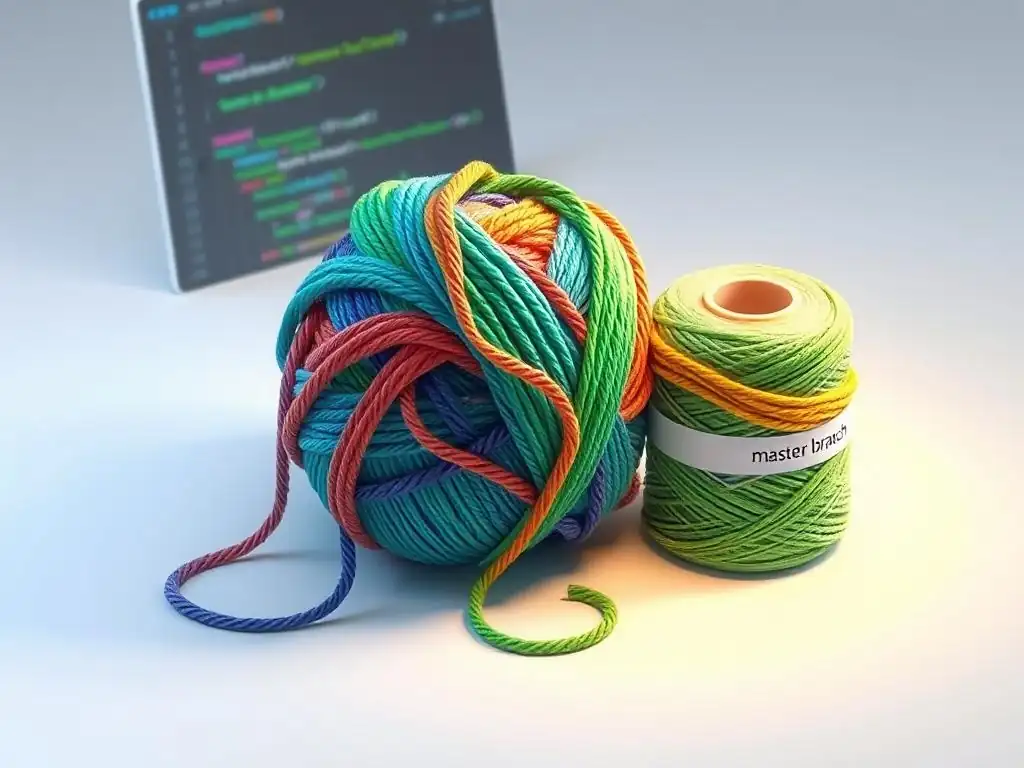
Welcome to Git and Version Control Hub, your go-to resource for mastering the intricacies of Git! Ever found yourself staring blankly at a sea of conflict markers after a git pull? Don't panic! This guide dives deep into how to resolve Git pull conflicts effectively, providing you with a step-by-step approach to merging successfully and getting your code back on track. Ready to conquer those merge battles? Let's begin!
Resolving Git Pull Conflicts: A Step-by-Step Guide to Merging Successfully
Introduction to Git Pull Conflicts and Why They Happen
Understanding Merge Conflicts in Git: A Common Developer Challenge
Merge conflicts in Git are a common yet often frustrating challenge that developers encounter when collaborating on projects or even when managing their own code across different branches. Imagine two developers working on the same file but in separate branches. One developer might be adding a new feature while the other is fixing a bug in the same area of the code.
When Git attempts to merge these changes, it can sometimes encounter situations where it cannot automatically decide which changes to incorporate. This uncertainty arises when Git detects conflicting modifications on the same lines or closely related lines of code. Instead of making an arbitrary decision that could break the code, Git flags these areas as conflicts, requiring human intervention to resolve them.
These conflicts are not inherently errors or signs of failure, but rather a natural consequence of collaborative development and parallel work streams. They are Git's way of ensuring data integrity and preventing accidental overwrites of important changes. While initially daunting, understanding how to resolve merge conflicts is a crucial skill for any developer using Git. Mastering conflict resolution empowers developers to work more efficiently, maintain code stability, and collaborate seamlessly within teams, ultimately leading to smoother and more productive development cycles.
The Root Causes of Git Pull Conflicts: Divergent Changes
The fundamental reason behind Git pull conflicts lies in divergent changes occurring in different branches of a repository. This divergence typically arises when two or more branches, derived from a common ancestor, have modifications made to the same lines of code, or when changes in one branch directly impact the changes in another. Consider a scenario where you have a main branch and a feature branch. Both branches start from the same commit. On the main branch, a developer refactors a function, changing its name and parameters. Simultaneously, on the feature branch, another developer adds new functionality that calls the original function name. When you attempt to merge the feature branch back into main, Git will detect a conflict because the function name has changed in main, but the feature branch still refers to the old name.
Another common cause is when developers work on the same file concurrently without frequently pulling changes from the remote repository. If developer A modifies lines 10-20 of a file and pushes their changes, and then developer B, working with an outdated version of the same file, also modifies lines 15-25 and tries to pull or merge, a conflict will likely occur.
Git recognizes that the changes overlap and cannot automatically determine the intended outcome. These situations highlight the importance of regular synchronization with the remote repository and effective communication within development teams to minimize the chances of divergent changes leading to merge conflicts.
Preventing Git Conflicts: Best Practices for Collaboration
While Git pull conflicts are sometimes unavoidable, adopting proactive strategies and best practices can significantly reduce their frequency and complexity. One of the most effective methods is to encourage frequent pulling and merging of changes from the main branch into feature branches. This practice, often referred to as "staying up-to-date," minimizes the divergence between branches and allows developers to address potential conflicts early and in smaller, more manageable increments. For example, in a team setting, developers should aim to pull changes from the main or develop branch at least once or twice a day, or before starting any significant coding session.
Effective communication within the development team is equally crucial. Before starting work on a new feature or modifying existing code, especially in areas that are likely to be touched by others, developers should communicate their intentions and coordinate their efforts. Tools like project management software, team chat applications, or even simple verbal discussions can help prevent overlapping work and potential conflicts.
Furthermore, adopting feature branching as a standard workflow promotes isolation of changes. By working on specific features in dedicated branches, developers reduce the risk of directly interfering with each other's code and make the merging process smoother and less prone to conflicts when features are eventually integrated back into the main branch. Establishing clear coding standards and style guides also contributes to conflict prevention by minimizing stylistic differences that might otherwise lead to unnecessary merge conflicts.
Frequently Asked Questions
How do Git pull conflicts arise?
Git pull conflicts occur when changes made locally in your branch overlap with changes from the remote repository's branch you're pulling from. Git is unable to automatically merge these differing versions.
What is the first step in resolving a Git pull conflict?
The first step is to identify the conflicted files. Git will usually mark these files in your working directory with conflict markers, informing you of the problem.
What do Git conflict markers look like in a conflicted file?
Git conflict markers typically appear as <<<<<<< HEAD, =======, and >>>>>>> branch_name. These markers highlight the conflicting sections from both your local changes and the remote changes.
How do I choose which changes to keep during conflict resolution?
You need to manually edit the conflicted file, deciding which changes from your local branch and the remote branch should be kept. You can choose to keep all, some, or none of the changes.
After resolving a Git pull conflict, what are the next steps?
After editing the file, you must remove the conflict markers, stage the resolved file using git add, and then commit the changes using git commit to finalize the merge.
Final Reflection: Embracing Collaboration Through Conflict Resolution
The intricacies of Git, particularly the dreaded pull conflict, can seem daunting, but mastering these challenges is essential for fostering seamless collaboration in modern software development. This guide has illuminated a structured approach to resolving these conflicts, transforming potential roadblocks into opportunities for deeper understanding and improved code integration.
The ability to navigate Git conflicts is more than just a technical skill; it's a testament to our ability to communicate and compromise within a team. This process, though sometimes frustrating, mirrors the broader challenges we face in any collaborative endeavor, highlighting the importance of clear communication and a willingness to understand different perspectives. Coming together is a beginning, staying together is progress, and working together is success.
- Henry Ford. This quote encapsulates the essence of Git collaboration, where resolving conflicts is a crucial step towards achieving collective success.
Now, armed with these strategies, I encourage you to approach future Git pull conflicts not with trepidation, but with confidence and a spirit of collaboration. See each conflict as a chance to refine your understanding, improve your communication, and strengthen your team's collective code base. Embrace the challenge, learn from the process, and contribute to a more harmonious and productive development environment.
Okay, I will use this information to create a CTA for the end of a web article on resolving Git pull conflicts. Here's the CTA:
Conquer Your Git Conflicts: Become a Merge Master!
Thank you for diving into the world of Git conflict resolution! Now that you’re equipped with the tools and knowledge to tackle those tricky merges, it's time to put your skills to the test and become a true Git hero.
Here's how to solidify your understanding and level up your Git game:
- Immediately practice resolving a simulated conflict. Create a test branch, make conflicting changes, and walk through the steps we outlined. Hands-on experience is key to mastering the process!
- Share this guide with your teammates! Helping others understand Git conflicts strengthens your team's workflow and reduces future headaches.
- Explore the advanced Git merge strategies mentioned in our "Git and Version Control Hub" glossary on GitAndVersionControlHub.com. (Assume link is internal).
What's the first Git conflict you're going to confidently resolve, and what valuable lesson will you take away from the experience? Share your planned approach in the comments below!