
Git for Teams: Unlock Seamless Collaboration and Boost Productivity

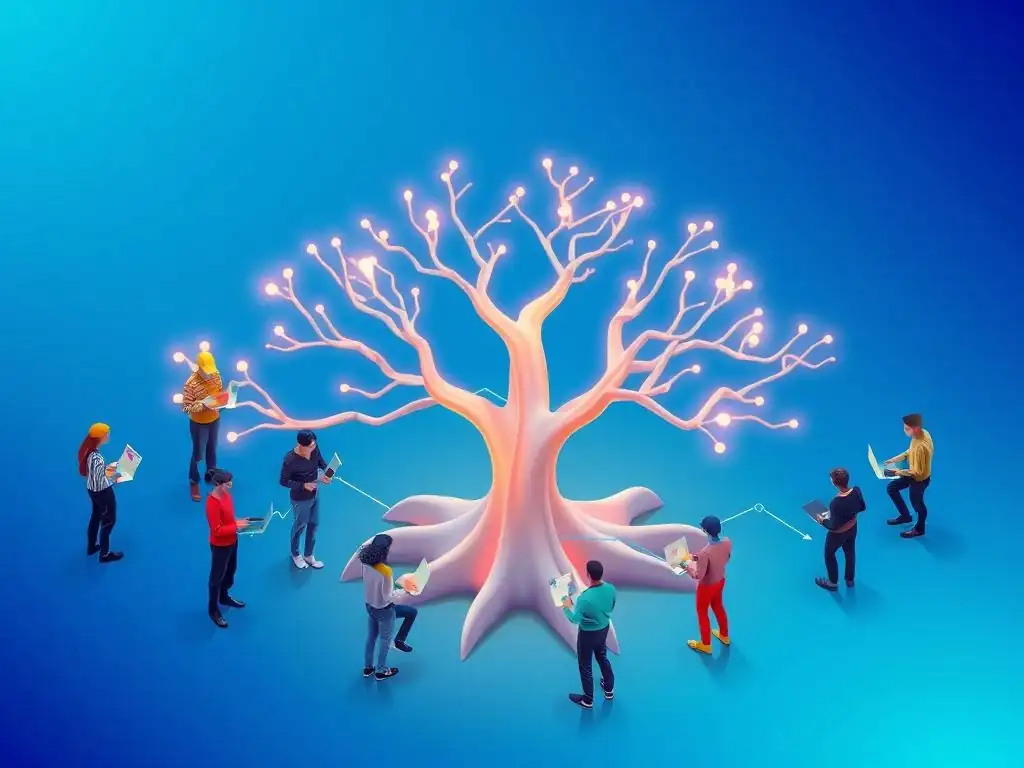
Welcome to Git and Version Control Hub!
Are you ready to supercharge your team's development workflow? Dive into our comprehensive guide on Git collaboration for teams and discover how to unlock seamless productivity. Uncover the secrets to efficient teamwork, streamlined version control, and error-free code integration. What if your team could collaborate more effectively and release features faster? Read on to find out how!
Git for Software Development Teams: Streamlining Collaboration and Enhancing Productivity
- Introduction to Git Collaboration for Development Teams
-
Frequently Asked Questions
- What is the primary benefit of using Git for team collaboration?
- How does Git help manage different features or bug fixes in a team environment?
- What role do platforms like GitHub and GitLab play in Git collaboration for teams?
- What are some common Git commands teams should be familiar with for effective collaboration?
- How can Git be integrated into a CI/CD pipeline to improve team productivity?
- Final Reflection: Embracing Collaborative Code
- Embark on Your Git Mastery Journey Now!
Introduction to Git Collaboration for Development Teams
Why Git is Crucial for Team-Based Software Development
Git's distributed nature is paramount for team-based software development, allowing multiple developers to work concurrently without stepping on each other's toes. Unlike older centralized version control systems, Git enables each developer to have a complete copy of the project's repository, including its entire history. This means developers can work offline, commit changes locally, and experiment freely without immediately affecting the central repository or disrupting their teammates. This inherent isolation and parallel workflow are fundamental to scaling development efforts across teams, particularly in projects with tight deadlines or complex features requiring specialized contributions from various team members.
Furthermore, Git's branching and merging capabilities are specifically designed to facilitate collaborative workflows. Teams can create branches for new features, bug fixes, or experimental ideas, isolating these changes from the main codebase until they are ready for integration. This branching strategy minimizes the risk of introducing instability into the main project line and allows for parallel development tracks. When features are complete, Git’s merging tools enable teams to combine these branches back into the main codebase, often automatically, and when conflicts arise, Git provides powerful mechanisms for resolving them efficiently, ensuring code integrity and team cohesion.
Benefits of Effective Git Collaboration: Improved Productivity and Reduced Errors
Effective Git collaboration translates directly to significant gains in team productivity. By enabling parallel development, Git reduces bottlenecks and waiting times, allowing team members to work on different aspects of a project simultaneously. Imagine a team of five developers working on a new e-commerce platform.
With Git, one developer can focus on the user authentication system, another on the product catalog, a third on the shopping cart functionality, and so on, all in parallel branches. This parallel workflow drastically reduces the overall development time compared to a sequential approach where developers would have to wait for each other to complete their tasks.
Moreover, Git's robust version history and code review features contribute to a reduction in errors and improved code quality. Every change made to the codebase is tracked, allowing teams to easily revert to previous versions if bugs are introduced. Pull requests, a cornerstone of Git collaboration, facilitate code review processes where team members can scrutinize proposed changes before they are merged into the main branch.
This collaborative code review acts as a crucial quality gate, catching potential errors, enforcing coding standards, and promoting knowledge sharing within the team. Studies have shown that teams employing code reviews experience a significant decrease in bug rates and an increase in the overall robustness of their software. For example, a study by SmartBear found that code review can prevent up to 15% of defects from reaching production.
Frequently Asked Questions
What is the primary benefit of using Git for team collaboration?
The primary benefit is enhanced team productivity through seamless collaboration on shared codebases. Git facilitates conflict resolution and allows multiple developers to work concurrently.
How does Git help manage different features or bug fixes in a team environment?
Git allows teams to use branching strategies to isolate work on new features or bug fixes. This prevents conflicts and allows for parallel development without disrupting the main codebase.
What role do platforms like GitHub and GitLab play in Git collaboration for teams?
Platforms like GitHub and GitLab provide remote repositories for teams to store and collaborate on their Git projects. They offer features like pull requests and issue tracking for streamlined workflows.
What are some common Git commands teams should be familiar with for effective collaboration?
Teams should be familiar with commands like git pull, git push, git merge, and git commit. These commands are essential for synchronizing changes, contributing code, and resolving conflicts.
How can Git be integrated into a CI/CD pipeline to improve team productivity?
Git enables automated testing and deployment through CI/CD pipelines. Changes pushed to the repository can trigger builds, tests, and deployments, ensuring consistent and reliable software releases.
Final Reflection: Embracing Collaborative Code
The journey through Git's collaborative power reveals a truth that resonates deeply in today's interconnected world: effective teamwork hinges on streamlined communication and version control. The principles outlined in this article, from branching strategies to conflict resolution, aren't just abstract concepts; they are the bedrock upon which successful software projects, and indeed, any collaborative endeavor, are built.
The impact of Git extends far beyond the realm of software development. It has fundamentally reshaped how teams approach complex projects, fostering transparency and accountability. My own experience has shown me that mastering Git is not just about writing better code, but about building stronger relationships and fostering a culture of shared ownership. Coming together is a beginning, staying together is progress, and working together is success.
- Henry Ford. This quote perfectly encapsulates the transformative power of Git when implemented effectively within a team.
As you navigate your own collaborative projects, remember the lessons learned here. Embrace the power of branching, communicate openly, and resolve conflicts with grace. Let Git be more than just a version control system; let it be a catalyst for innovation and a testament to the power of collective intelligence. The future of teamwork is collaborative, and with tools like Git, you are equipped to build it.
Embark on Your Git Mastery Journey Now!
Thank you for exploring the world of Git collaboration! You've gained valuable insights into boosting team productivity. Ready to apply this knowledge? Here's how to get started:
- Immediately implement improved branching strategies with your team to streamline your workflow. Begin by documenting your current branch naming conventions and collaboratively define a new, consistent standard. This is crucial for enhanced collaboration.
- Explore Git's interactive rebase features to refine your commit history and clarify your project's development. It's a powerful, often underutilized, tool.
- Share this article with your team and discuss how to collectively improve your Git practices. Collaborative learning is key!
What's the first Git command your team will standardize to improve collaboration? Let us know in the comments!