
Secure Git Workflows: Integrating Security into Your Development Process

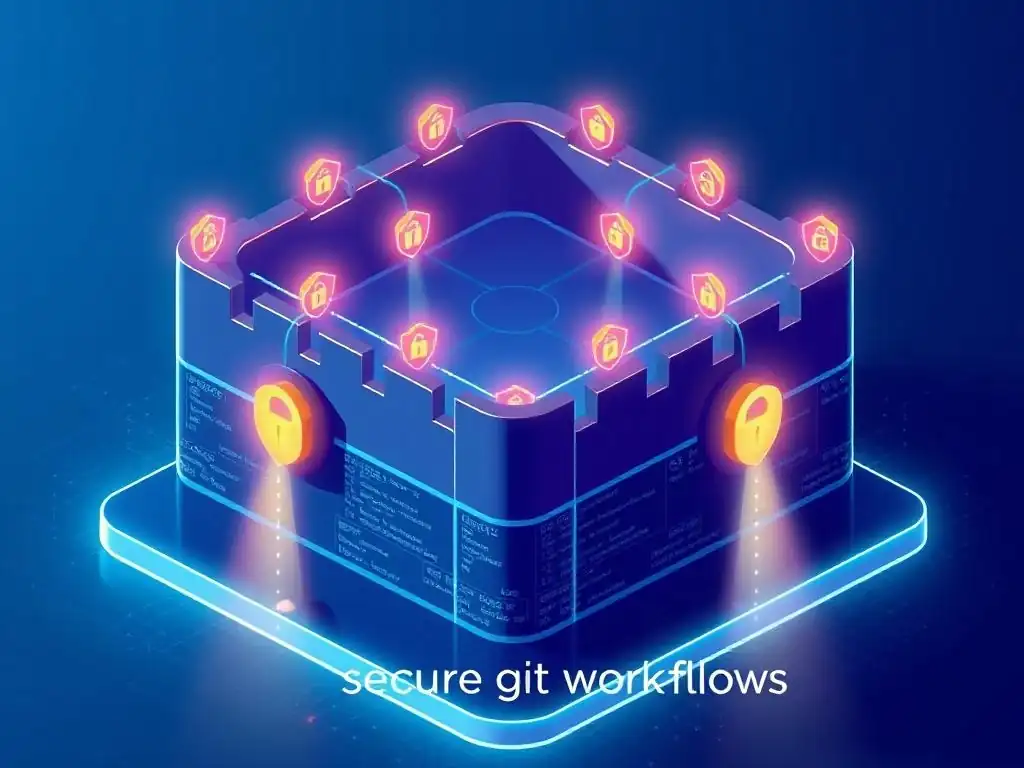
Welcome to Git and Version Control Hub!
Are you ready to elevate your development process with secure Git workflows? Unlock the secrets to integrating robust security directly into your version control, transforming your coding practices and safeguarding your projects. Dive in to discover best practices that will not only enhance your collaboration but also protect your code from potential vulnerabilities. Curious to learn more? Let's begin!
Step 1: Access Control and Authentication in Git
Access control and robust authentication are the foundational pillars of any secure Git workflow. Without properly controlling who can access your repositories and verifying their identities, all other security measures are significantly weakened. Imagine building a fortress with strong walls but leaving the main gate wide open – that's what neglecting access control in Git is like.
Implementing stringent access control and authentication mechanisms ensures that only authorized personnel can interact with your codebase, protecting it from unauthorized modifications, data leaks, and malicious activities. This step is crucial for maintaining the integrity and confidentiality of your software projects from the very beginning of the development lifecycle.
Effective access control in Git goes beyond just restricting repository visibility. It involves granular permissions that dictate what users can do once they have access. For instance, you might want to allow some developers to read and clone repositories but restrict their ability to push changes directly to main branches.
Similarly, external collaborators might only need read-only access to specific repositories. By implementing a well-defined access control strategy, you can minimize the risk of accidental or intentional damage to your codebase, ensuring that changes are made through controlled and authorized channels. This approach not only enhances security but also promotes a more organized and manageable development environment, especially in larger teams and organizations.
Enforcing Strong Authentication Methods: Multi-Factor Authentication (MFA) with GitHub, GitLab, and Bitbucket
Multi-Factor Authentication (MFA) adds a critical layer of security to Git access by requiring users to provide multiple verification factors to confirm their identity. This drastically reduces the risk of unauthorized access even if a user's password is compromised.
Instead of relying solely on "something you know" (password), MFA incorporates "something you have" (like a phone receiving a verification code via SMS or an authenticator app) or "something you are" (biometrics, though less common in standard Git authentication). Leading Git platforms like GitHub, GitLab, and Bitbucket natively support MFA, making its implementation straightforward and highly recommended for all development teams, regardless of size.
For example, GitHub offers several MFA methods including time-based one-time passwords (TOTP) via authenticator apps like Google Authenticator or Authy, SMS text messages, and security keys (like YubiKeys) that support FIDO2. GitLab provides similar options, supporting TOTP, SMS, and U2F security keys. Bitbucket also supports two-step verification using authenticator apps or SMS codes.
Enforcing MFA policies at the organizational level within these platforms ensures that all members are protected by this enhanced security measure. Statistics show a significant reduction in account compromise rates when MFA is enabled, making it a highly effective and relatively simple security enhancement to implement across your Git infrastructure.
Role-Based Access Control (RBAC) for Git Repositories: Limiting Permissions Effectively
Role-Based Access Control (RBAC) is a method of regulating access to computer or network resources based on the roles of individual users within an organization. In the context of Git repositories, RBAC means assigning specific permissions based on a user's role, such as developer, maintainer, administrator, or external contributor.
This approach ensures that users only have the necessary level of access required to perform their job functions, adhering to the principle of least privilege. By implementing RBAC, organizations can prevent accidental or malicious actions by users who might have overly broad permissions, significantly enhancing the security posture of their Git workflows.
For instance, in a typical software development team, developers might have permissions to create branches, commit code, and open pull requests, but they may not have permission to directly merge code into the main branch or delete repositories. These actions might be reserved for maintainers or administrators who have a higher level of responsibility and oversight. Platforms like GitLab offer granular permission levels such as Guest, Reporter, Developer, Maintainer, and Owner, each with a predefined set of capabilities.
GitHub utilizes roles like Read, Triage, Write, Maintain, and Admin at the repository level and organization roles like Member, Owner, and Billing Manager. Bitbucket also provides permission levels like Read, Write, and Admin. Carefully configuring RBAC in your chosen Git platform is crucial for maintaining a secure and well-managed development environment.
Regularly Reviewing and Auditing User Access to Git Repositories
Even with strong authentication and RBAC in place, user access permissions are not static. Employees join and leave teams, roles change, and project requirements evolve. Therefore, regularly reviewing and auditing user access to Git repositories is a critical security best practice. Periodic audits help identify and rectify any discrepancies, such as users with outdated permissions or accounts that should be deactivated. This proactive approach ensures that access control remains effective over time and prevents the accumulation of unnecessary privileges that could be exploited.
A best practice for access reviews is to conduct them at least quarterly, or whenever there are significant organizational changes. During these reviews, administrators should verify that the access permissions assigned to each user still align with their current role and responsibilities. Tools provided by Git platforms like GitHub Audit Log and GitLab Audit Events can be invaluable in this process, providing detailed logs of user activity and access changes.
Furthermore, integrating Git logs with Security Information and Event Management (SIEM) systems like Splunk or Elasticsearch allows for centralized monitoring and analysis of access patterns, facilitating the detection of anomalies and potential security breaches related to unauthorized access attempts or privilege escalation. Regular audits are not just a security measure; they are a vital part of maintaining a healthy and well-governed Git environment.
- What are some fundamental secure git workflows best practices that every developer should follow?
- How can I prevent accidental commits of sensitive data, like API keys or passwords, into my Git repository?
- What is the role of code reviews in maintaining secure git workflows?
- How can I leverage branching and merging strategies to enhance security in my Git workflow?
- How do CI/CD pipelines contribute to secure git workflows, and what specific security measures should be implemented within them?
Frequently Asked Questions
What are some fundamental secure git workflows best practices that every developer should follow?
Basic practices include using SSH keys for authentication, regularly reviewing commit histories for sensitive information, and implementing branch protection rules to prevent direct pushes to the main branch.
How can I prevent accidental commits of sensitive data, like API keys or passwords, into my Git repository?
Utilize a .gitignore file to exclude sensitive files. Consider using Git hooks to automatically scan for secrets before commits, and never commit sensitive information directly to the repository.
What is the role of code reviews in maintaining secure git workflows?
Code reviews provide an opportunity for multiple pairs of eyes to identify potential security vulnerabilities and ensure adherence to coding standards and security best practices, leading to a more secure codebase.
How can I leverage branching and merging strategies to enhance security in my Git workflow?
Employ feature branches to isolate changes and thoroughly test them before merging. Use pull requests to facilitate code reviews and security checks before integrating changes into the main branch, which are crucial to a secure git workflow.
How do CI/CD pipelines contribute to secure git workflows, and what specific security measures should be implemented within them?
CI/CD pipelines can automate security checks such as static code analysis and vulnerability scanning. Implement secure credential management and regularly update dependencies to address known vulnerabilities, all to ensure a secure git workflow.
Final Reflection: Embracing Security as a Core Development Principle
The journey through secure Git workflows underscores a vital truth: security is not an afterthought, but an integral part of the development lifecycle. In today's rapidly evolving threat landscape, neglecting security best practices within our version control systems is akin to leaving the front door of our digital fortresses wide open. The principles outlined in this article are not merely suggestions, but essential safeguards for protecting our code, our data, and our users.
The impact of secure Git workflows extends far beyond preventing immediate breaches. It fosters a culture of security awareness within development teams, promoting collaboration and shared responsibility. This shift in mindset is crucial for building robust and resilient software. Security is always seen as too expensive until you get hacked. Then you realize that security is priceless.
This quote perfectly encapsulates the ongoing need to prioritize and invest in secure development practices, ensuring that security is woven into the very fabric of our projects.
As you integrate these secure Git workflow best practices into your own development processes, remember that the journey towards enhanced security is a continuous one. It requires vigilance, adaptation, and a commitment to staying informed about emerging threats and vulnerabilities. Let this article serve as a catalyst for change, empowering you to build more secure, reliable, and trustworthy software that benefits everyone.
Unveil a Fortress: Fortify Your Git Workflow Now!
Thank you for diving into the world of secure Git workflows! We hope you've gained valuable insights into safeguarding your development process and mitigating potential vulnerabilities. Now it's time to put that knowledge into action!
Here are a few things you can do right away to reinforce your Git security:
- Immediately implement branch protection rules on your main branch. This simple step is your first line of defense!
- Explore integrating a pre-commit hook that automatically scans for secrets before committing. Catching potential leaks early can save you major headaches.
- Share this article with your team and start a discussion about the specific security challenges you face. Collaborative security is stronger security.
What's the very first security measure you'll implement in your Git workflow, and how will you measure its effectiveness? Let's discuss in the comments!